Overview
Seedream 4.0 is a multimodal image generation and editing model developed by ByteDance. It natively supports multi-image inputs, allowing creators to blend multiple reference images with text prompts for complex fusion and stylization tasks. The model excels at maintaining strict subject consistency across batch generations and story-driven sequences, outputting high-definition visuals at up to 4K resolution. It has since been succeeded by Seedream 4.5 and Seedream 5.0 Lite.
Specifications · Text + image to image
- Input mode
- Text + image to image
- Accepts
- reference image (up to 14)
- Aspect ratios
- 1:1, 1:3, 2:3, 3:1, 3:2, 3:4, 4:3, 16:9, 9:16, 10:16, 16:10
- Resolutions
- 1080p, 1440p (2K QHD), 2160p (4K UHD)
Pricing
Build with this model: the Seedream 4.0 API on the Hedra Developer Platform.
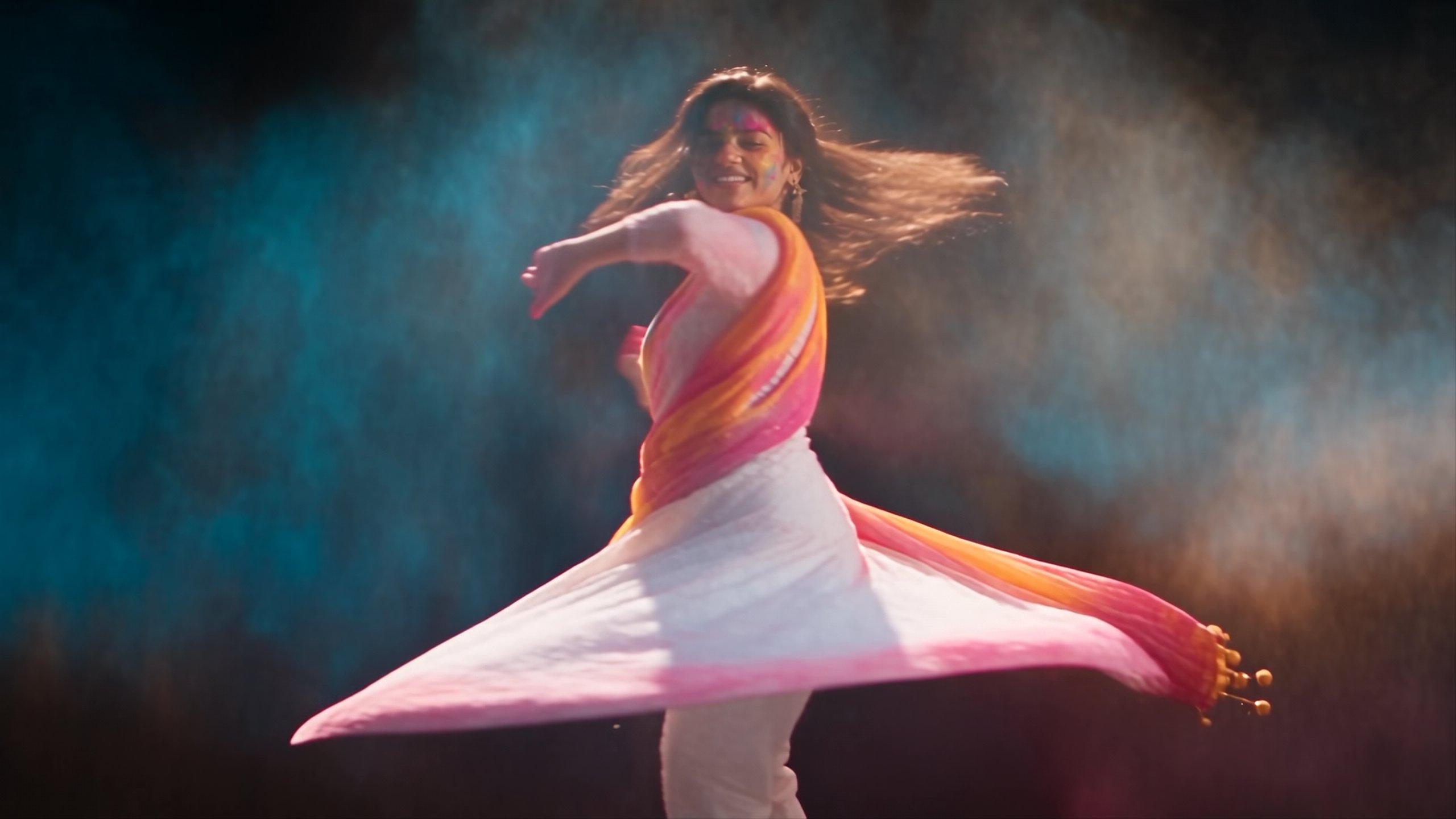
Seedream 4.0 API →Real output · generated with Seedream 4.0
Best of Seedream 4.0
Prompting
Prompt tips
- Keep Prompts Concise: Stay under 600 words to ensure the model doesn't overlook specific details in favor of major elements.,- Leverage Multi-Image Blending: Upload multiple reference images and use explicit instructions to mix them (e.g., "Replace the clothing in image 1 with the outfit from image 2").,- Use Natural Language for Sizing: Instead of hardcoding exact pixel dimensions, describe the desired aspect ratio or shape (e.g., "vertical gradient," "widescreen cinematic") in your prompt.,- Force Stylization: The model naturally leans toward photorealism; use strong artistic keywords ("3D pixel style," "watercolor," "comic book") to break it out of its default aesthetic.
About the model
Questions, answered
What is Seedream 4.0 best used for?
Seedream 4.0 by ByteDance is a unified model that handles both text-to-image generation and instruction-based image editing. It is especially known for multi-image composition, allowing users to blend up to 6 reference images to maintain perfect character consistency, transfer styles, or mix visual assets. The model is also highly optimized for speed, capable of generating 2K resolution images in under two seconds, and natively scales up to 4K for professional, print-ready outputs.
When was Seedream 4.0 released and what are its successors?
ByteDance officially announced Seedream 4.0 on September 9, 2025. It represented a major architectural leap over its predecessor, Seedream 3.0, by combining image generation and editing into a single framework while increasing the maximum native resolution to 4K. The model has since been succeeded by Seedream 4.5, which brought improvements to text rendering and multi-element consistency, and the reasoning-focused Seedream 5.0 Lite.
How can I get the best results when prompting Seedream 4.0?
For text-to-image generation, the official ByteDance guide recommends structuring prompts as [Subject + Action + Setting] + [Style] and keeping them under 600 words to avoid scattering the model's attention. Seedream 4.0 performs best when utilizing reference images: provide multiple references to lock in character consistency or blend distinct styles. For editing, use direct natural language commands like "Remove the boy in this picture" or "Change the clothing material to silver metal" for precise, localized changes.