Hedra Character 3
Hedra's latest longform avatar model, audio to video will full multi-language support. Perfect for talking and singing video with speaker selection up to 10 minutes long.
All modelsOverview
Hedra Character 3 is a video generation model developed by Hedra for image-to-video lip sync and animation. It processes image, text, and audio together to generate speech-driven video for talking avatars, marketing clips, and storytelling.
Specifications · Text + image + audio to video
- Input mode
- Text + image + audio to video
- Accepts
- start frame, audio (required)
- Aspect ratios
- 1:1, 4:3, 3:4, 16:9, 9:16, 9:21, 21:9
- Resolutions
- 540p, 720p, 1080p
- Max duration
- 10m
- Native audio
- Audio-driven
Pricing
Build with this model: the Hedra Character 3 API on the Hedra Developer Platform.
Hedra Character 3 API →Real output · generated with Hedra Character 3
Best of Hedra Character 3
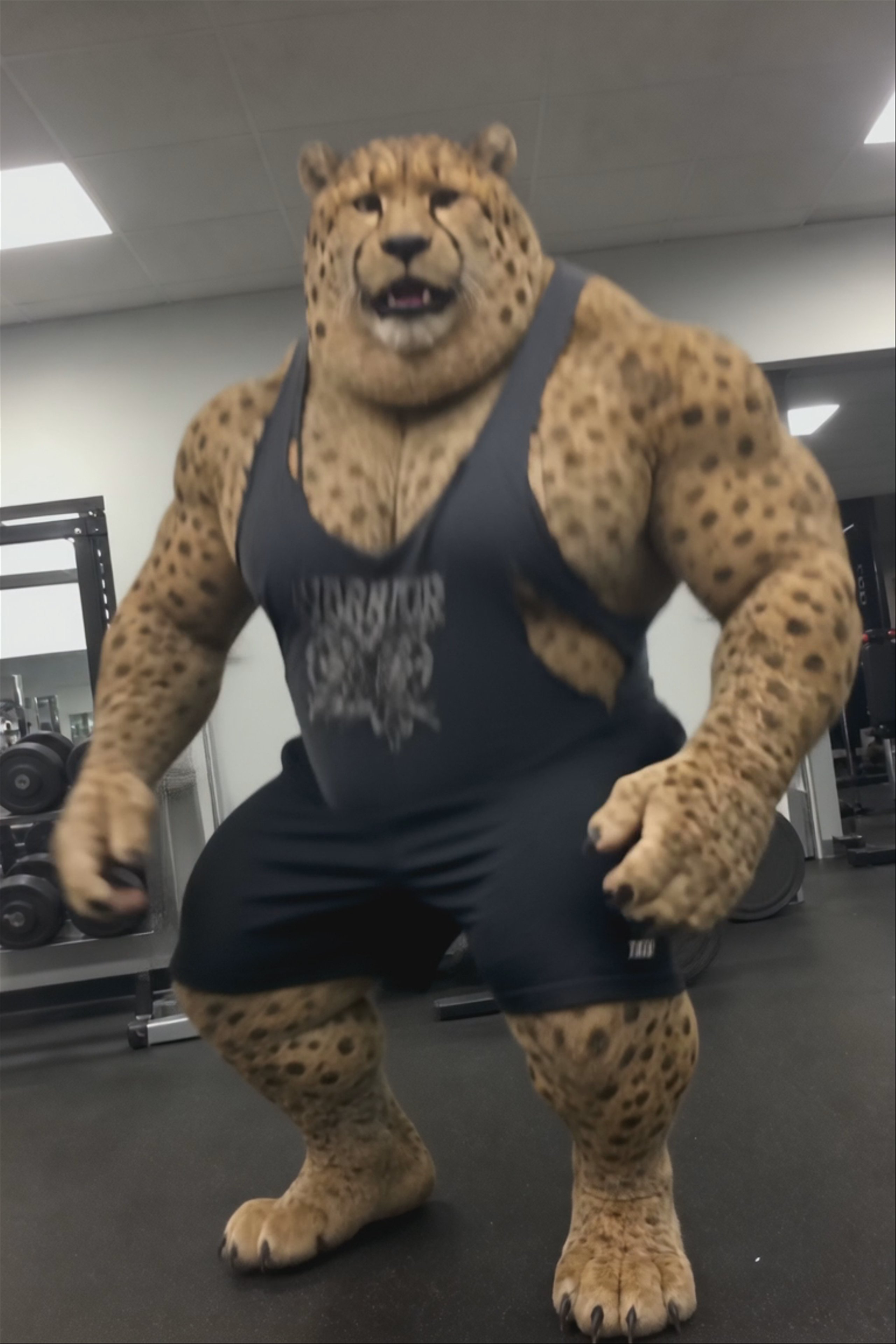
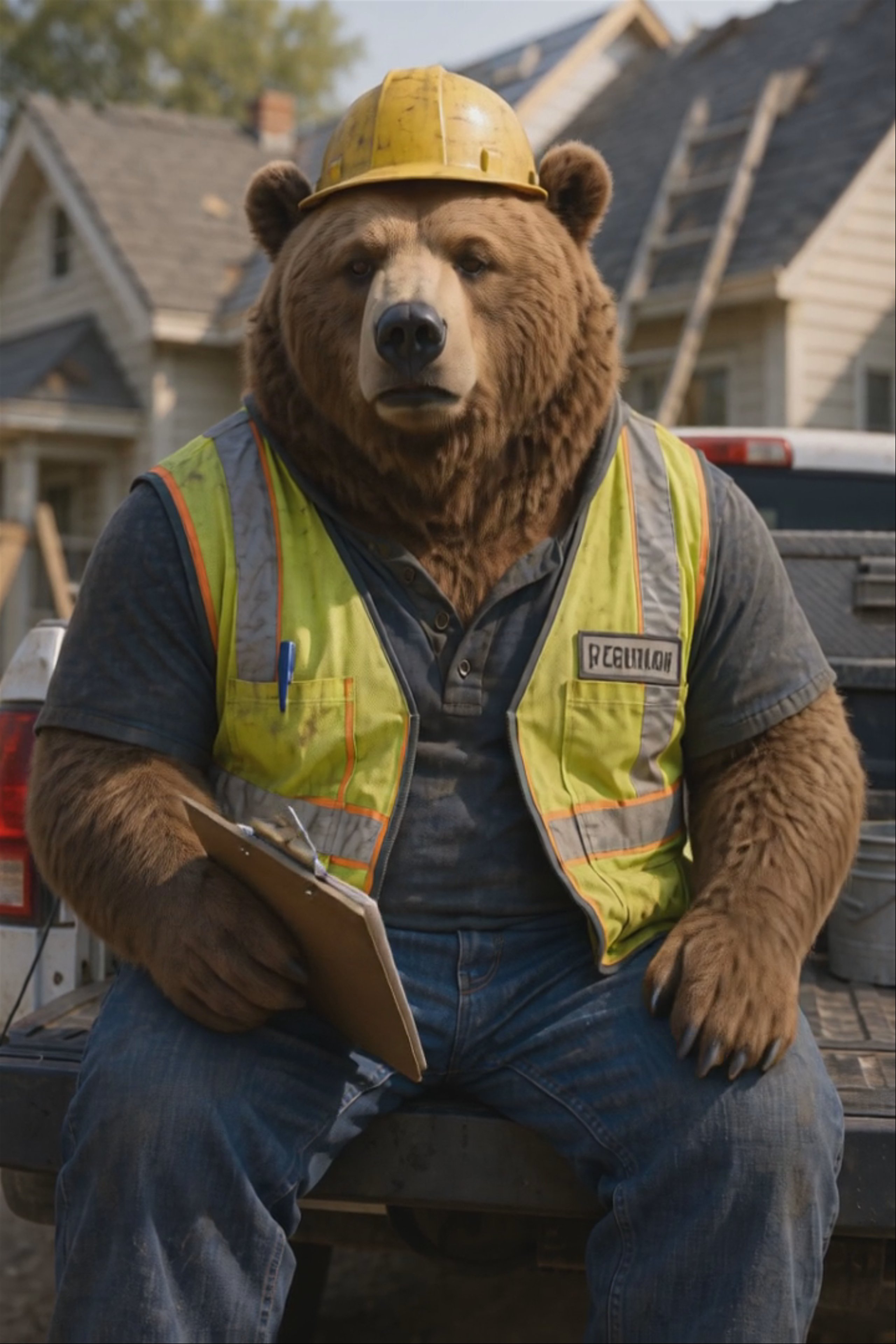
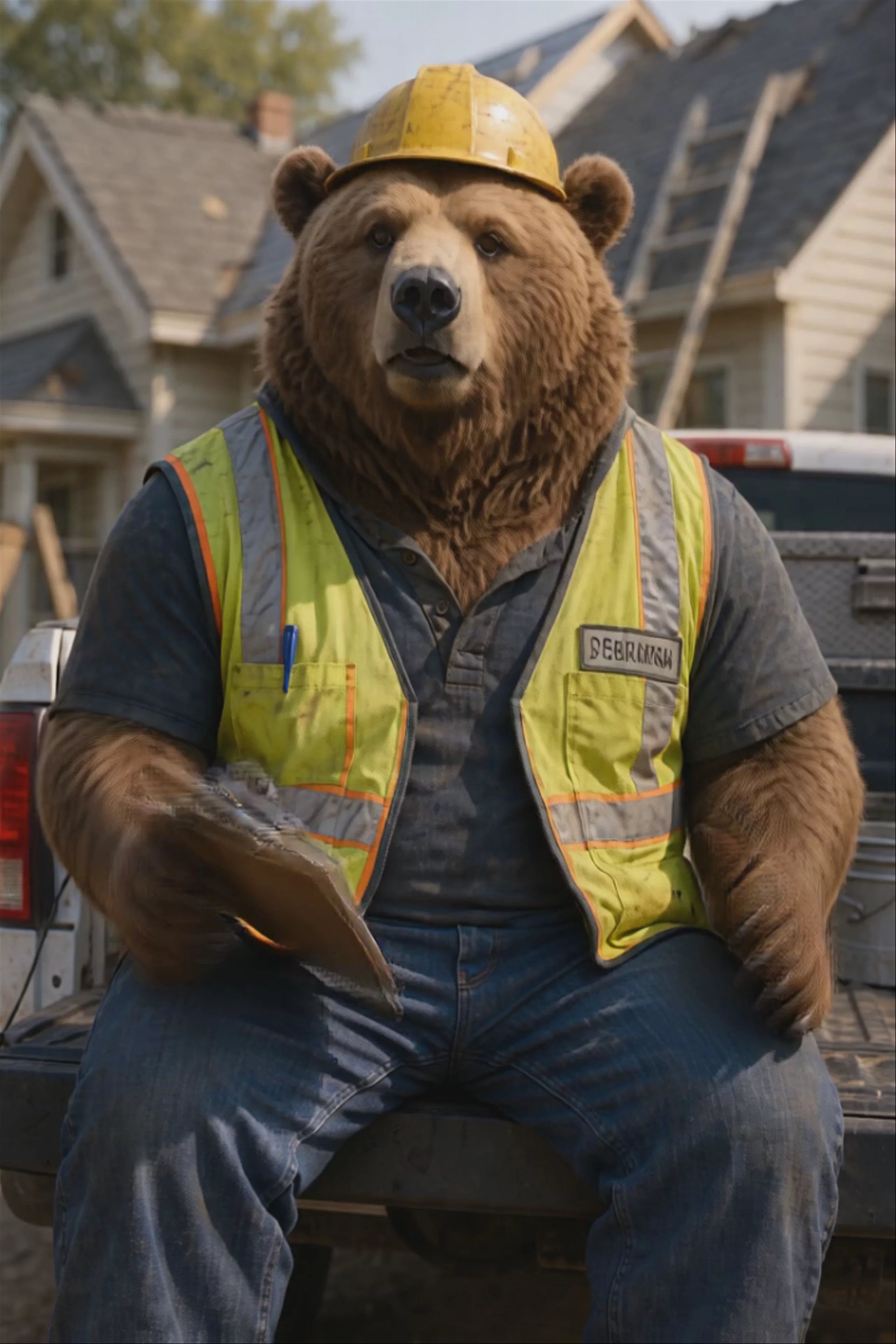
Talking Bear Roofing Contractor — Hedra Character 3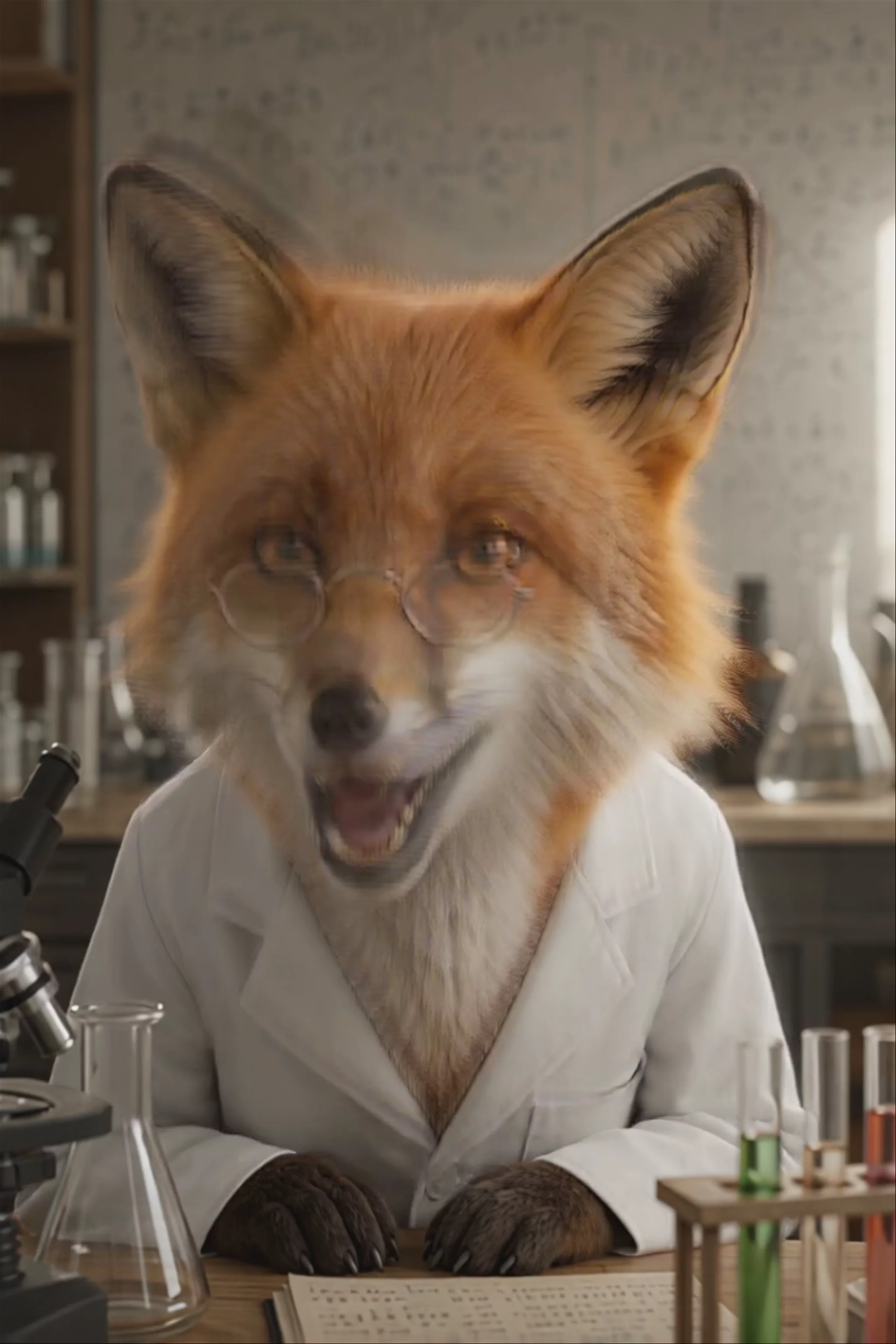 Talking Fox Scientist Announcement — Hedra Character 3
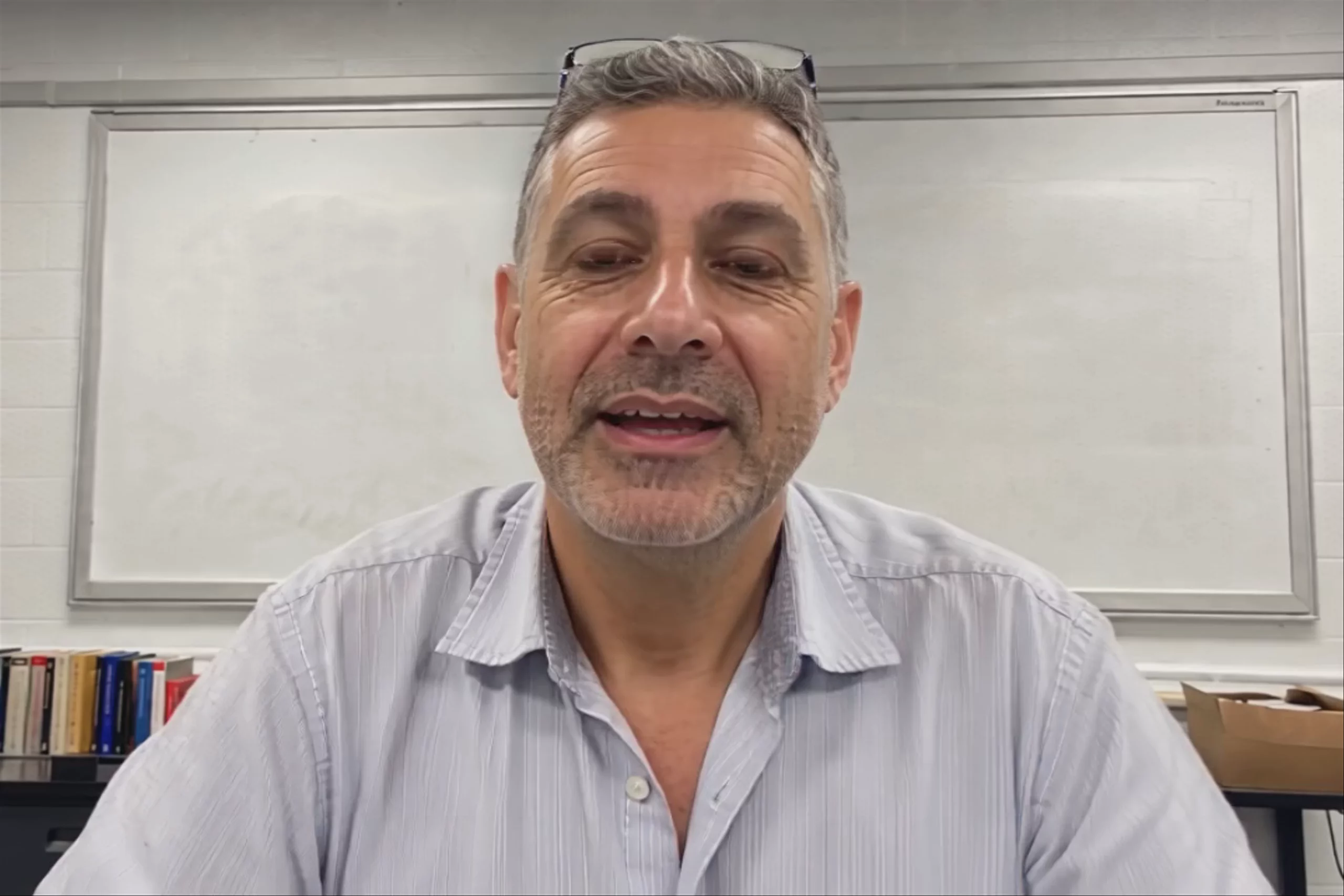 Teacher Explaining Fractions — Hedra Character 3
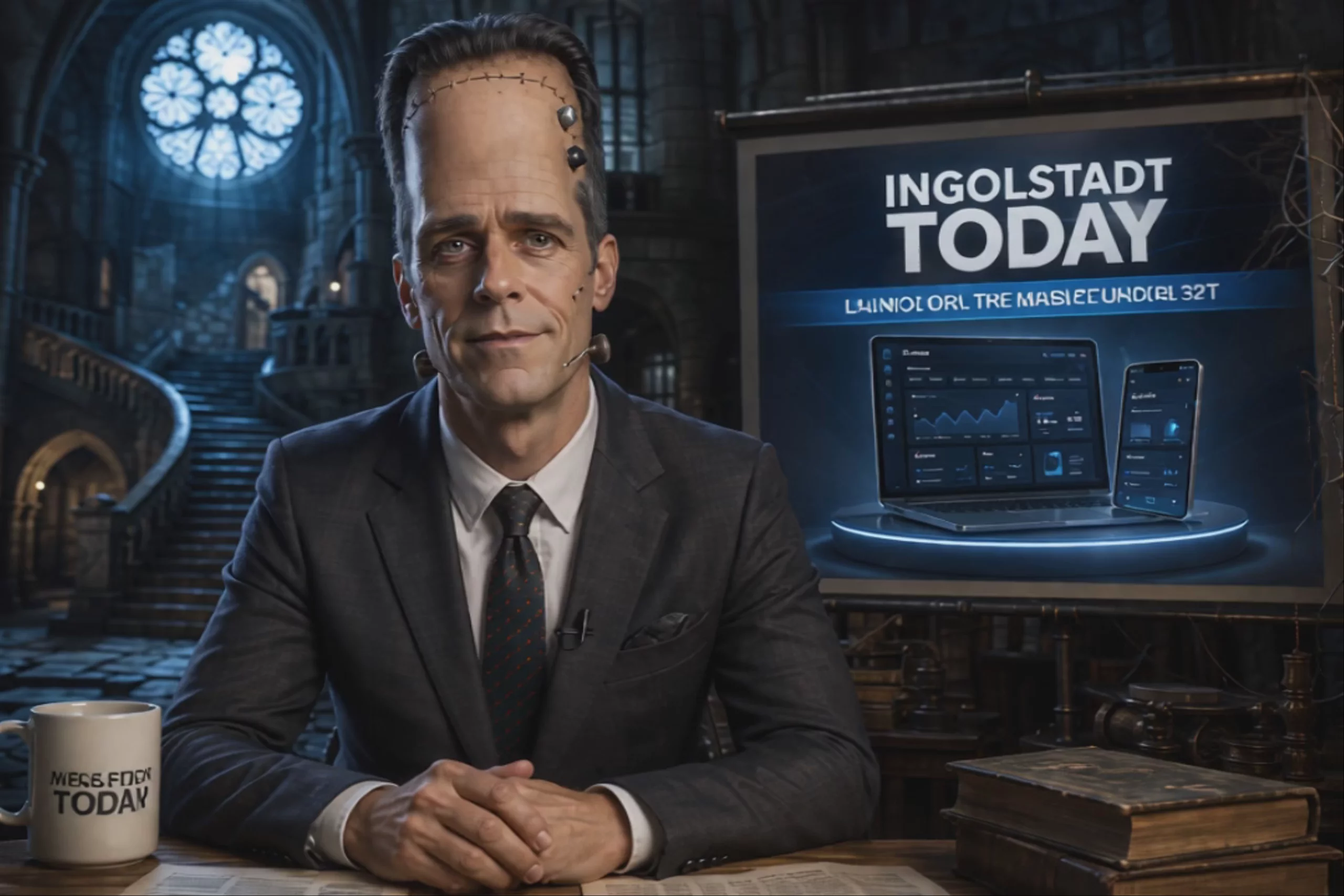 Frankenstein News Anchor Product Launch — Hedra Character 3
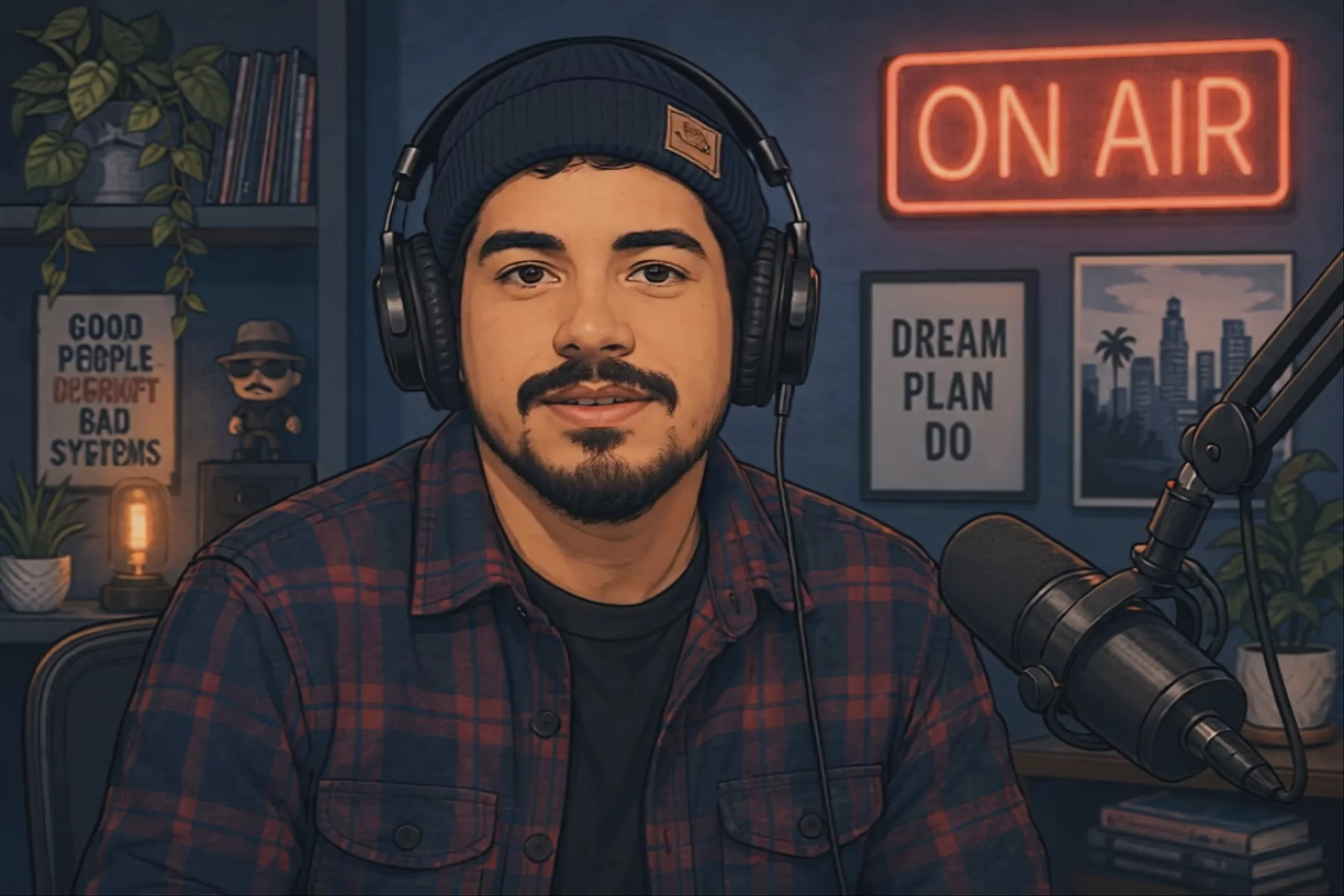 AI Podcast Host Talking Into the Mic — Hedra Character 3
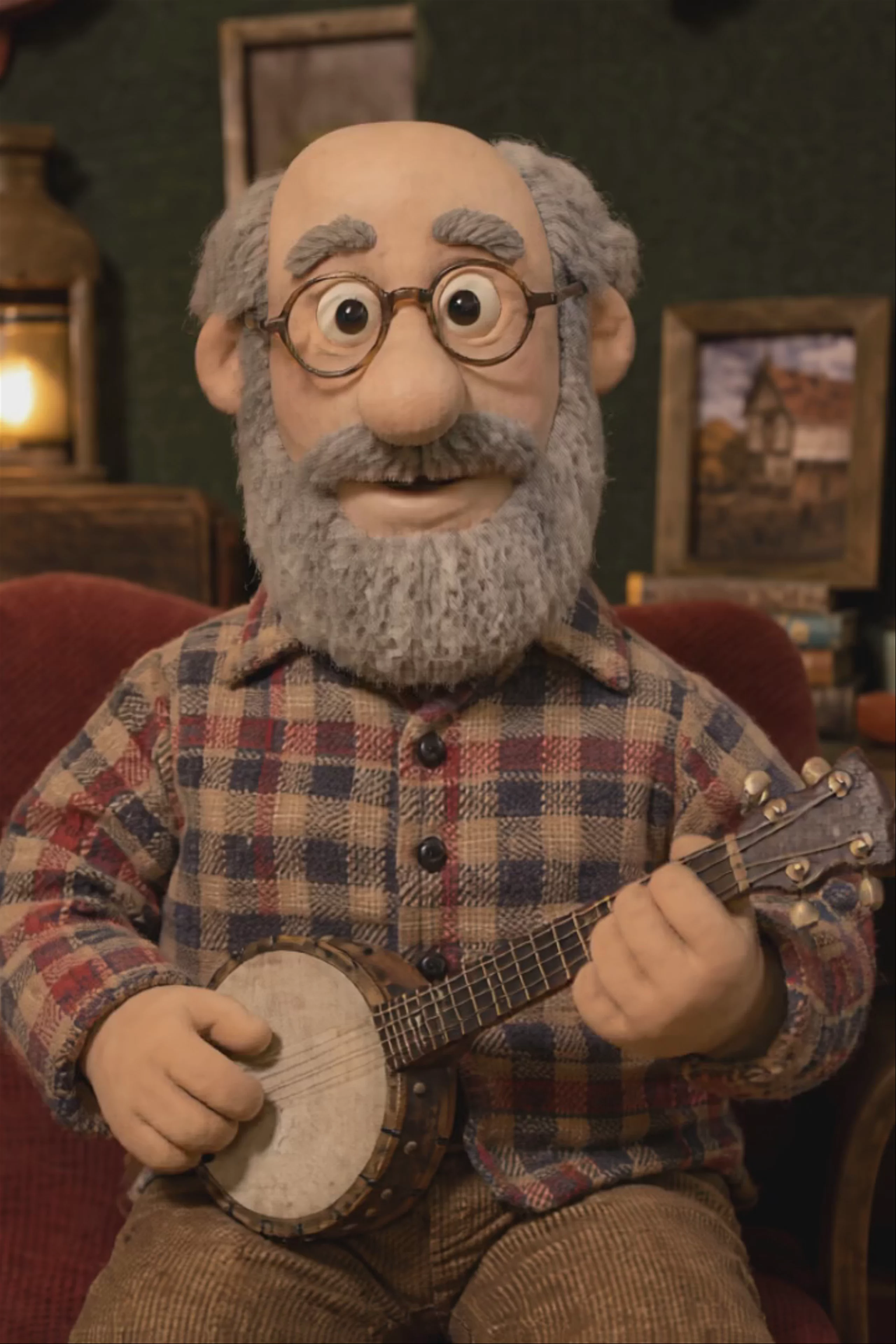 Claymation Musician Singing — Hedra Character 3
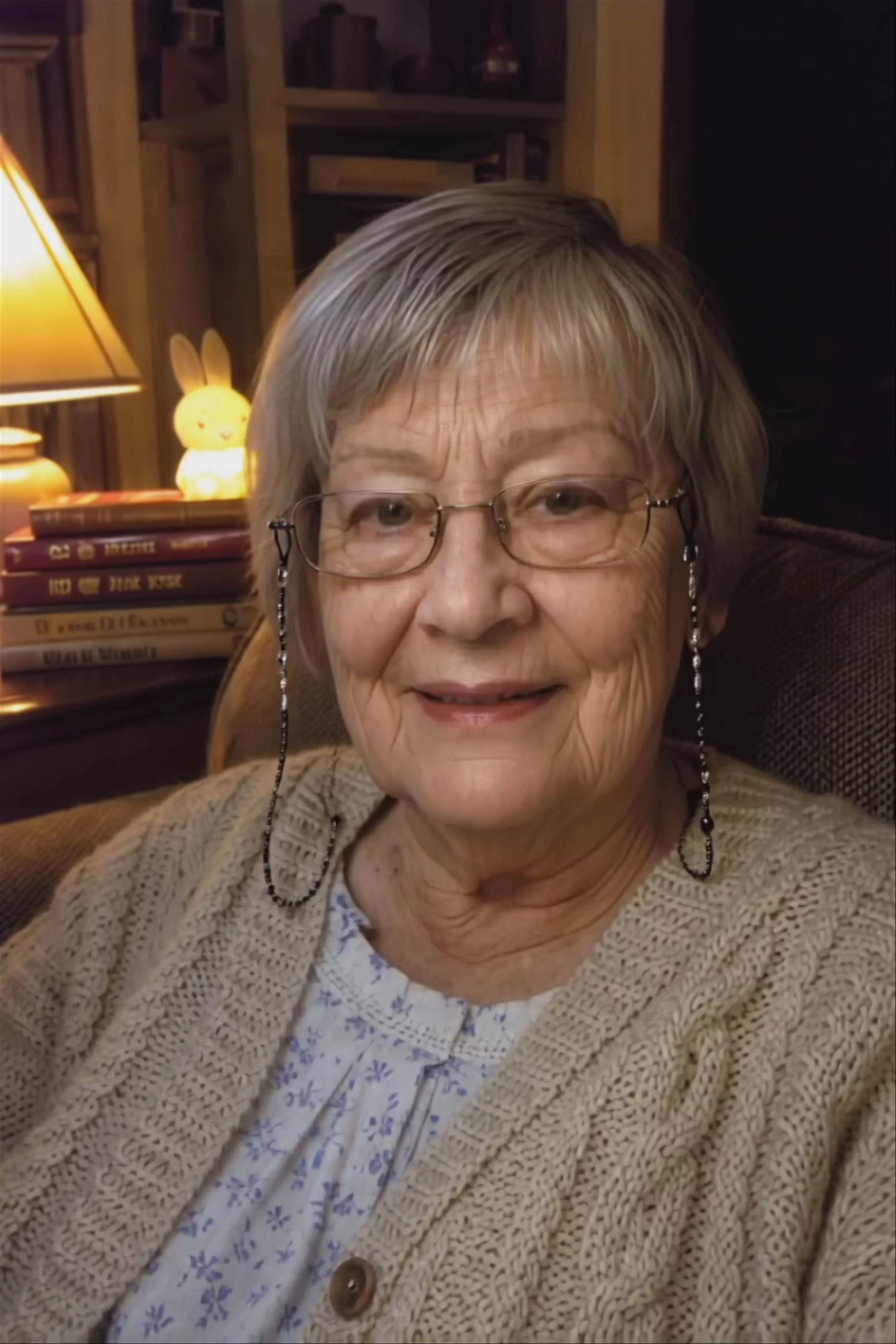 Grandmother Telling a Bedtime Story — Hedra Character 3
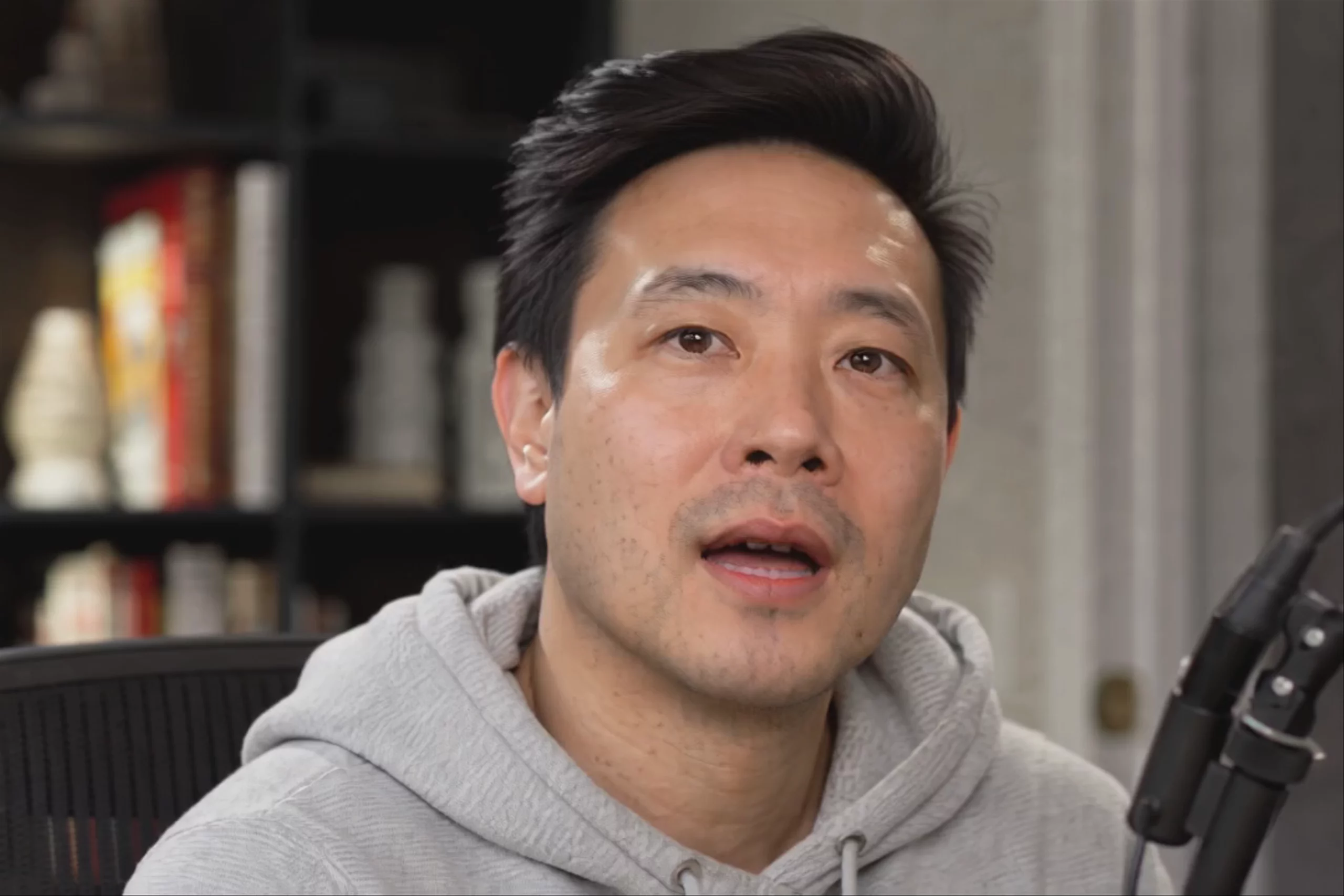 Startup Founder Podcast Interview — Hedra Character 3
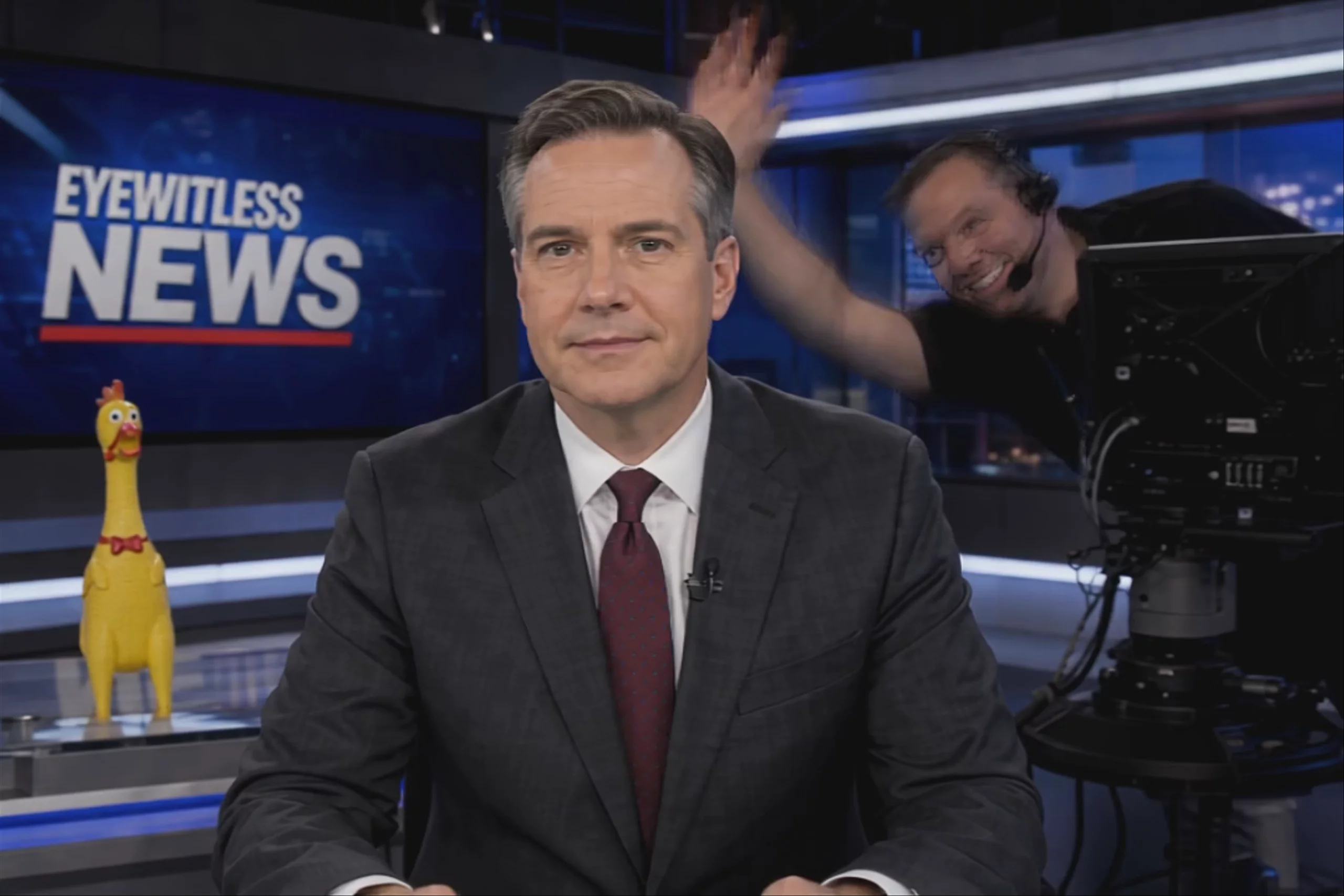 AI News Anchor Reading the Headlines — Hedra Character 3
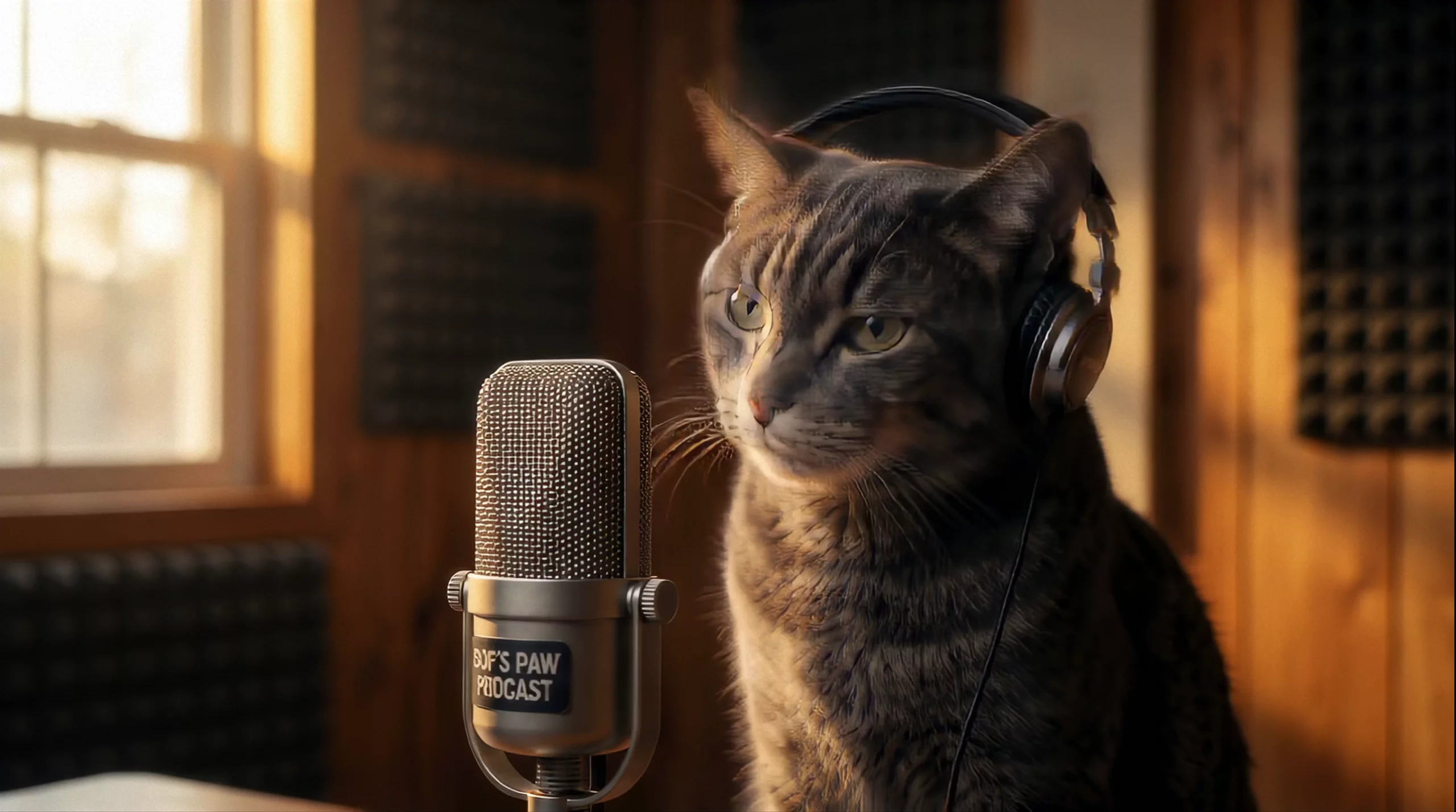 Cat Hosting a Podcast — Hedra Character 3
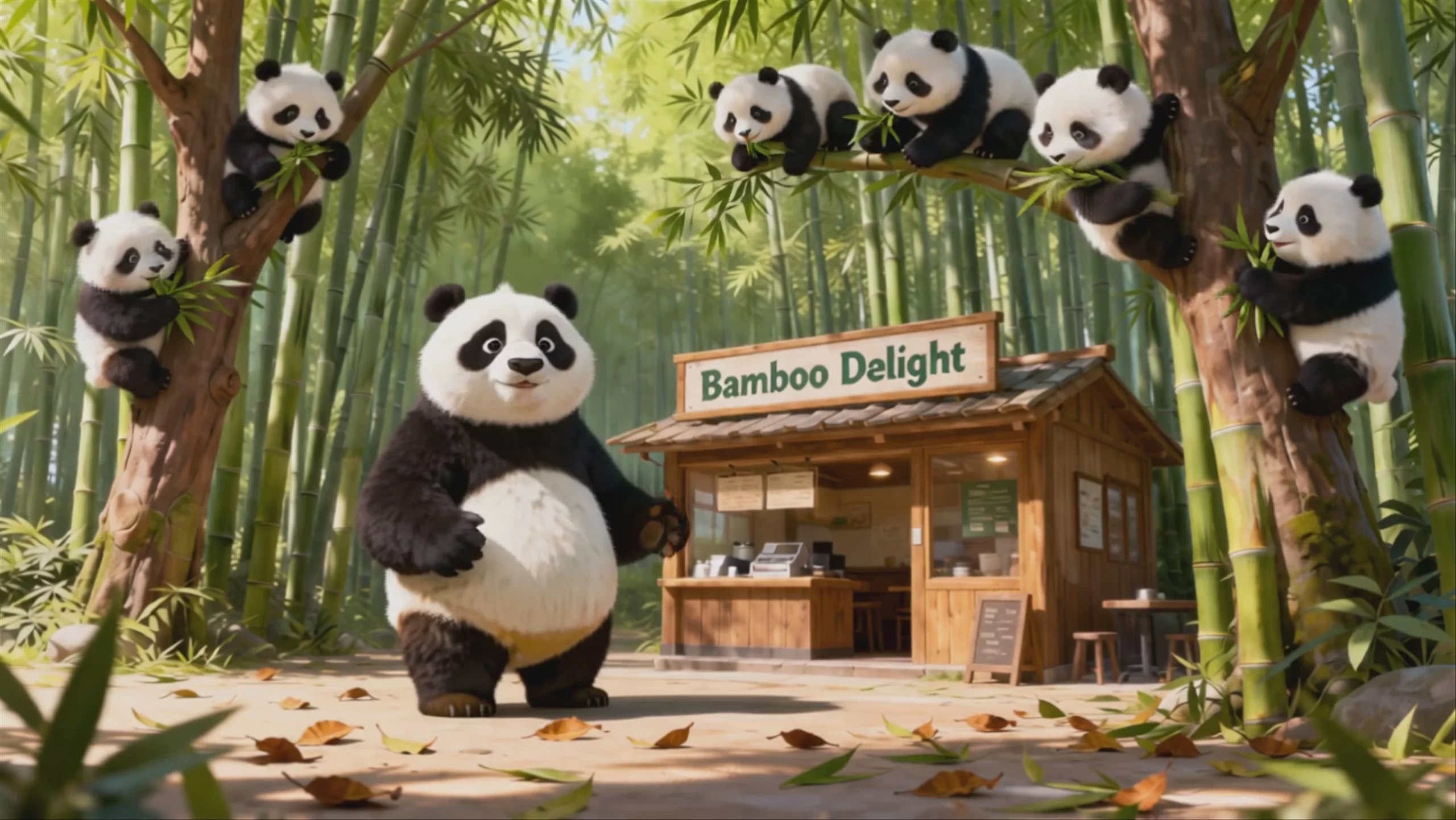 Hedra Character 3: Pandas at Bamboo Delight
Prompting
Prompt tips
- Start with a high-quality portrait: For best results in image-to-video generation, use a clear, close-up portrait with good lighting and a neutral or slightly expressive face.,- Describe the delivery: When using text-to-video, include specific descriptors for the character's demeanor (e.g., "speaking in a calm, steady voice") to guide the generation.,- Leverage Hedra Elements: If you are struggling with a blank prompt, use Hedra's pre-built characters and environments to establish a baseline before customizing.,- Use clear audio: Ensure uploaded voiceovers or voice clones are clean and free of heavy background noise so the model can accurately map phonemes and micro-expressions.
About the model
Questions, answered
What is Hedra Character 3 best used for?
Hedra Character 3 is an omnimodal model designed specifically for image-to-video lip-syncing. It turns a single static portrait and an audio file into a talking avatar. The community notes its ability to generate natural micro-expressions—like blinks, eye shifts, and subtle head tilts—that sync accurately with speech phonemes. This makes it useful for character-driven storytelling, virtual presenters, and social media content, avoiding the stiff movements common in older avatar tools.
When was Hedra Character 3 released, and how does it fit into the Hedra model family?
Character 3 was released in March 2025, following Hedra Character 2, with joint processing of image, text, and audio. Hedra introduced Omnia in February 2026. Omnia is a unified world model and part of Hedra’s work on open core base models for partner post-training and native visual understanding.
What are the best practices for getting realistic lip-sync and motion from Character 3?
Because the model uses audio as the core driver for facial animation, your audio quality heavily dictates the output. Use clean speech with clear pronunciation and zero background noise or heavy reverb. If you notice the character making overly dramatic or unnatural hand gestures—a common quirk noted by users—use your text prompt to explicitly restrain their movement. For more detailed workflows, check out external prompt guides. Additionally, generating a library of approved character angles helps maintain consistency across videos.