Overview
Grok Video is a multimodal video generation model developed by xAI that transforms text prompts and static images into dynamic clips. It excels at producing short videos with natural motion, strong temporal consistency, and natively synchronized audio. As the video counterpart to Grok Imagine, it is useful for creators and marketers who need to produce product reveals, social media content, and narrative scenes.
Specifications · Text + image to video
- Input mode
- Text + image to video
- Accepts
- start frame
- Aspect ratios
- auto, 16:9, 4:3, 3:2, 1:1, 2:3, 3:4, 9:16
- Resolutions
- 480p, 720p
- Durations
- 1s, 2s, 3s, 4s, 5s, 6s, 7s, 8s, 9s, 10s, 11s, 12s, 13s, 14s, 15s
- Max duration
- 15s
- Native audio
- No
Pricing
Build with this model: the Grok Video API on the Hedra Developer Platform.
Grok Video API →Real output · generated with Grok Video
Best of Grok Video
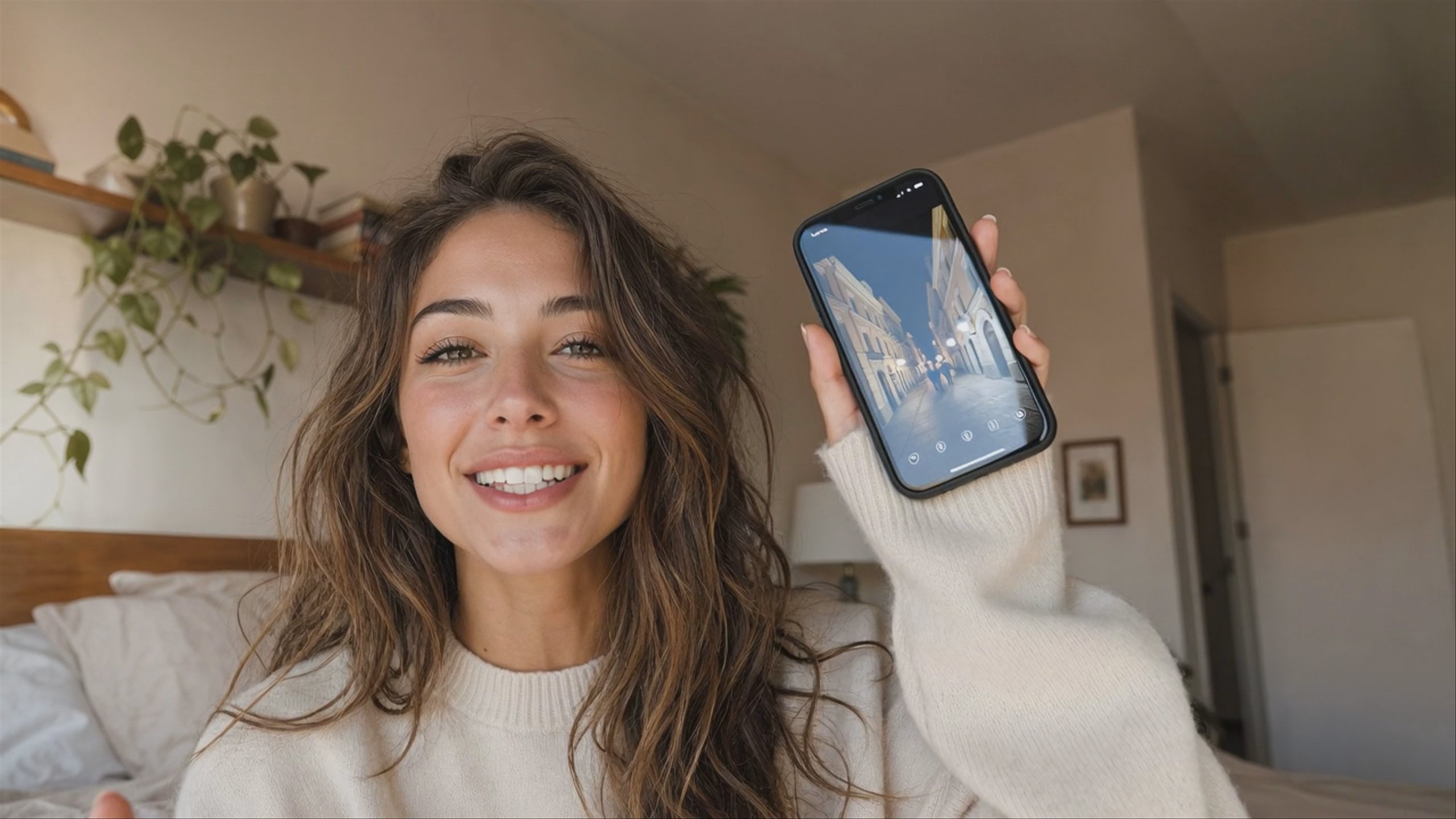
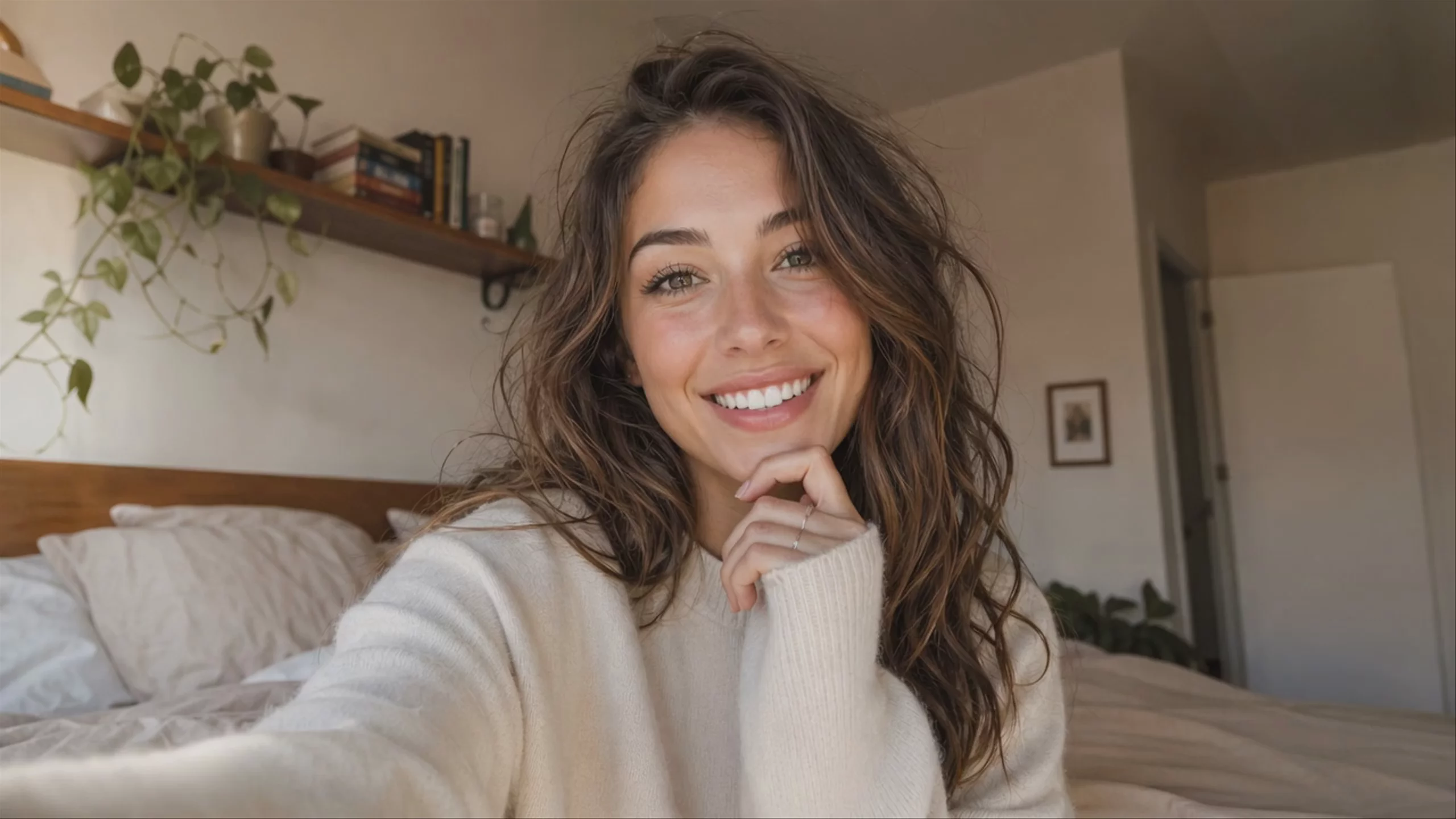
Grok Video: Woman Vlogging in Her Bedroom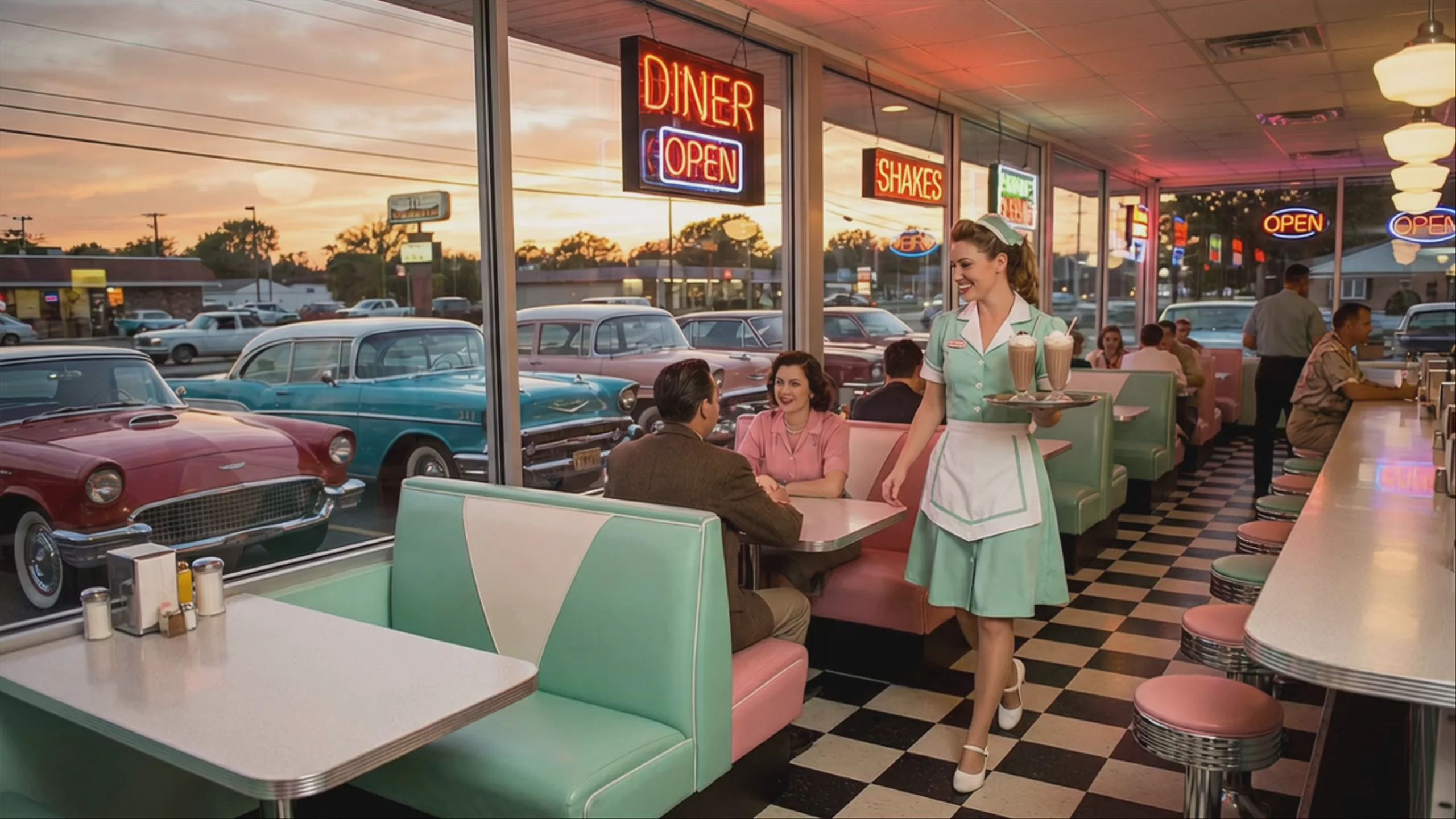 Retro 1950s Diner Waitress Serving Milkshakes — Grok Video
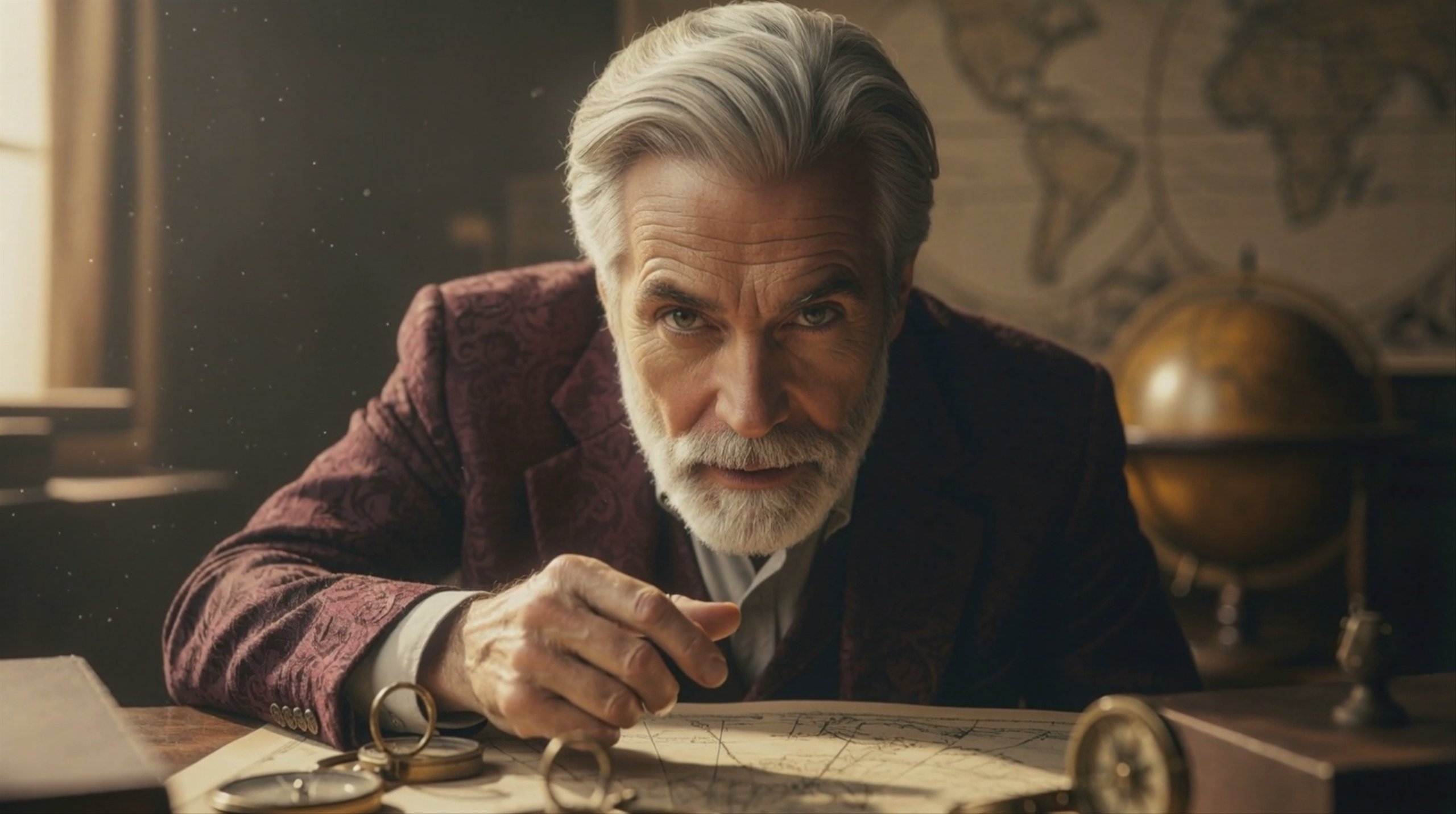
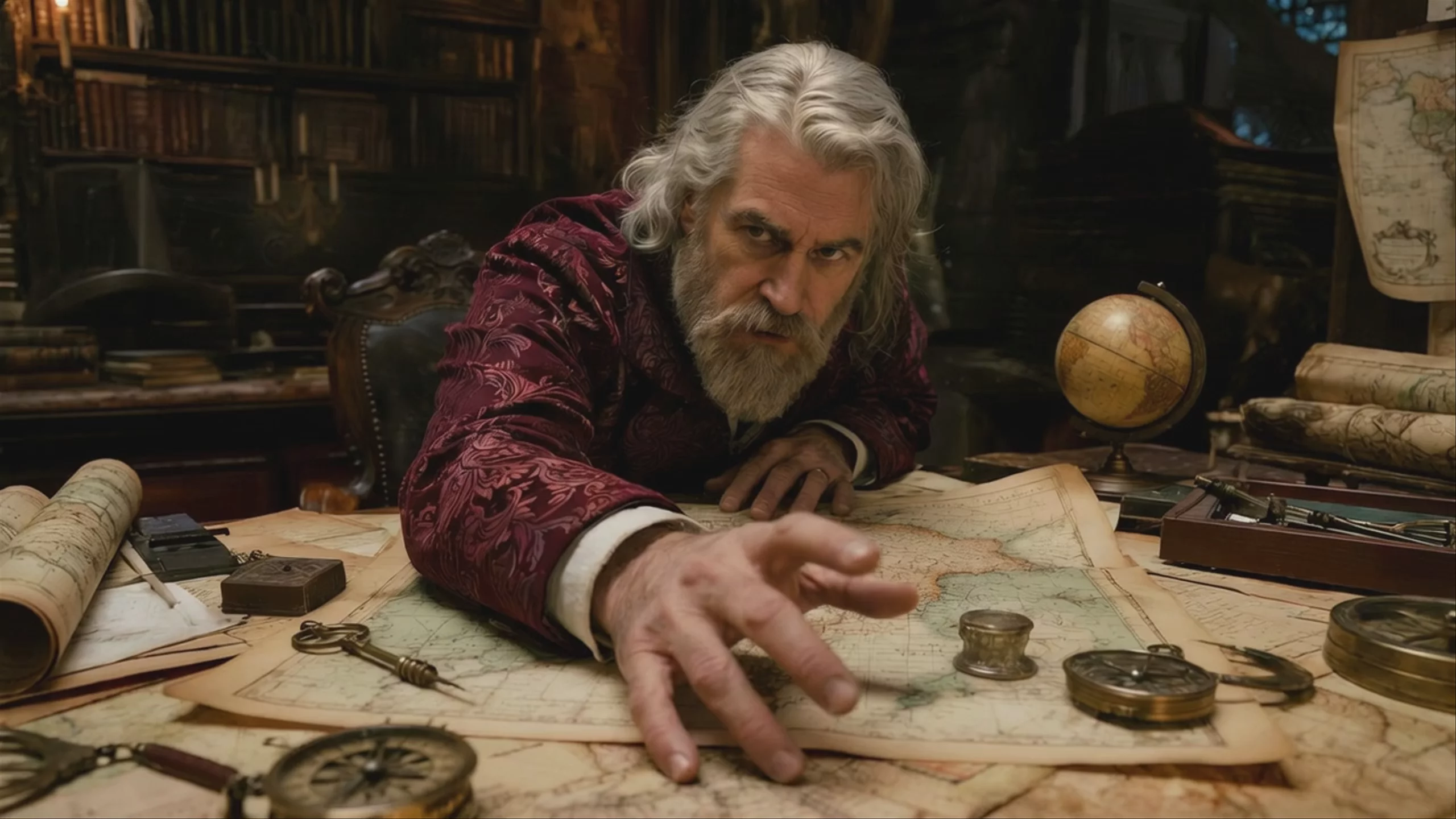 Scholar Reaching Over Map — Grok Video
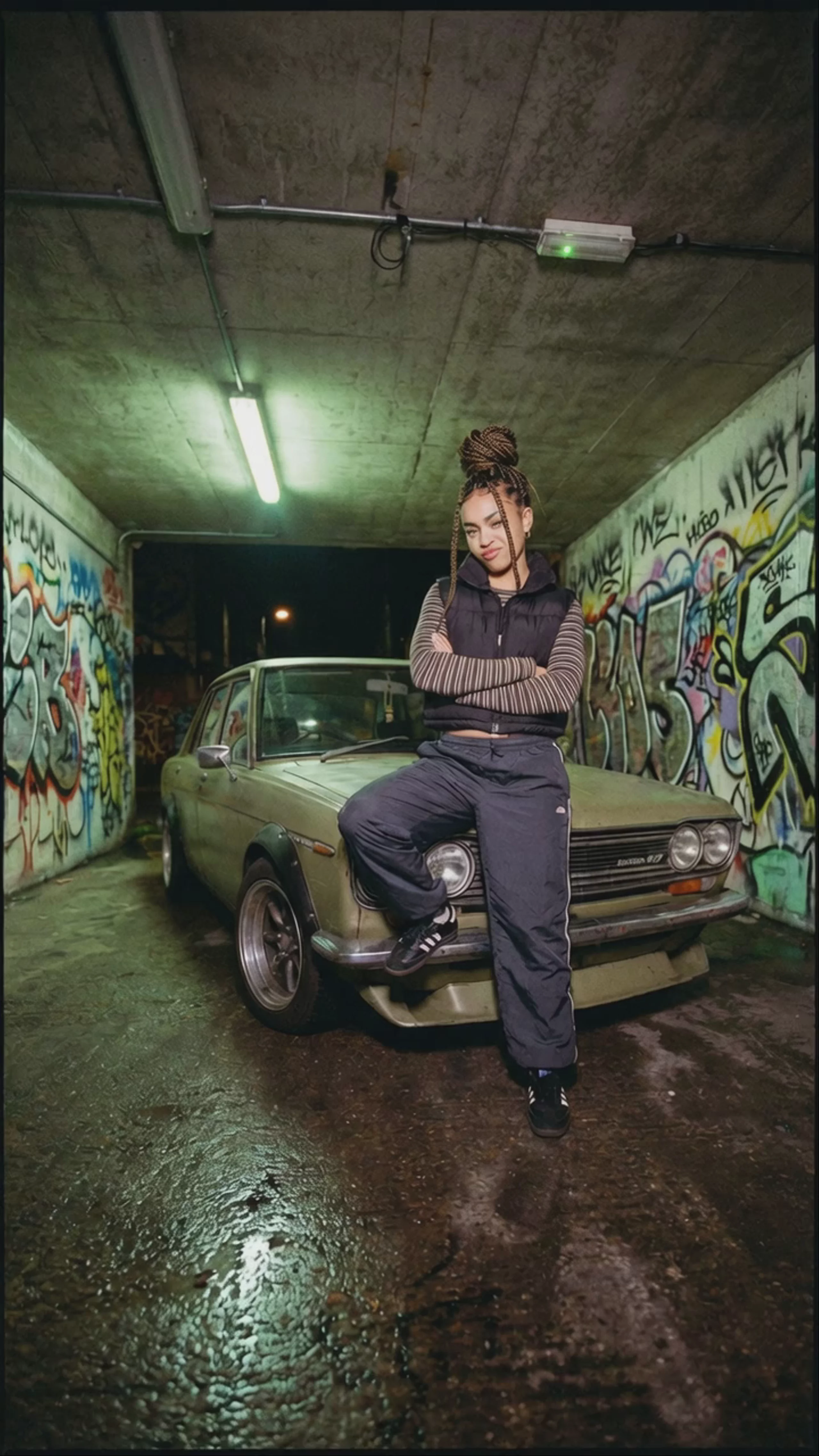 Woman Leaning on Vintage Car in Graffiti Tunnel — Grok Video
 Desert Wanderer with Goggles — Grok Video
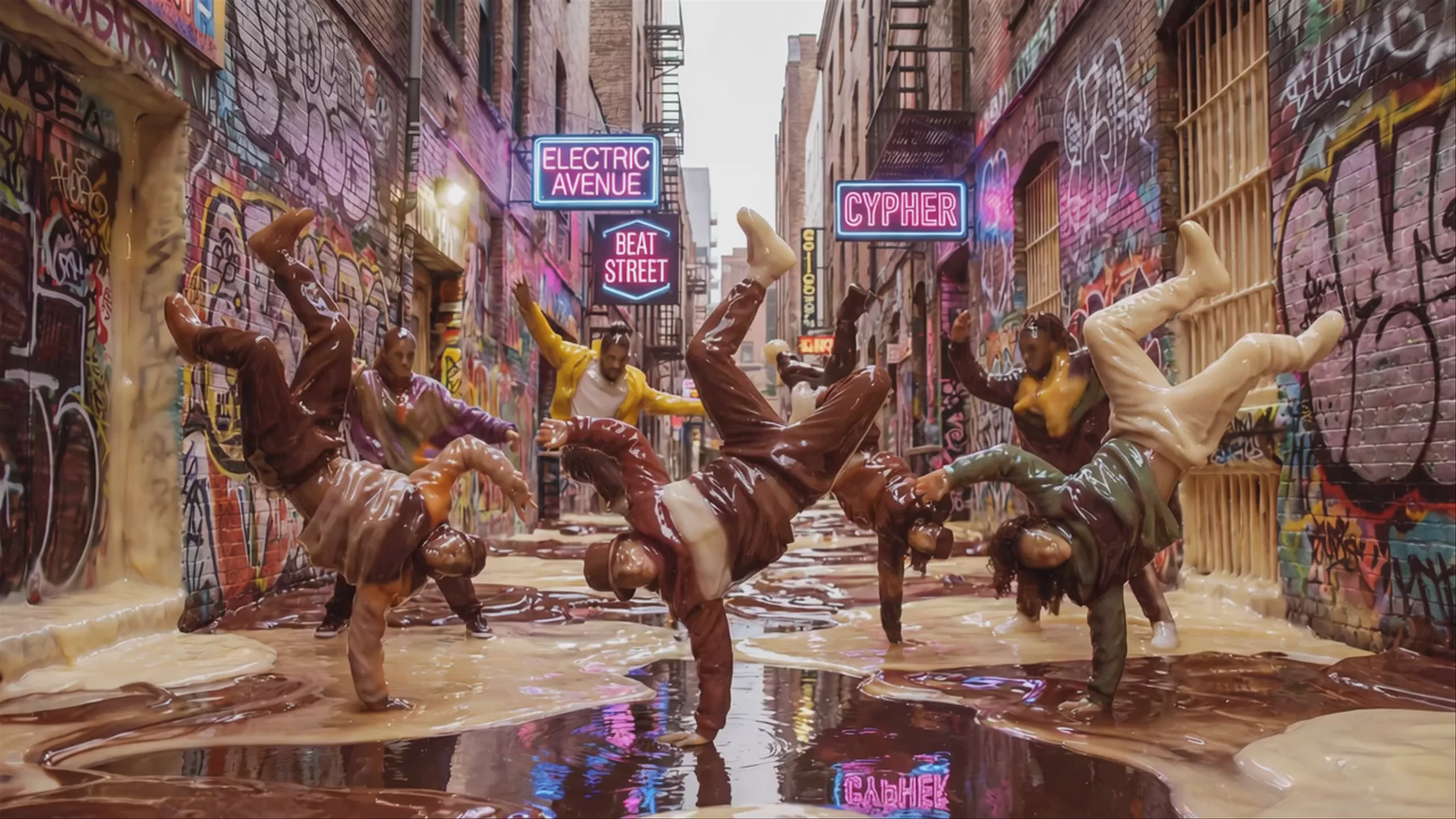 Pudding Breakdancers in Graffiti Alley — Grok Video
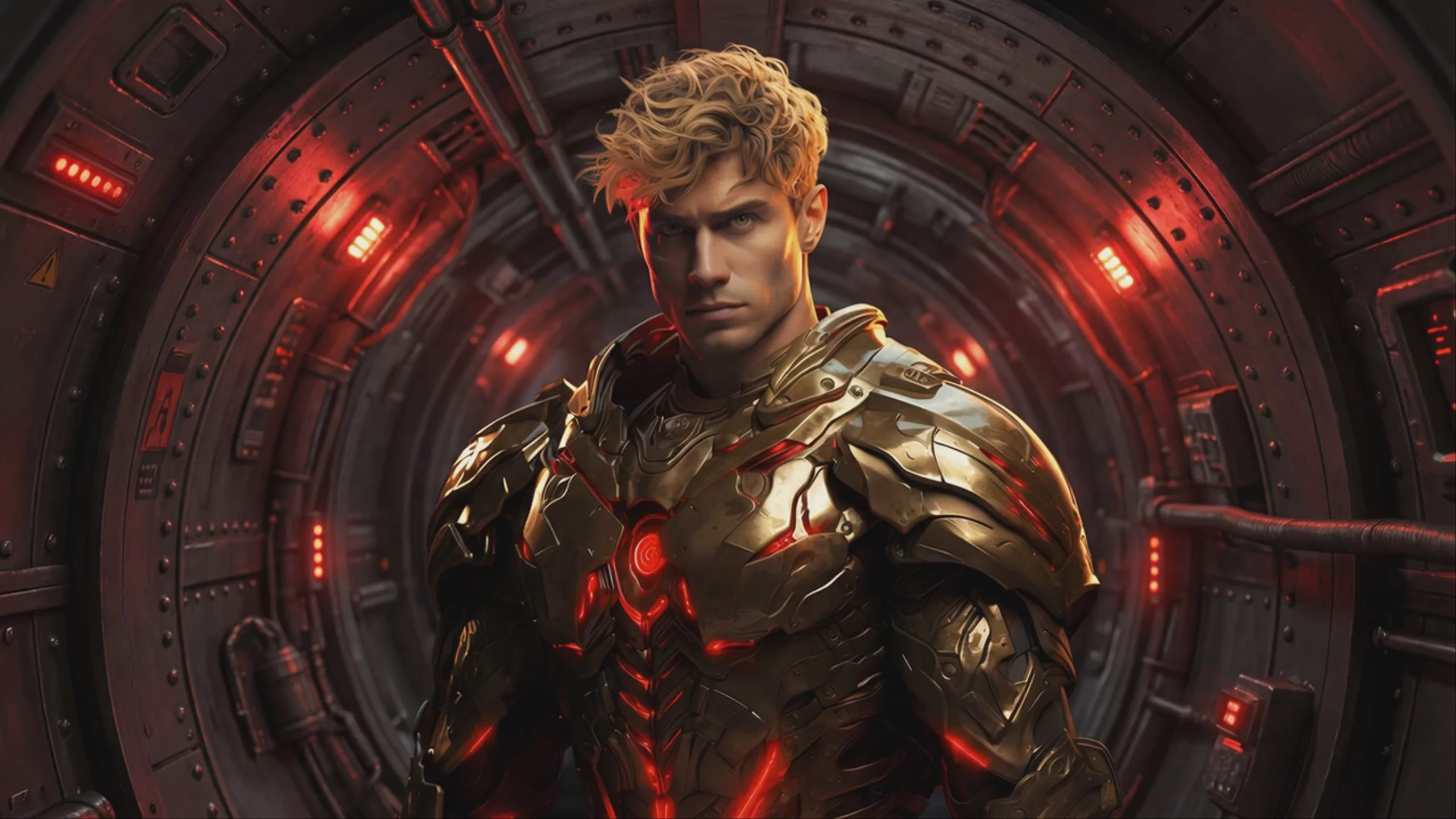 Grok Video: Golden Armored Sci-Fi Soldier
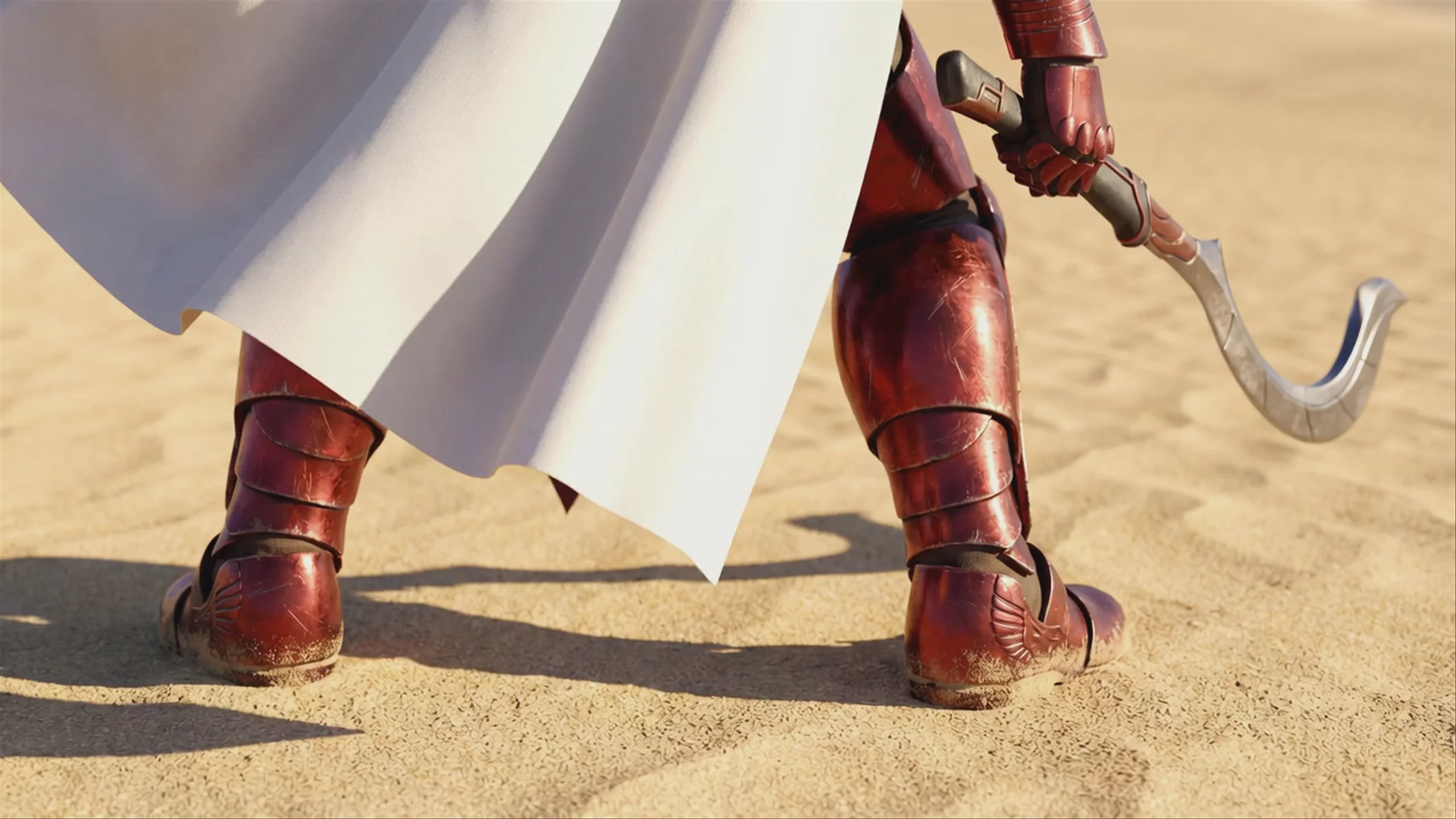 Warrior Walking in Desert Sand — Grok Video
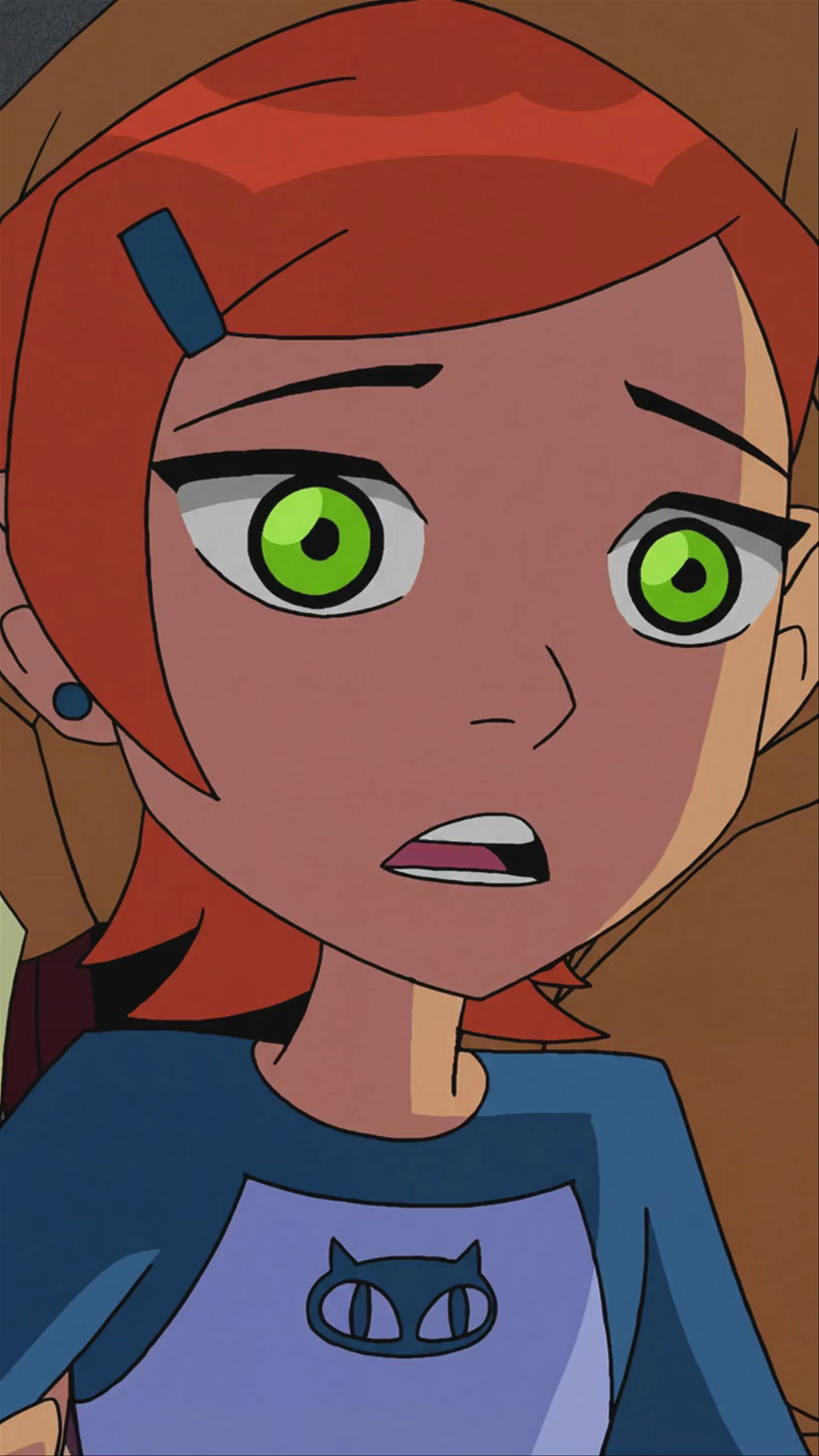 Animated Character Transforming — Grok Video
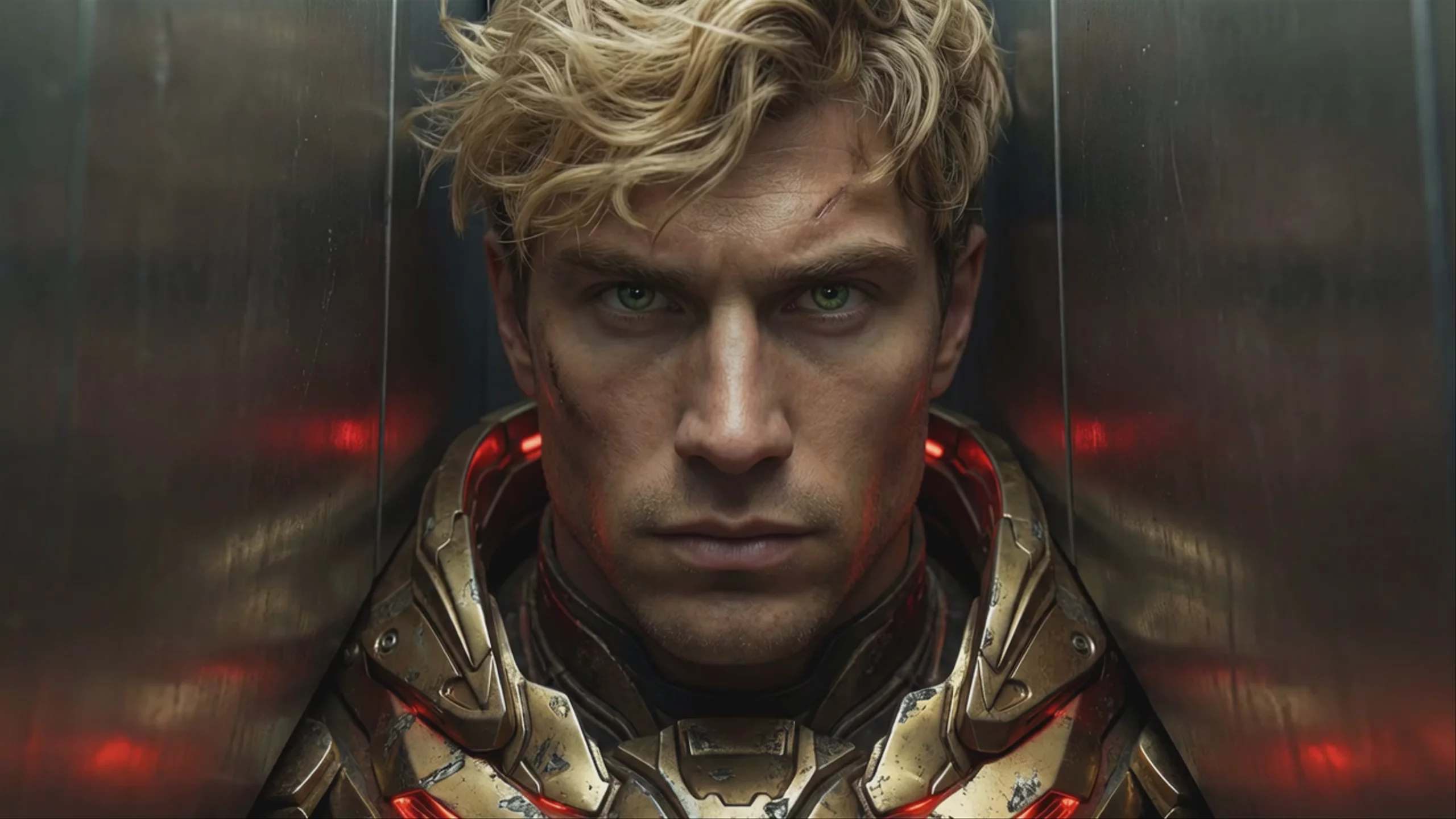 Astronaut in Stasis Chamber — Grok Video
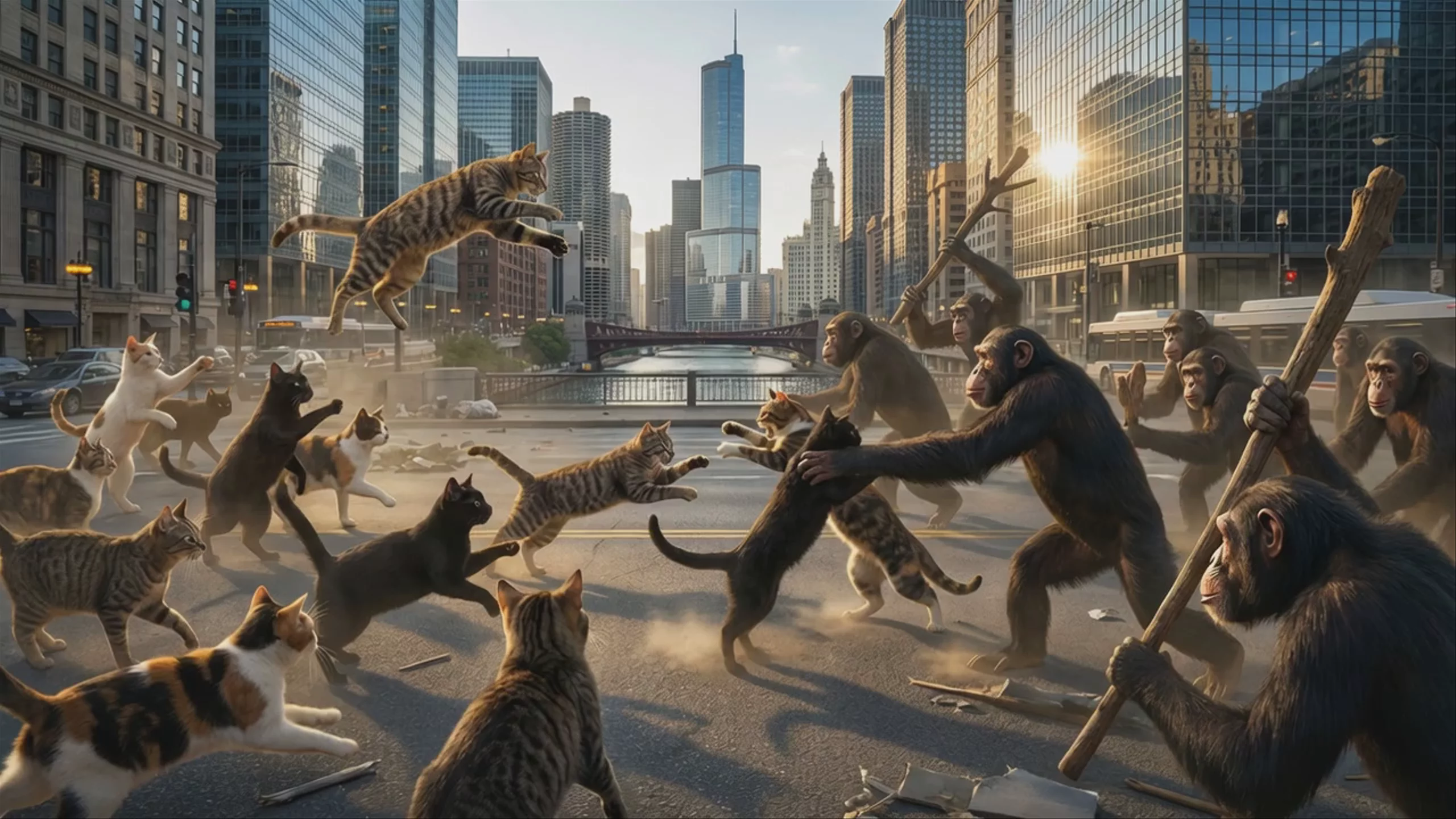 Cats and Chimps Clashing in City Street — Grok Video
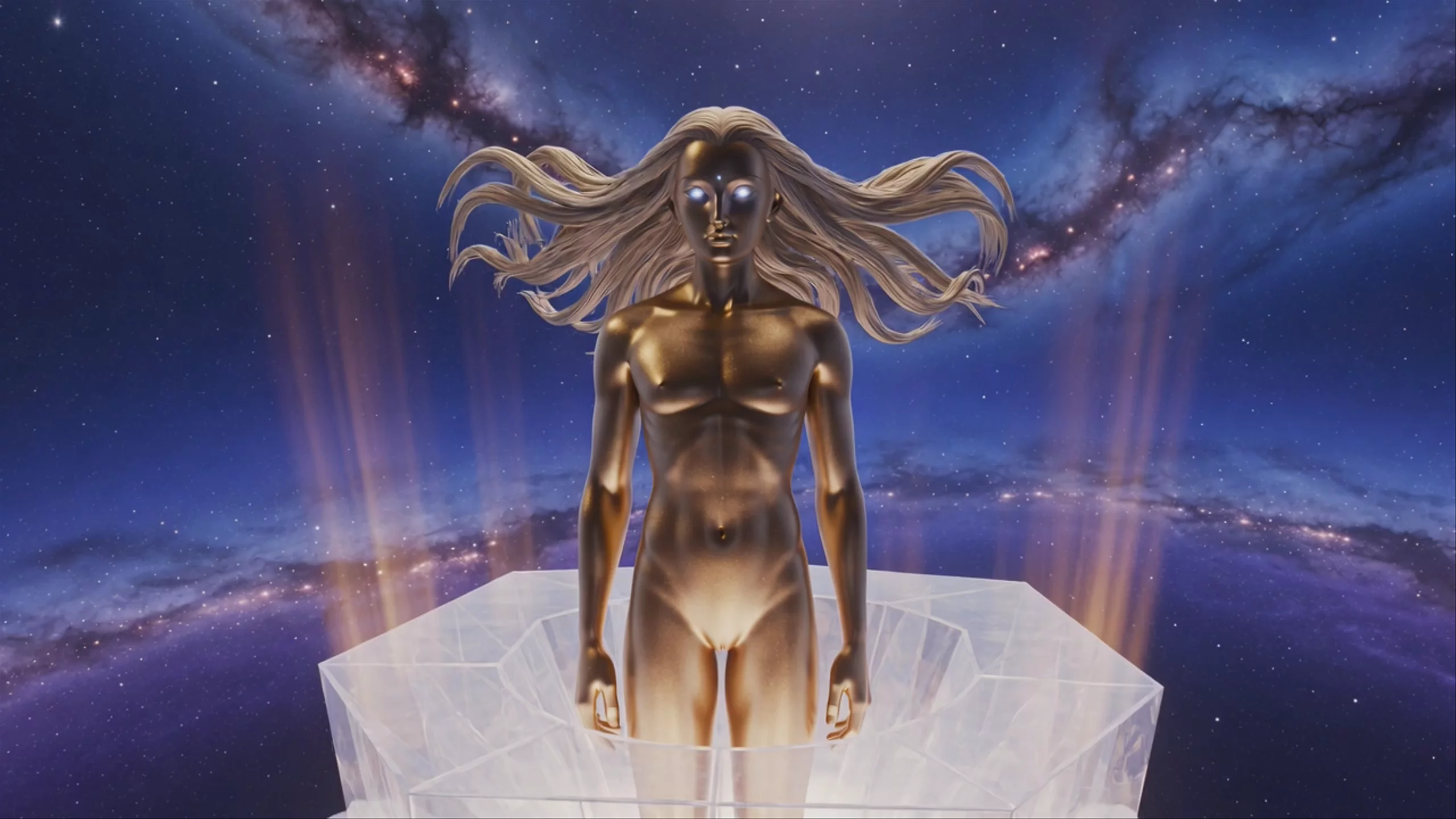 Golden Cosmic Deity — Grok Video
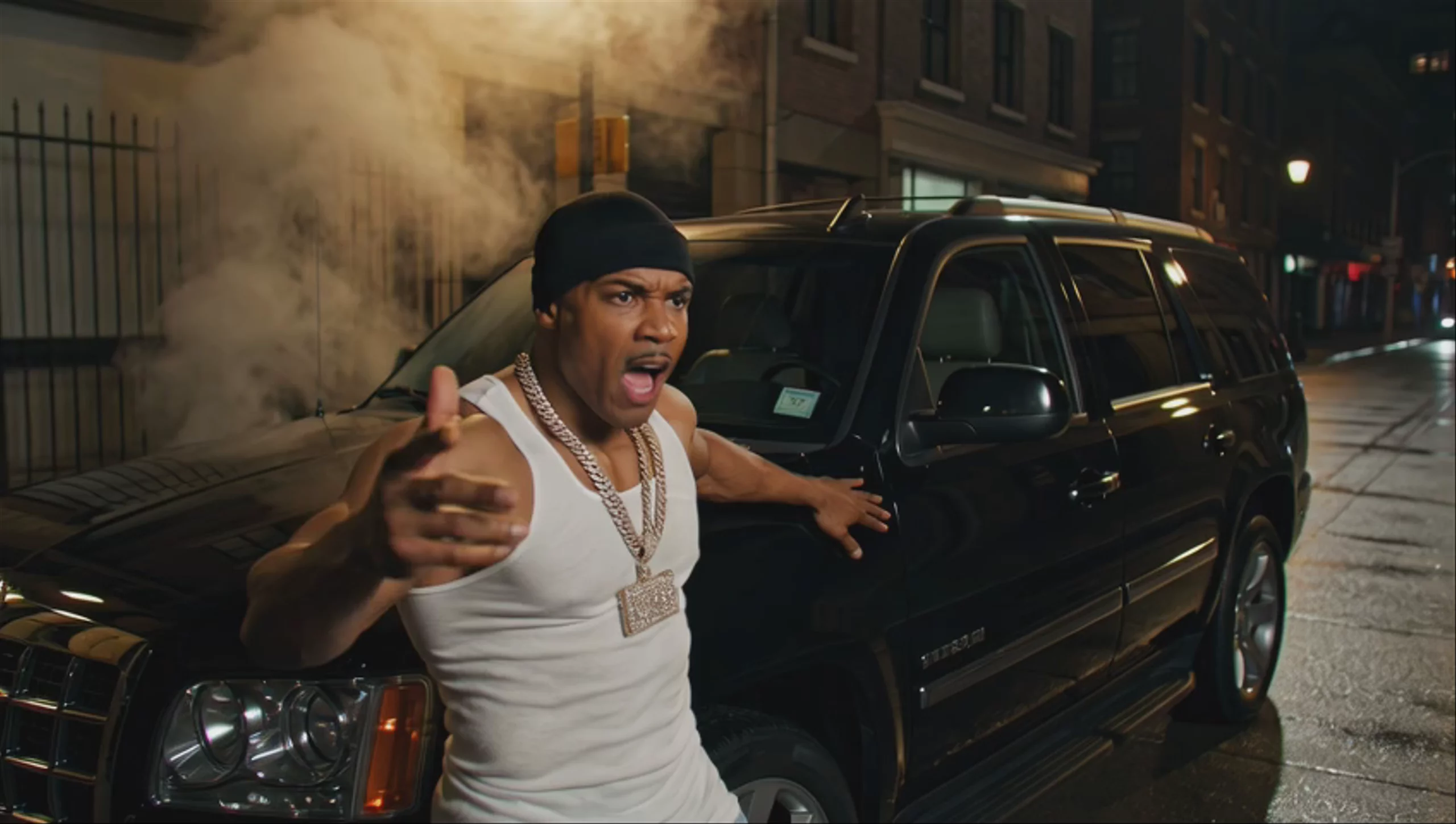 Grok Video: Rapper in Front of Black SUV
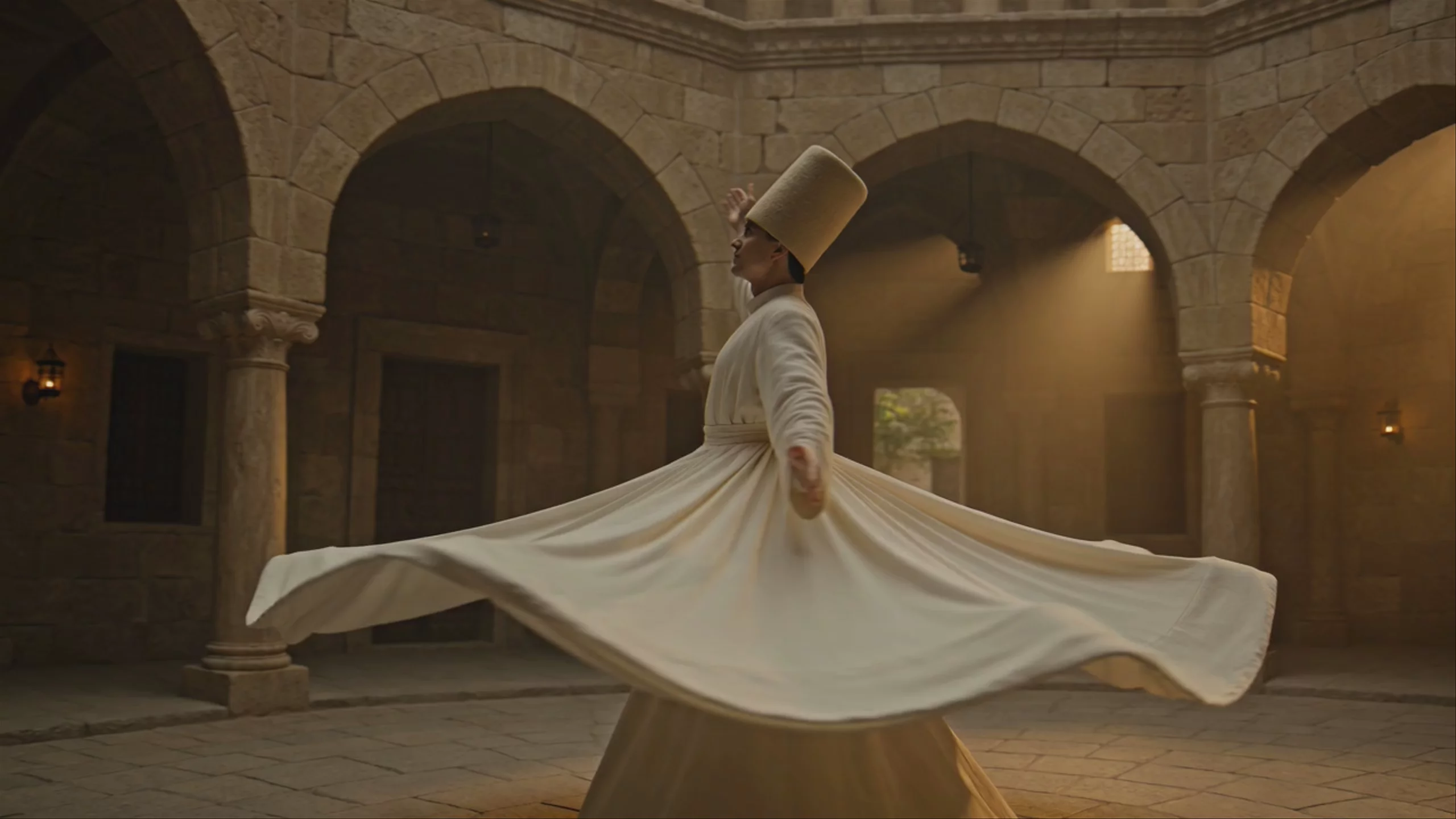 Whirling Dervish in Stone Courtyard — Grok Video
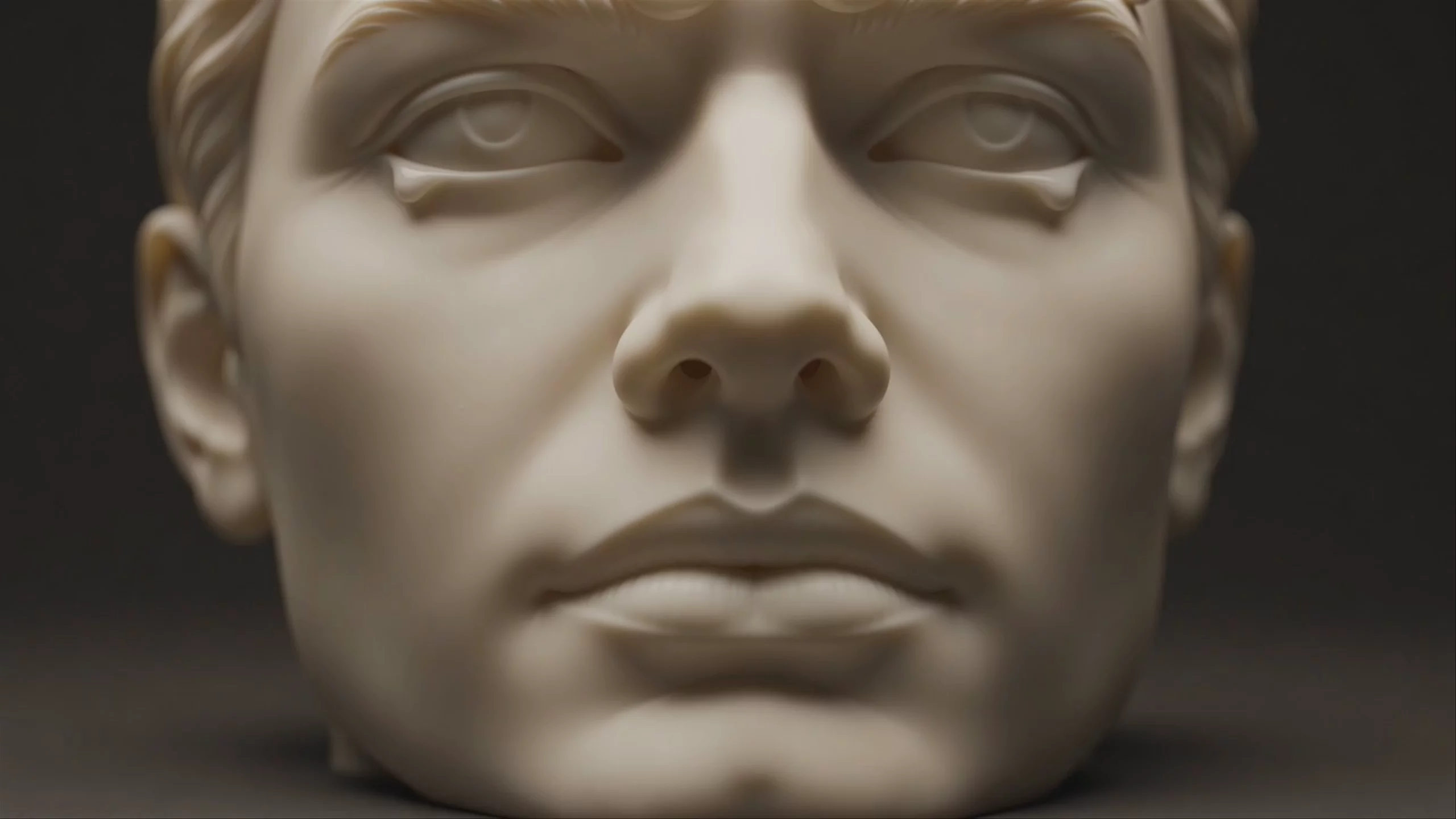 Melting Wax Face Sculpture — Grok Video
Prompting
Prompt tips
- Lead with camera intent: Place camera tracking instructions (e.g., "arc shot circling the subject") early in your prompt to establish framing before subject motion peaks.
- Chain clips using end frames: To bypass the 15-second limit, use the final frame of a generated clip as the starting image for your next prompt to create seamless, extended videos.
- Keep the camera still for cuts: When planning to extend a video, instruct the camera to remain completely still during the final second to ensure invisible transitions between chained clips.
- Compress source files: When using image-to-video, compress your source files to stay under the ~50 MB payload limit, as exceeding this triggers immediate rejection.
- Use explicit positive instructions: Because the model struggles with negative prompts, avoid telling it what not to do; instead, describe exactly what you want the subject to do in detail.
About the model
Questions, answered
What is Grok Video especially good for?
Grok Video is uniquely capable of generating natively synchronized audio—including dialogue with accurate lip-sync, ambient noise, and sound effects—in a single pass alongside the video. Powered by xAI's Aurora engine, it excels at producing realistic object interactions, fluid motion, and cinematic physics. The community highlights its strong instruction following, making it highly effective for rapid prototyping, social media content, and dynamic scene creation without needing secondary audio tools.
Who developed Grok Video and what is its release history?
Grok Video is part of the generative media suite developed by xAI. The API officially launched on January 28, 2026, followed by the Grok Imagine 1.0 release on February 3, 2026. In early June 2026, xAI released the Grok Imagine Video 1.5 Preview, which quickly topped community leaderboards, surpassing competitors like ByteDance's Seedance 2.0. It shares its underlying architecture with the image-focused Grok Imagine model.
What are the best prompting practices for Grok Video?
When prompting Grok Video, focus on directing motion rather than describing static elements, as the model reads prompts autoregressively from left to right. The community recommends a sequential structure: start with subject movement, follow with camera trajectory, and end with atmospheric shifts. Because Grok largely ignores negative prompts, you should rely entirely on explicit positive instructions. You can read more in the official xAI docs.
How can I create longer videos with consistent characters?
While base generations are capped at 10 to 15 seconds, you can create longer sequences using Grok's video extension feature, often called the End Frame Method by the community. By feeding the final frame of your clip back into the model along with your original prompt, you can chain generations together. Recent updates ensure that audio context and character identity remain consistent across these extended cuts.