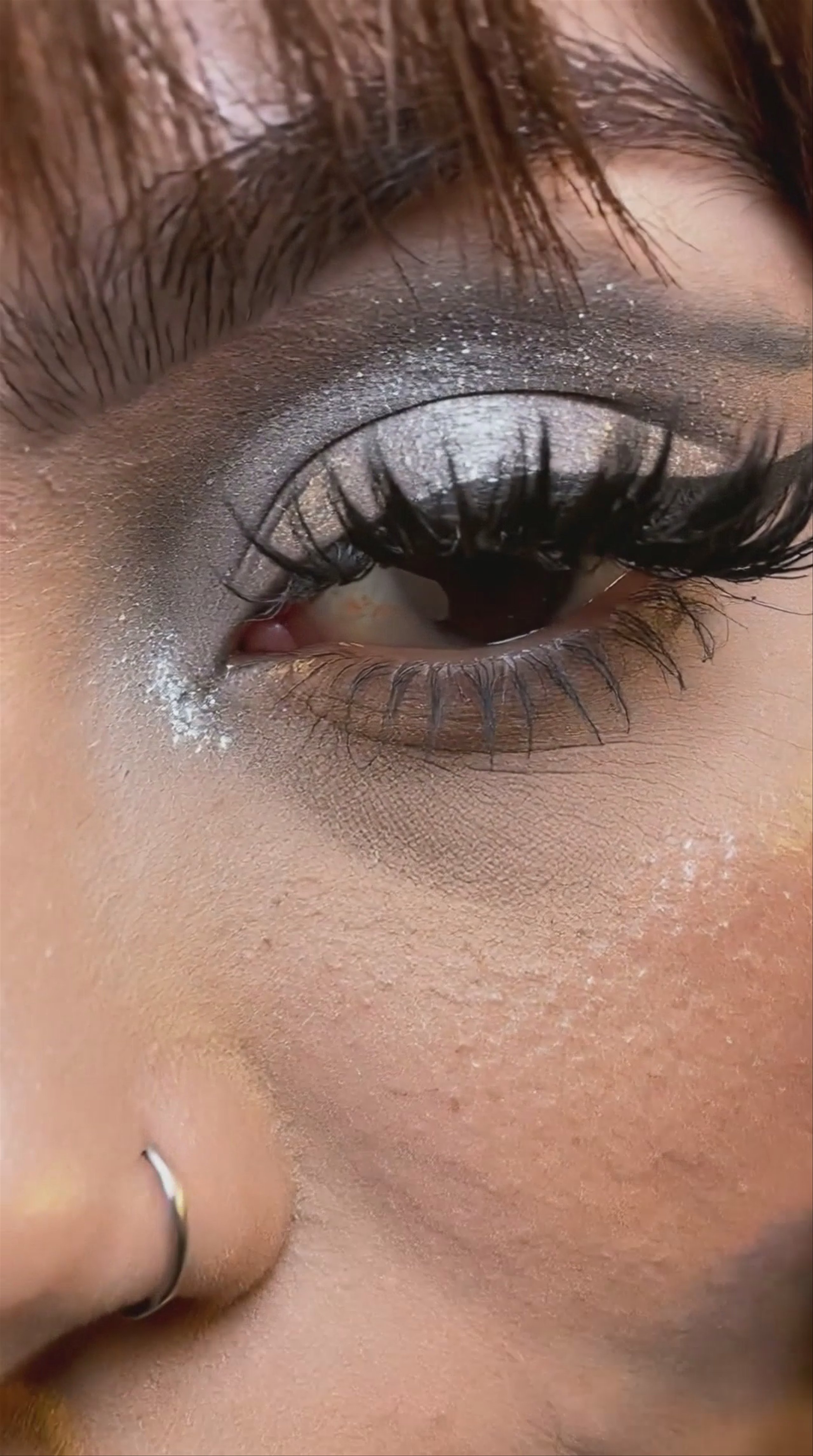
Overview
Kling O1 is a unified multimodal video model developed by Kuaishou. Built on a Multimodal Visual Language framework, it consolidates text-to-video creation, reference-based generation, and native video editing into a single engine. The model is highly effective for precise video-to-video transformations, allowing users to swap subjects, modify backgrounds, or restyle existing footage using natural language prompts while maintaining strict temporal consistency.
Specifications · Text + image to video
- Input mode
- Text + image to video
- Accepts
- reference image (up to 3), start frame, end frame
- Aspect ratios
- 16:9, 9:16, 1:1
- Resolutions
- 1080p
- Durations
- 3s, 4s, 5s, 6s, 7s, 8s, 9s, 10s
- Max duration
- 10s
- Native audio
- No
Pricing
Build with this model: the Kling O1 API on the Hedra Developer Platform.
Kling O1 API →Real output · generated with Kling O1
Best of Kling O1
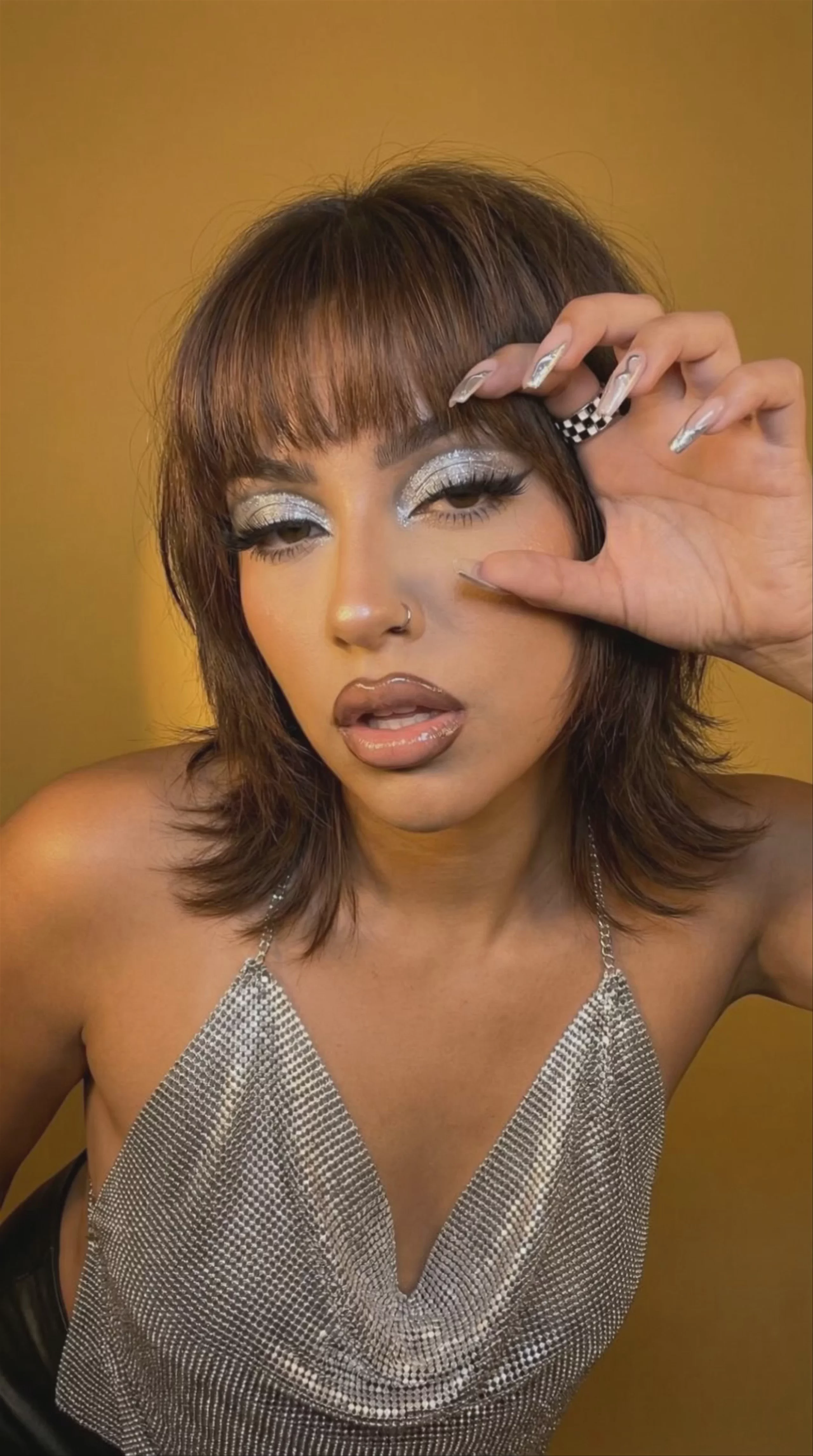
Woman in Silver Halter Top — Kling O1 Winter Street Walk — Kling O1
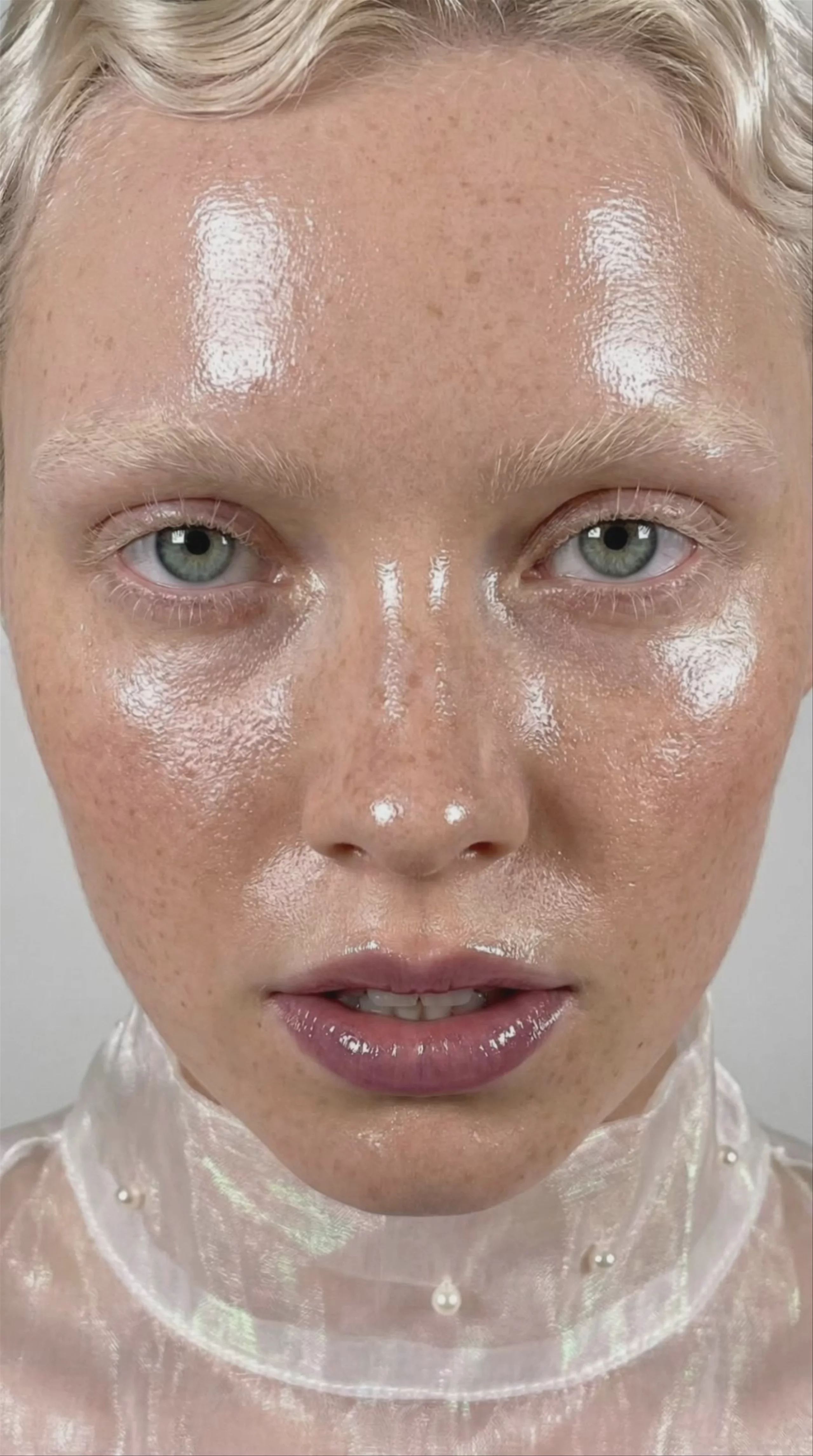 Glossy Skincare Portrait — Kling O1
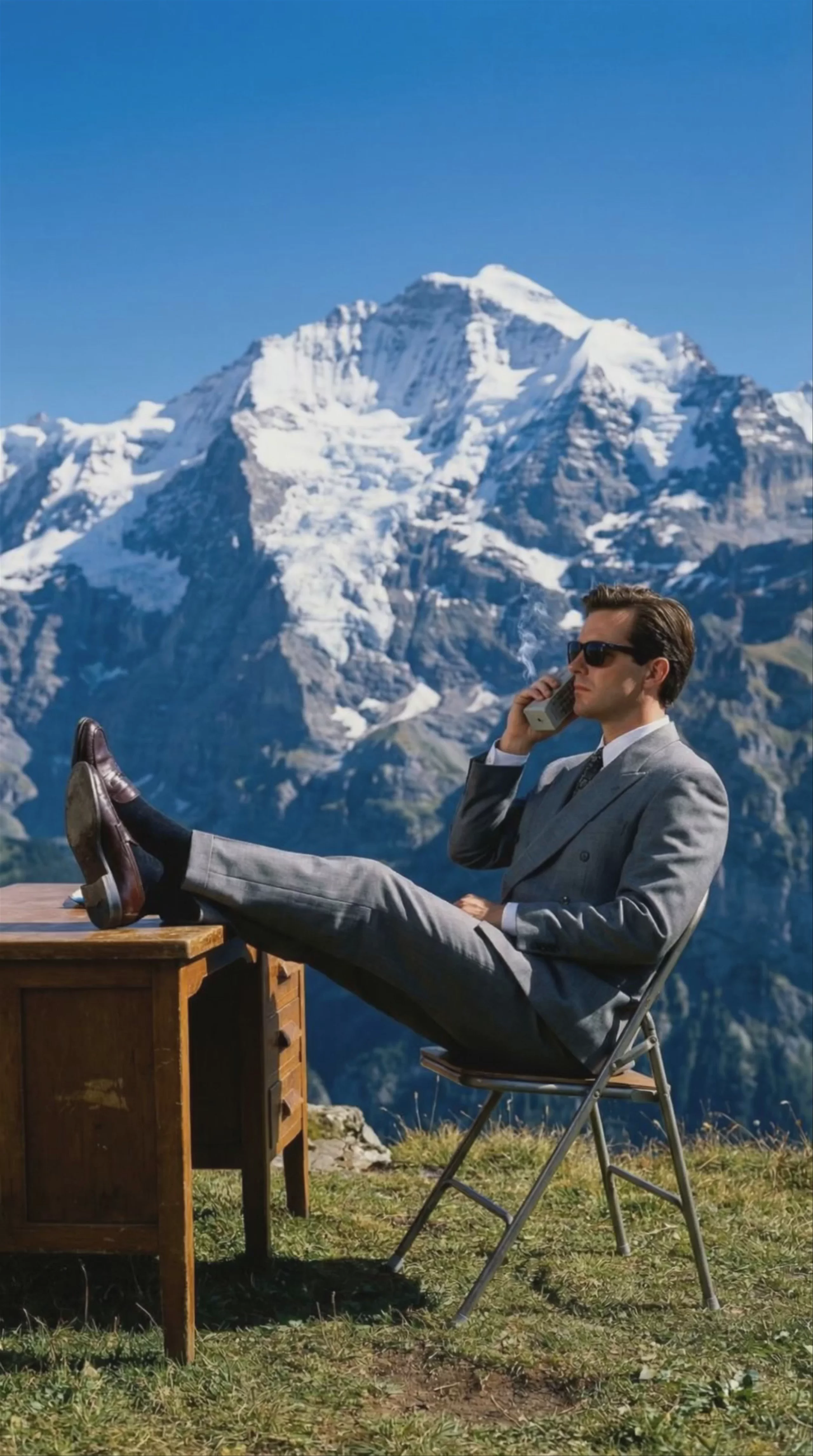 Businessman on Mountain Peak — Kling O1
 Man Sitting in Armchair, by Kling O1
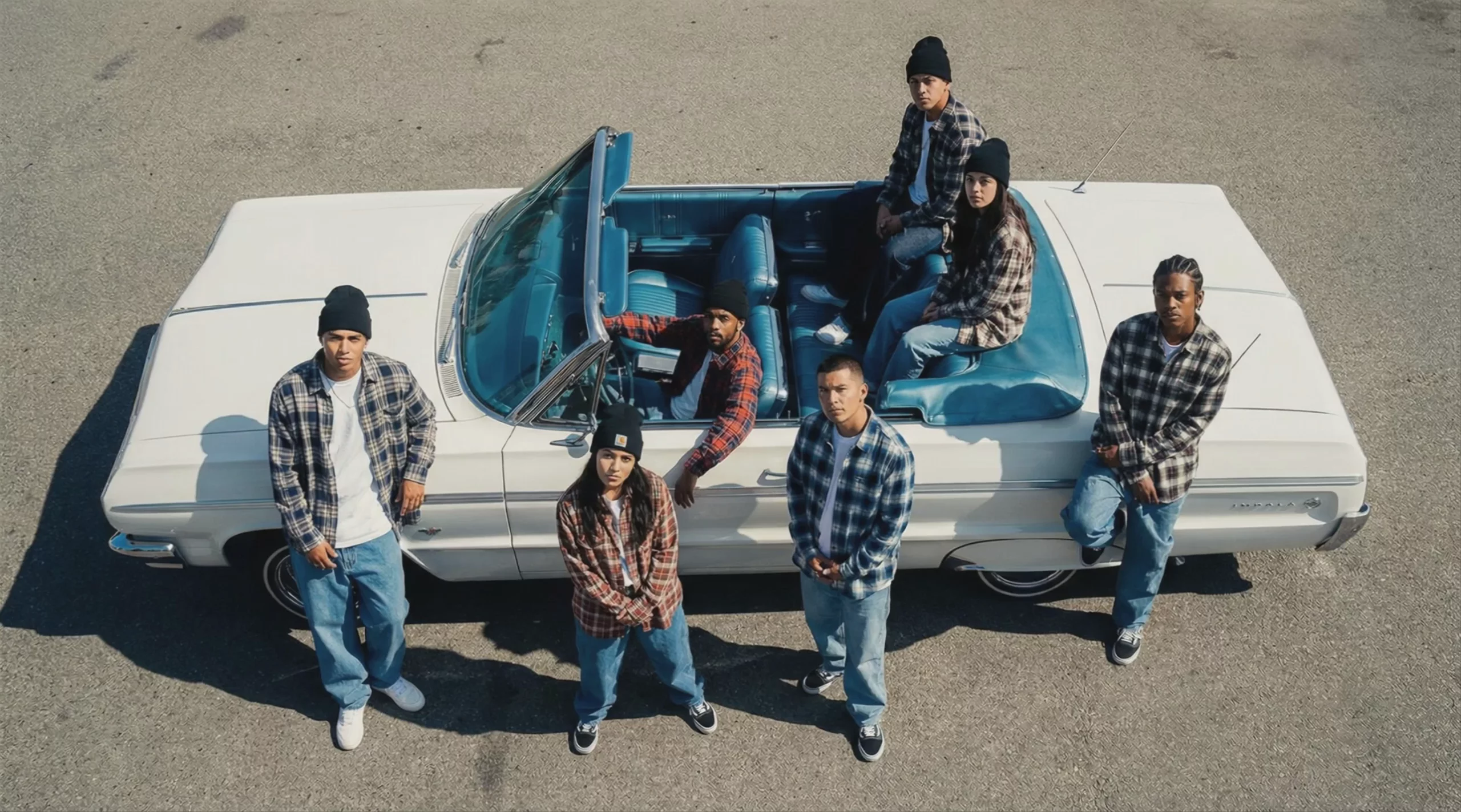 Group in Flannel with Classic Convertible — Kling O1
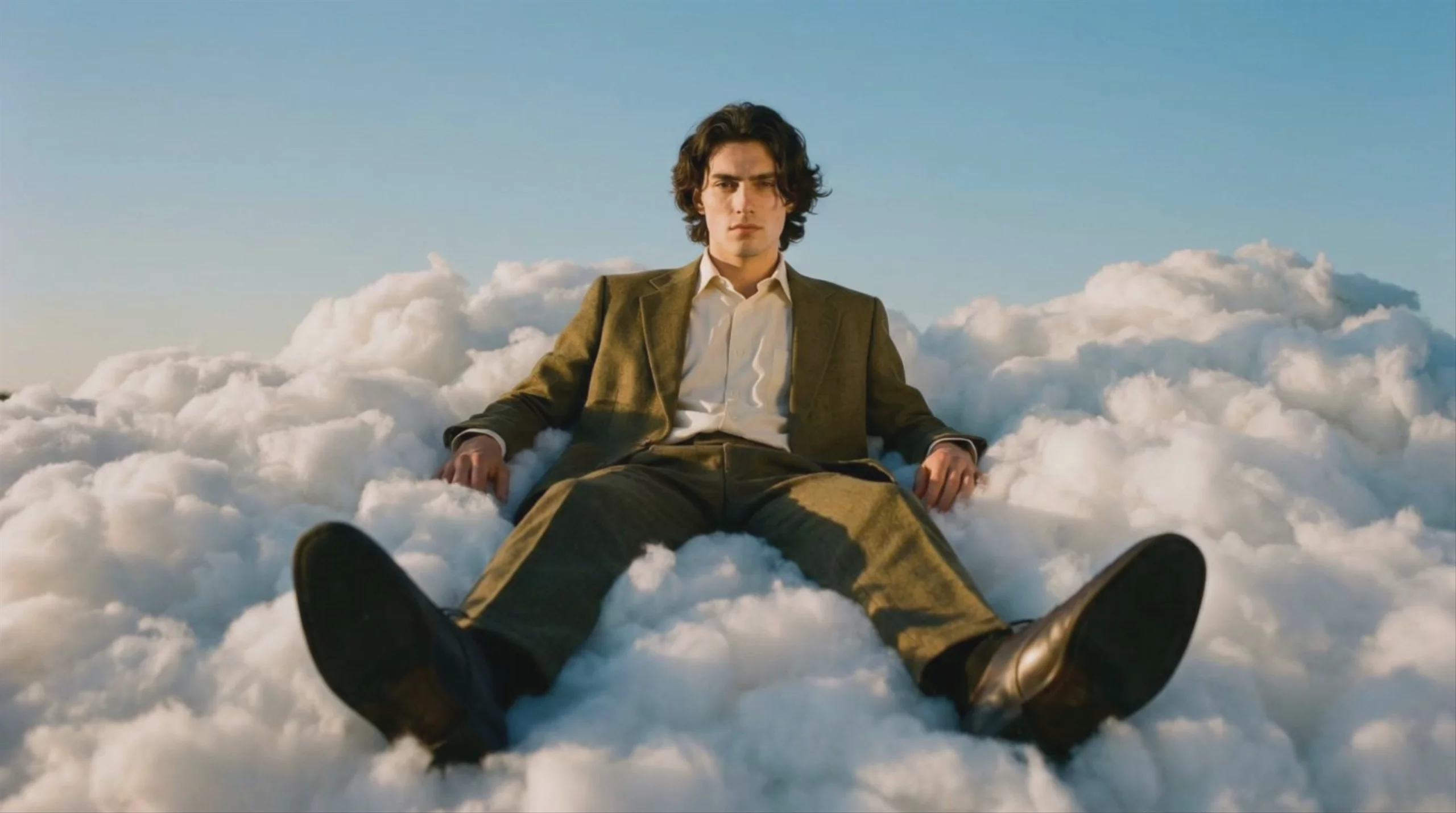 Man Reclining on Clouds — Kling O1
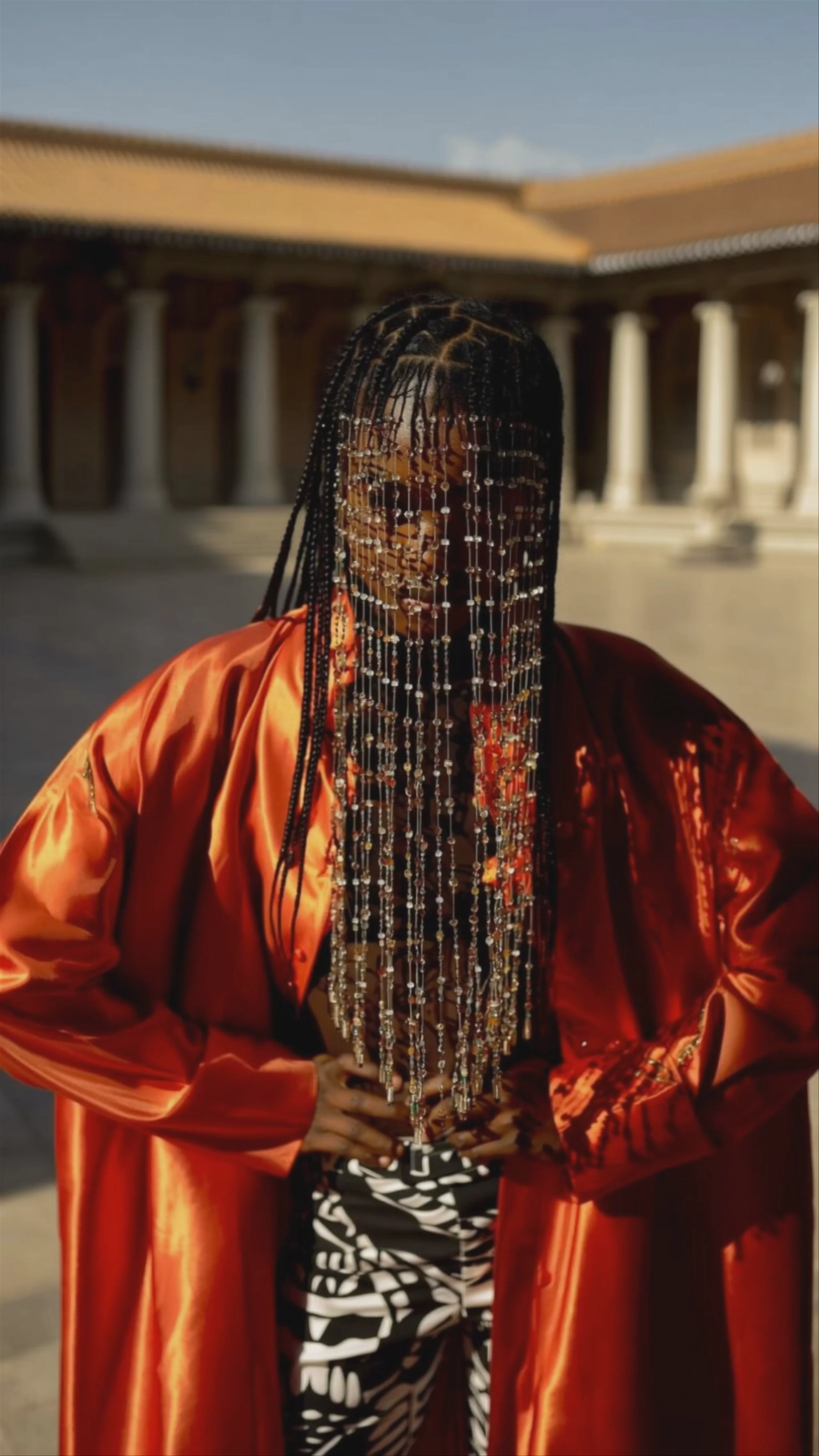 Model in Orange Satin, Generated by Kling O1
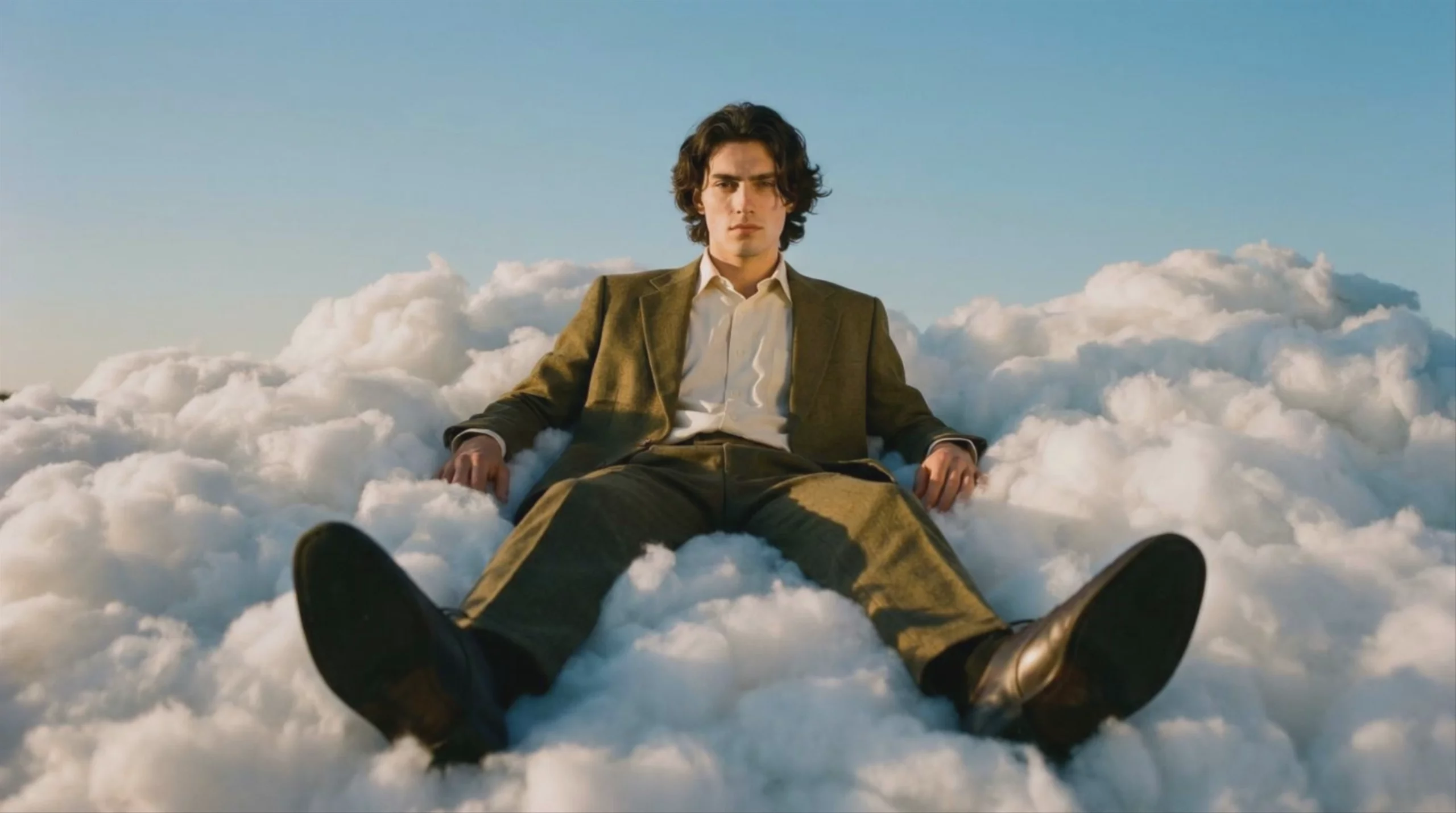 Man Floating in Clouds, by Kling O1
Prompting
Prompt tips
- Use numbered references: Explicitly define relationships between your uploaded images by using
@Image1,@Image2, etc., directly in your text prompt. - Anchor with real footage: For video-to-video edits, start with high-quality stock video as your foundation to provide structural detail and maintain a realistic look.
- Leverage the Elements feature: Upload a clear, frontal image of your subject to lock in a 3D-consistent actor across multiple scenes.
- Use the constraint sandwich: Place your most critical constraints (like character identity or specific actions) at both the beginning and end of your prompt to prevent the model from drifting.
About the model
Questions, answered
What is Kling O1 best used for?
Kling O1 is Kuaishou's first unified multimodal video model, making it exceptionally good at native video-to-video editing. Instead of just generating clips from scratch, it allows you to modify existing footage using natural language prompts—such as swapping backgrounds, changing a character's clothing, or shifting the lighting from day to night—without complex masking. Because of its fast generation speed and high prompt adherence, the community has dubbed it the "Nano Banana of AI video."
When was Kling O1 released and what is its lineage?
Kuaishou officially launched Kling O1 on December 1, 2025, kicking off its "Omni" lineup of unified multimodal models. It arrived shortly after the 2.x generation, such as Kling 2.6 Pro, and represented a major architectural shift from pure generation to a hybrid generation-and-editing engine. It was eventually succeeded by the 3.0 generation in February 2026, which includes standard models like Kling V3 Pro and the next-generation omni model, Kling O3 Pro.
How can I get the most consistent character edits with Kling O1?
To maintain strict character consistency while modifying footage, leverage Kling O1's multi-element reference capabilities by uploading reference images alongside your video. When prompting, use a conversational approach rather than traditional keyword stuffing. Because the model processes text, image, and video in a shared semantic space, clear instructions like "remove all cars from the street" or "change the protagonist's outfit to a red dress" yield much better results than comma-separated tags.
Same API · one key