
Overview
Kling V3 Pro is a premium video generation model developed by Kuaishou. It produces up to 15 seconds of high-fidelity cinematic video with complex physics, native audio generation, and accurate lip-sync. Featuring multi-shot capabilities that let creators define multiple camera angles within a single prompt, it is well-suited for narrative storytelling and professional ad sequences. It serves as the higher-resolution, production-grade counterpart to Kling V3 Standard.
Specifications · Text + image to video
- Input mode
- Text + image to video
- Accepts
- start frame, end frame
- Aspect ratios
- 16:9, 9:16, 1:1
- Resolutions
- 1080p, 4K, 720p
- Durations
- 3s, 4s, 5s, 6s, 7s, 8s, 9s, 10s, 11s, 12s, 13s, 14s, 15s
- Max duration
- 15s
- Native audio
- Optional
Pricing
Build with this model: the Kling V3 API on the Hedra Developer Platform.
Kling V3 API →Real output · generated with Kling V3
Best of Kling V3
Perfumer Crafting Scent — Kling V3 Pro Charming Roman Cafe Scene — Kling V3 Pro
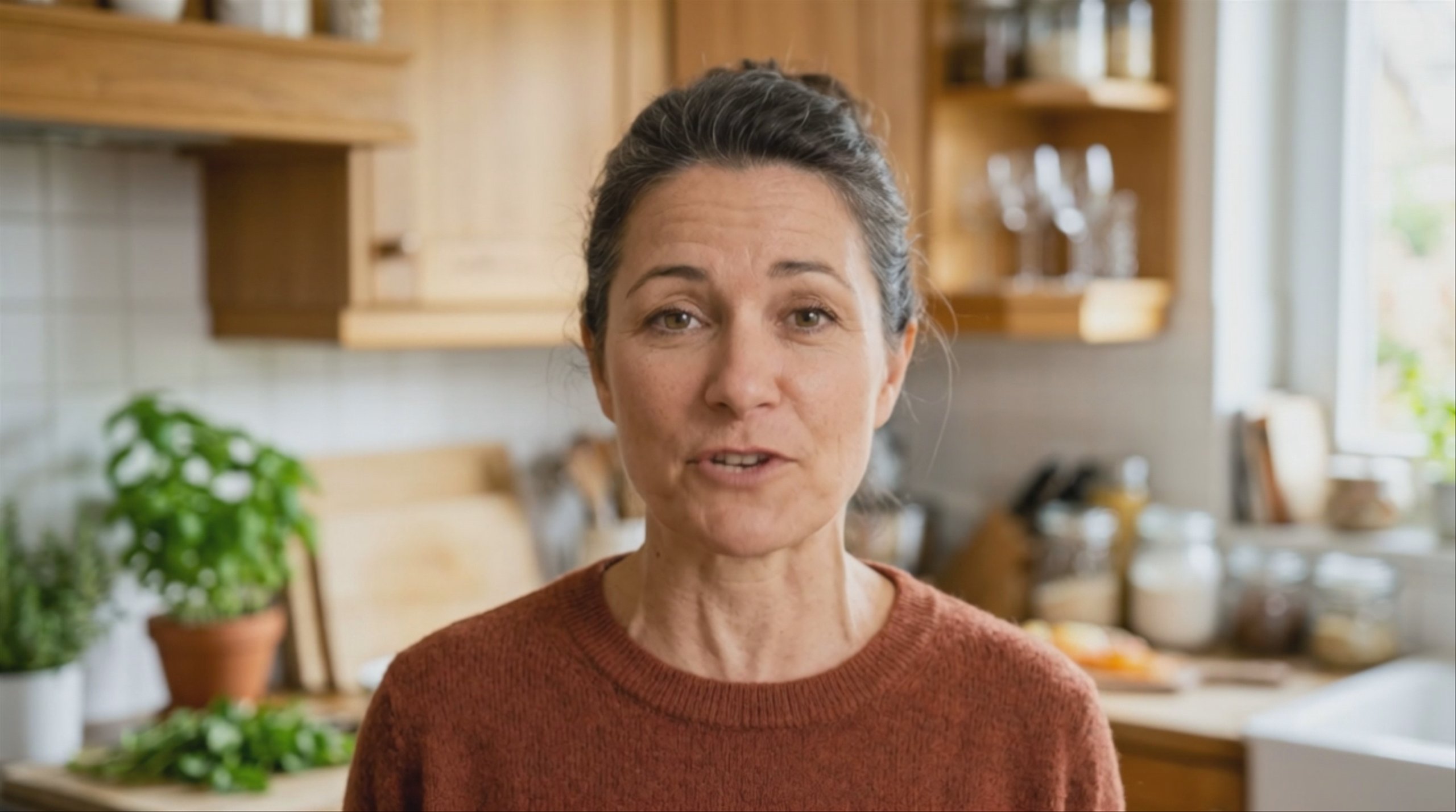
 Kling V3 Standard: Woman Presenting in a Kitchen
 Woman in Black Mock Neck — Kling V3 Pro
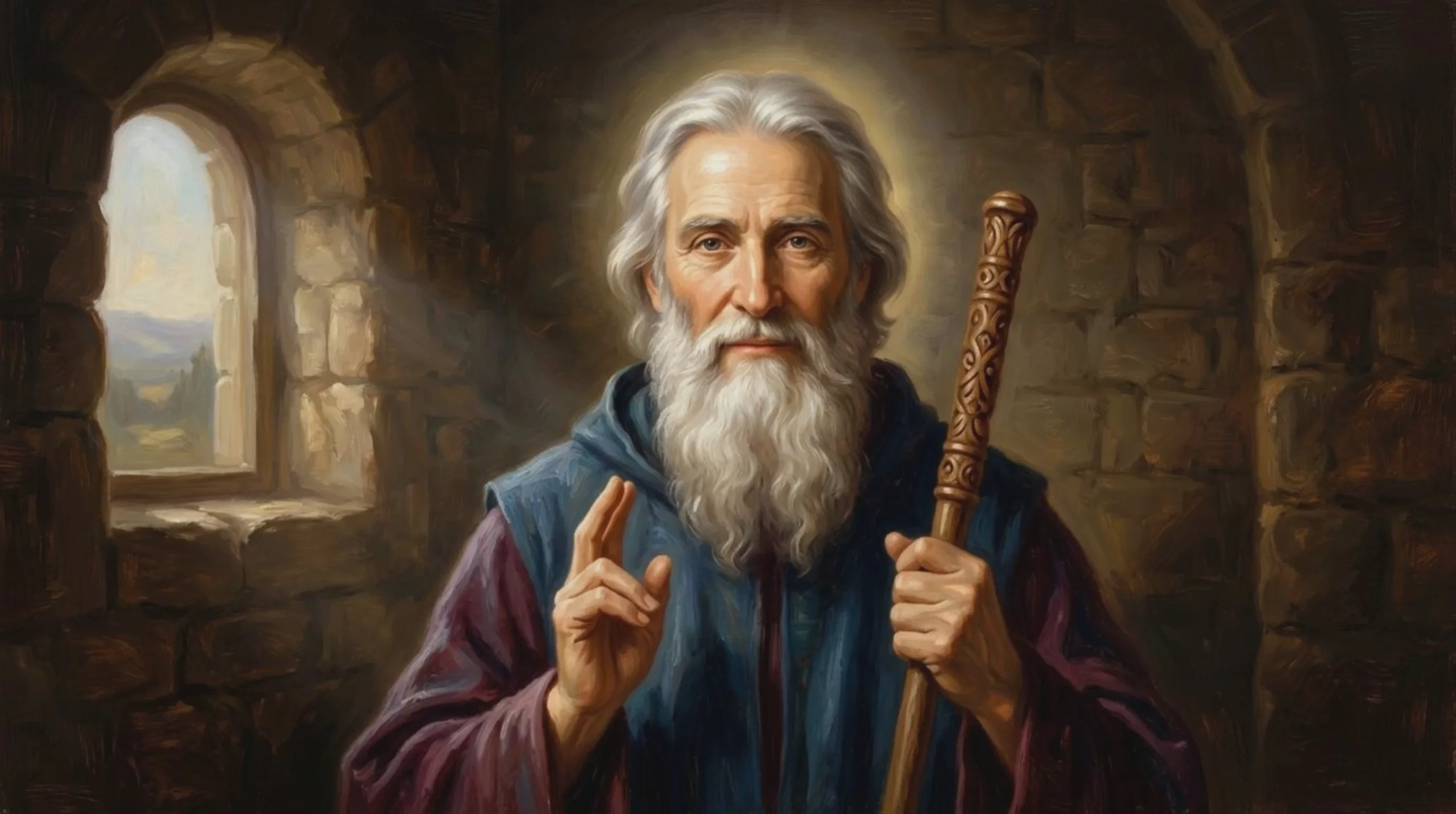 Venerable Saint with Wooden Staff — Kling V3 Pro
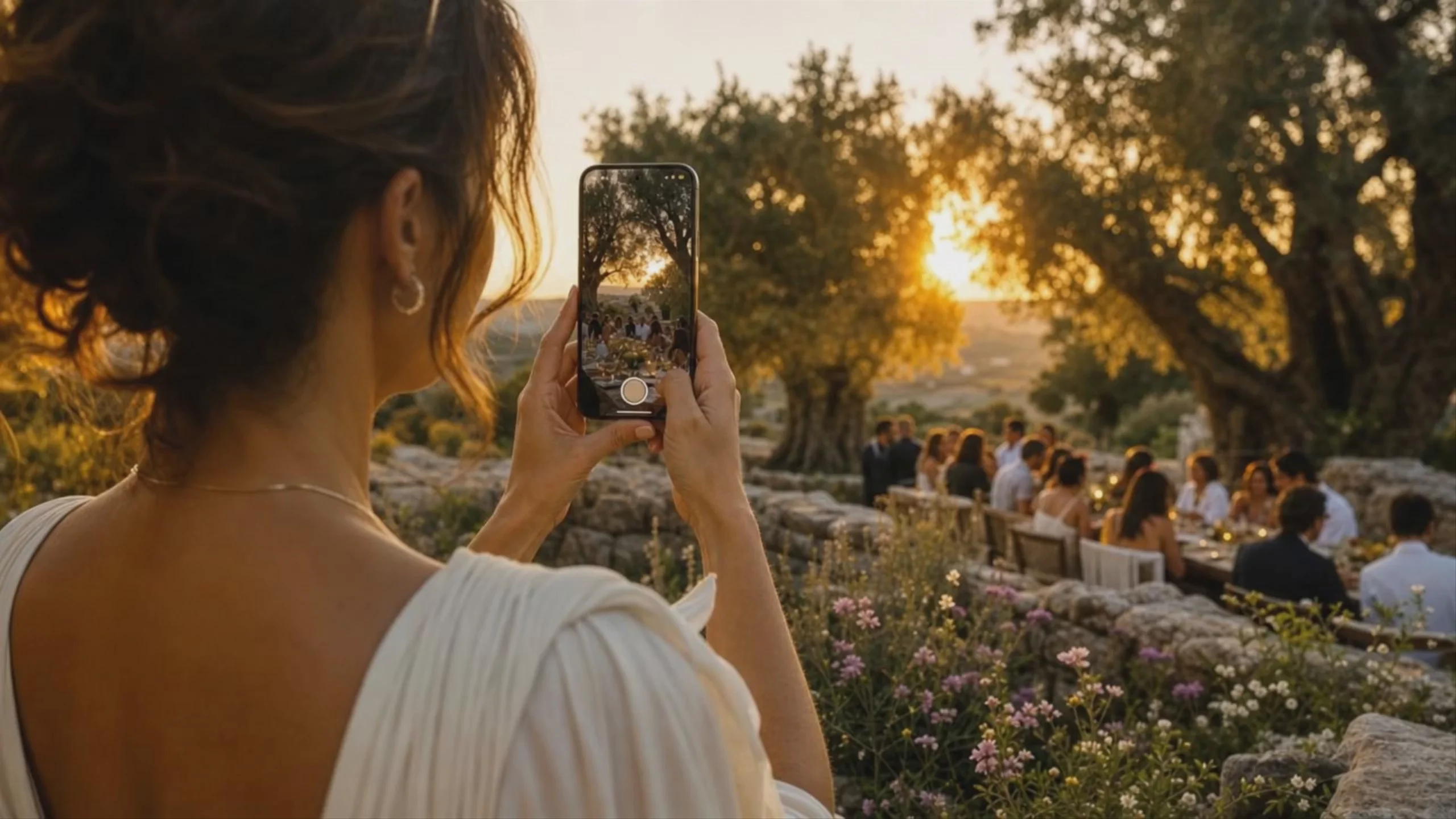 Sunset Dinner Captured on Phone, by Kling V3 Pro
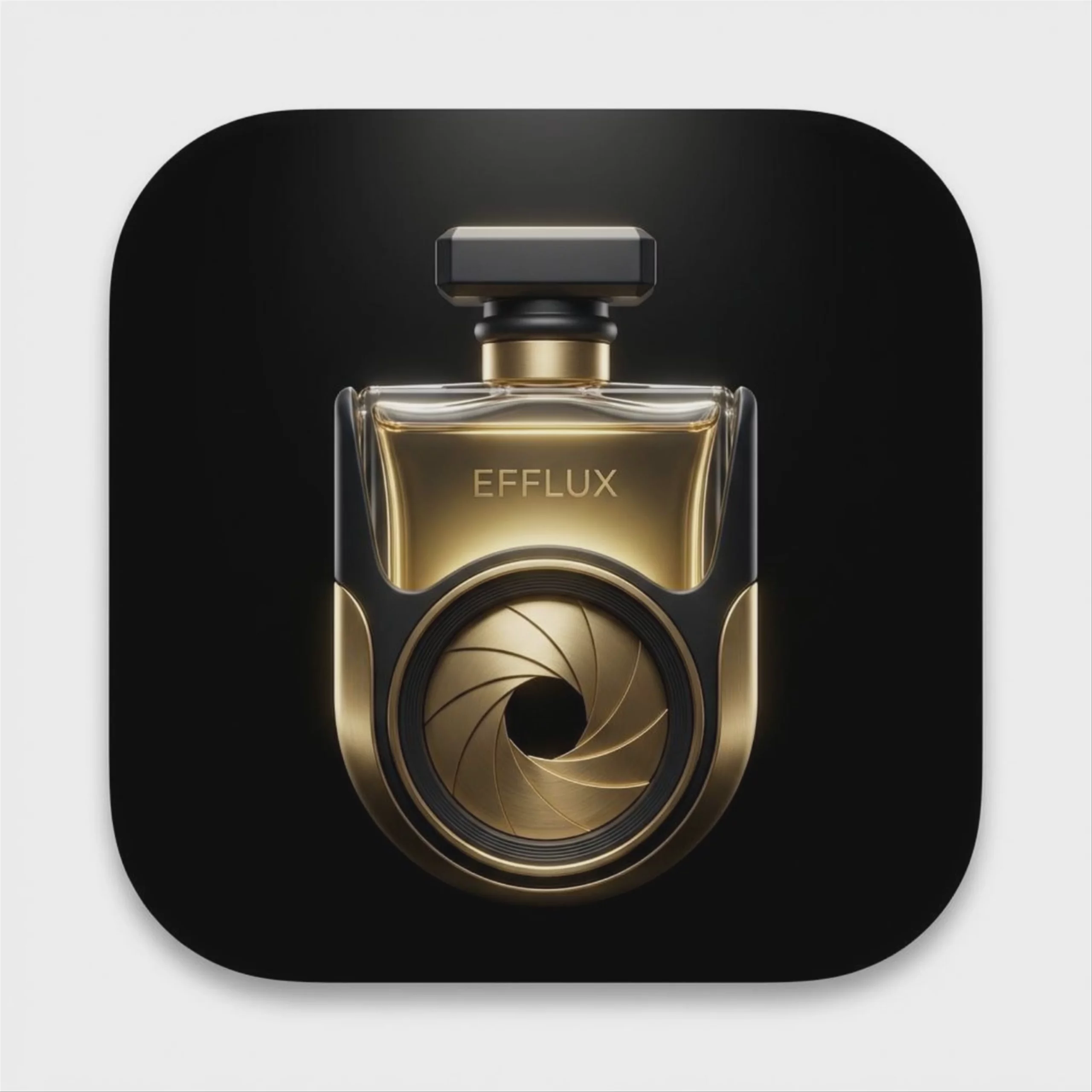 Luxury Perfume Bottle with Camera Iris — Kling V3 Pro
 Warrior Watching Hot Air Balloons — Kling V3 Pro
Prompting
Prompt tips
- Directorial structuring: Write prompts like a storyboard (e.g., "Shot 1: Close-up on face, 3s. Shot 2: Wide pan of the room, 5s.") to trigger multi-shot capabilities.
- Technical camera terms: Use specific industry vocabulary like "anamorphic lens," "tracking shot," or "handheld camera shake" to dictate precise camera behavior.
- Frame-accurate transitions: If you need seamless loops or exact transitions, skip the multi-shot feature and use a single continuous shot with defined start and end images.
- Audio prompting: Explicitly describe the desired soundscape, accents, or character emotion in your text to guide the native audio and voice synthesis generation.
About the model
Questions, answered
When was Kling V3 Pro released, and what is its lineage?
Developed by Kuaishou, Kling V3 Pro (frequently referred to as Kling 3.0 Pro) was globally launched in early February 2026. This major architectural upgrade replaced the previous generation, including models like Kling 2.6 Pro and Kling 2.5 Turbo. It introduced a unified multimodal framework capable of processing text, image, and audio simultaneously. Kuaishou also offers Kling O3 Pro and Kling V3 Standard as alternatives within the same generation.
What is Kling V3 Pro best used for?
Kling V3 Pro excels at complex, narrative-driven storytelling. It is widely recognized for its multi-shot generation capability, allowing creators to define up to six different camera cuts or scenes within a single 15-second video. The model is also highly capable of producing native 4K resolution at 60fps and can generate synchronized native audio, sound effects, and multi-language lip-syncing in the same pass.
How can I get the best results with Kling V3 Pro's multi-shot feature?
To maximize the multi-shot storyboard feature, use explicit film grammar in your prompts. Specify exact shot sizes—such as "establishing wide shot," "medium shot," or "extreme close-up"—alongside specific camera movements for each cut. Because Kling V3 Pro maintains strong character consistency across different angles, structuring your prompt like a director's shot list will yield far more professional sequences than a single vague description. For detailed prompting techniques, refer to the official Kling AI platform.
Same API · one key