Overview
MiniMax Hailuo 2.3 Pro is a professional-grade video generation model developed by Chinese AI company MiniMax. Building upon the architecture of MiniMax Hailuo-02 Pro, this version produces native 1080p clips with advanced physics simulation and stable camera control. It excels at rendering complex character movements, nuanced facial micro-expressions, and diverse art styles, making it a reliable choice for commercial advertising, e-commerce assets, and narrative filmmaking.
Specifications · Text + image to video
- Input mode
- Text + image to video
- Accepts
- start frame
- Aspect ratios
- 16:9
- Resolutions
- 1080p, 768p
- Durations
- 6s, 10s
- Max duration
- 10s
- Native audio
- No
Pricing
Build with this model: the MiniMax Hailuo 2.3 API on the Hedra Developer Platform.
MiniMax Hailuo 2.3 API →Real output · generated with MiniMax Hailuo 2.3
Best of MiniMax Hailuo 2.3
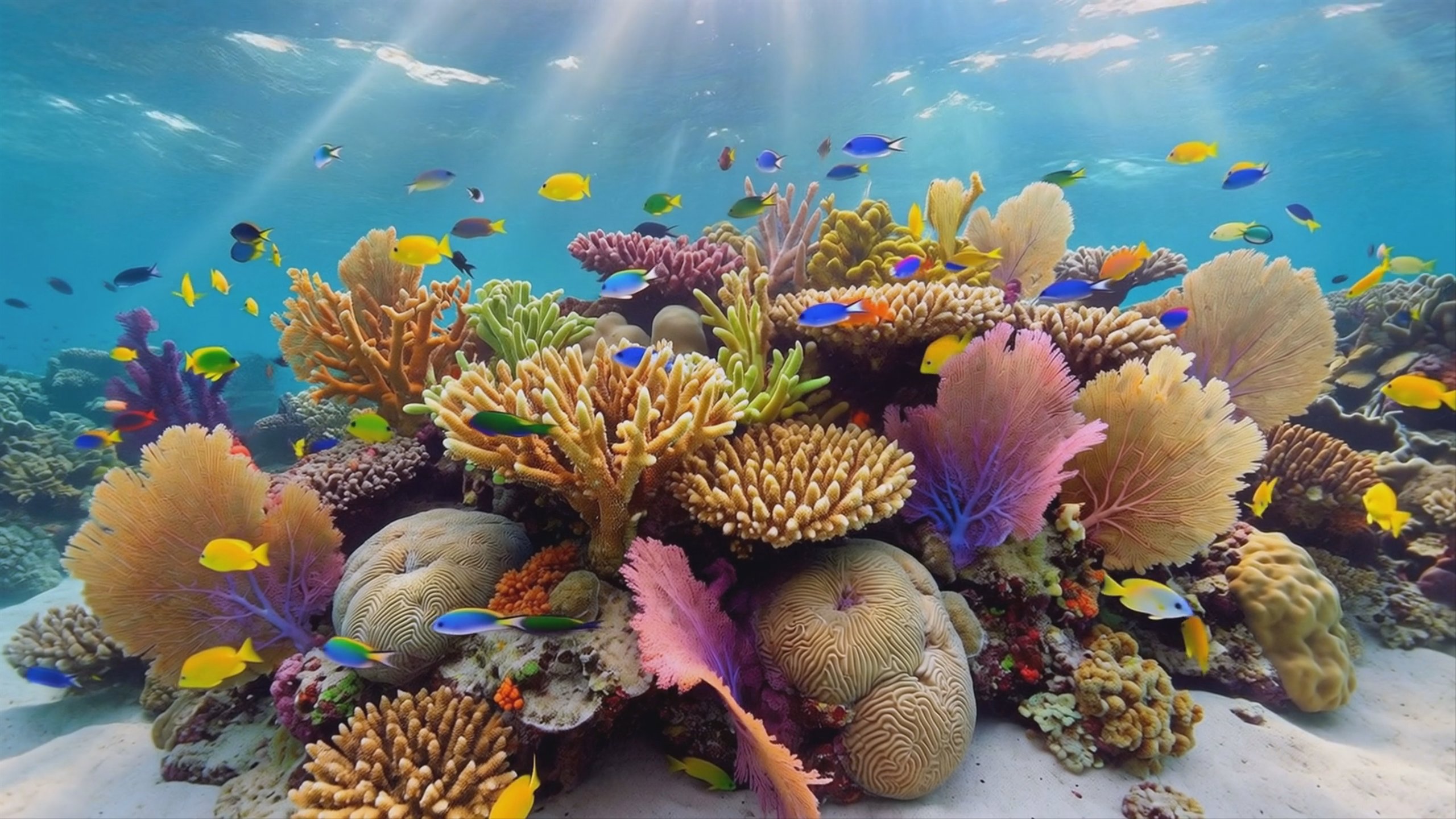
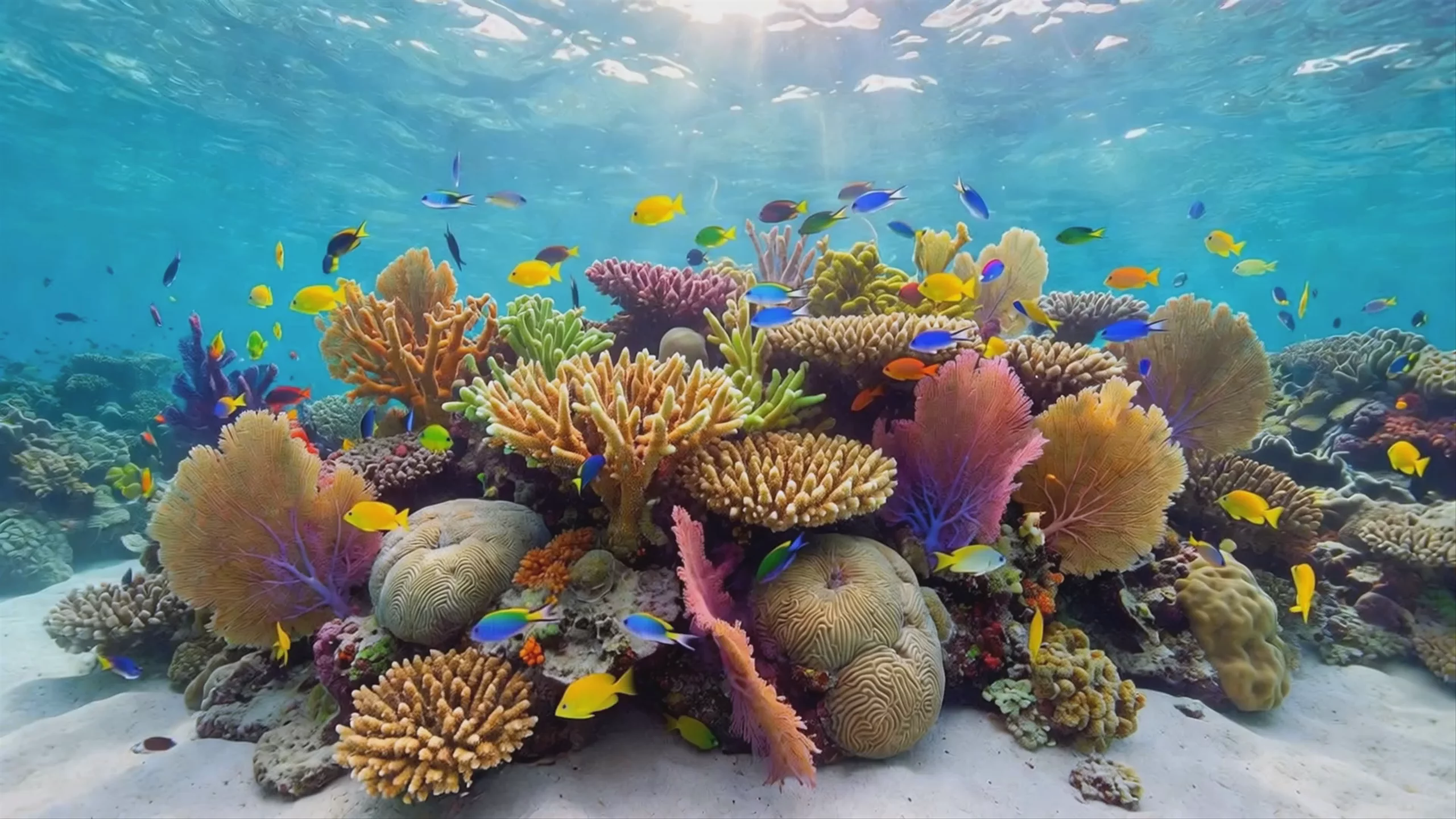
Vibrant Coral Reef Life — MiniMax Hailuo 2.3 Pro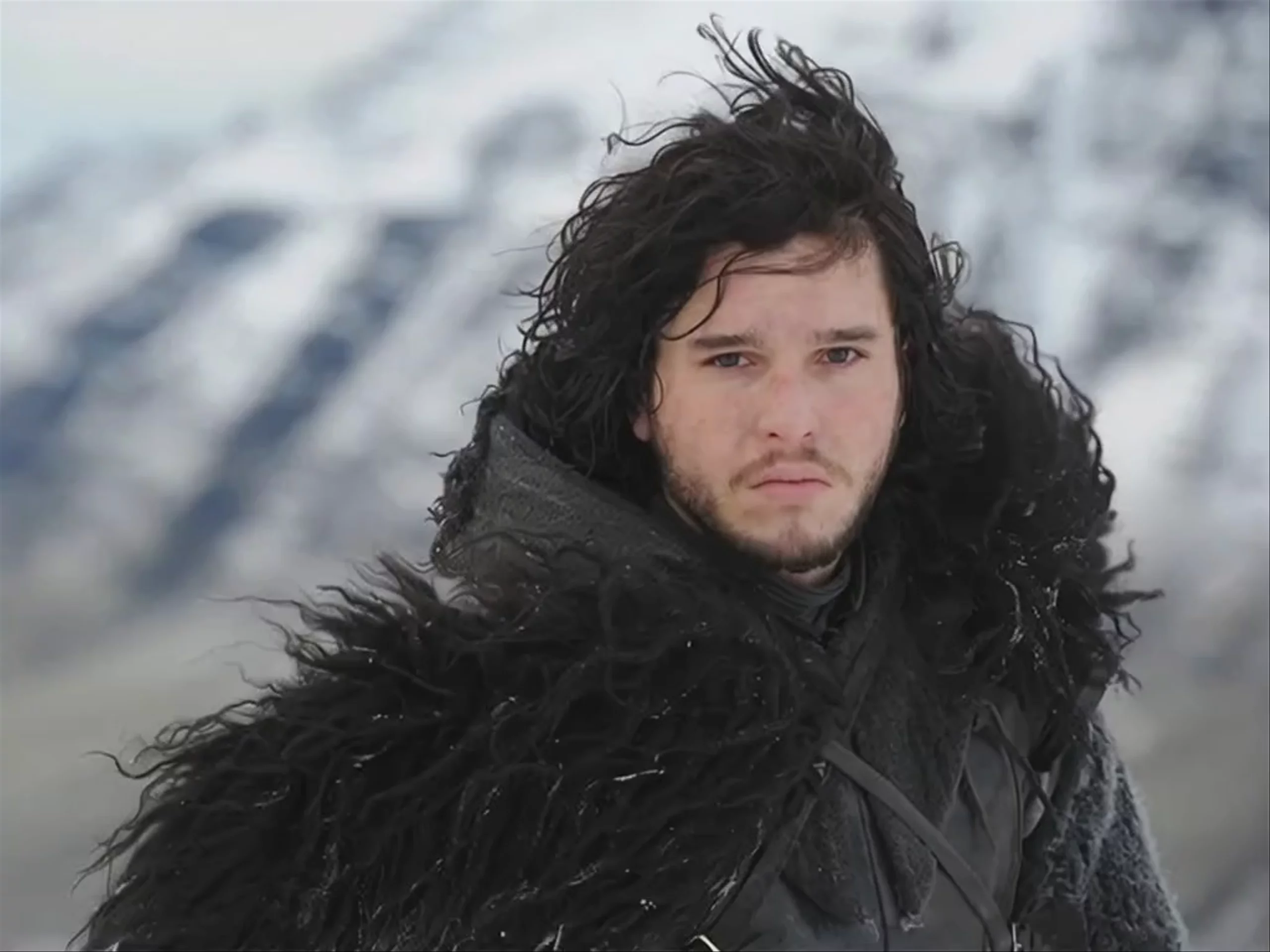 Snowy Mountain Warrior — MiniMax Hailuo 2.3 Fast Standard
 Battle-Worn Warrior — MiniMax Hailuo 2.3 Fast Pro
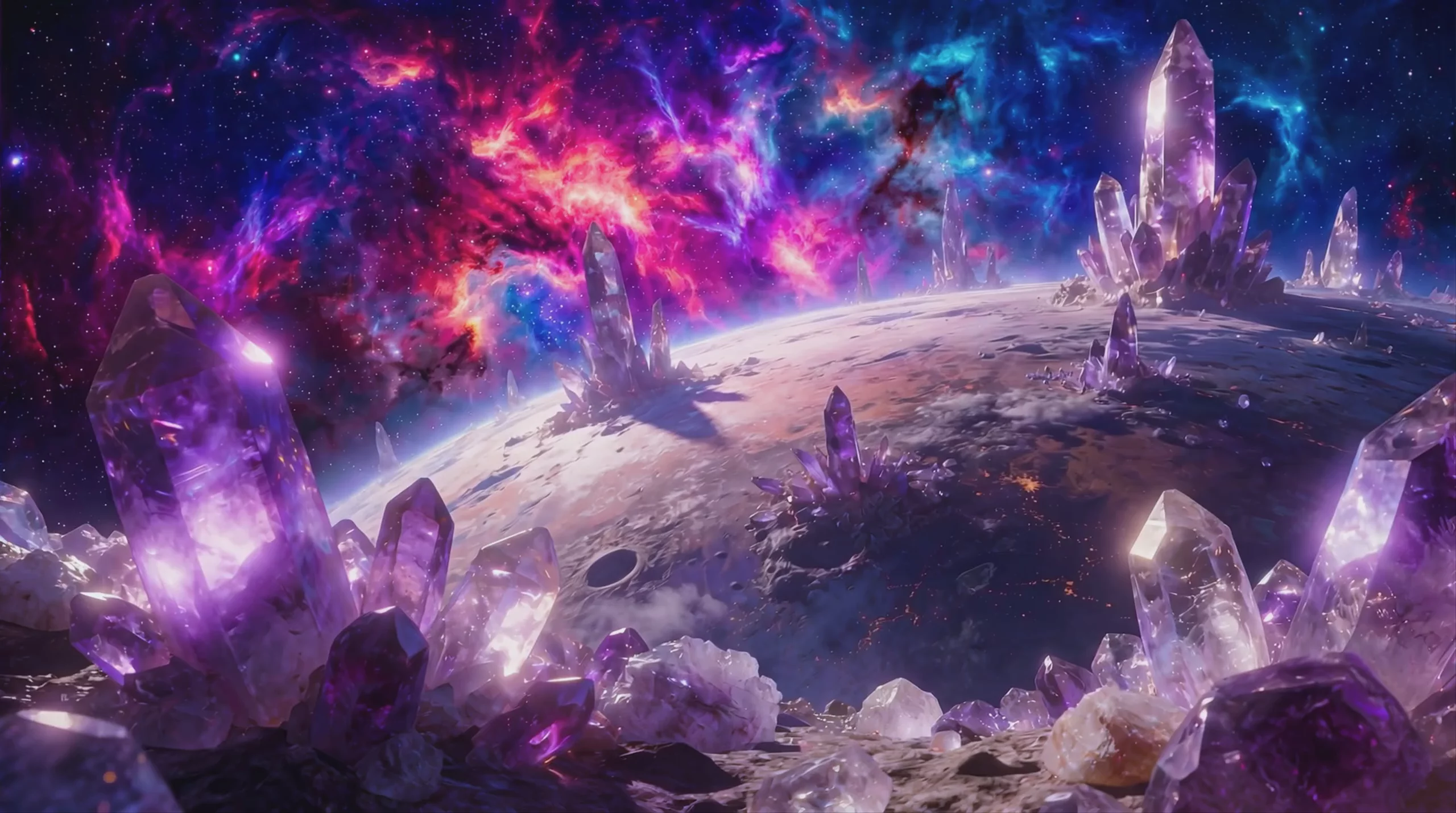 Crystalline Alien Planet Landscape — MiniMax Hailuo 2.3 Pro
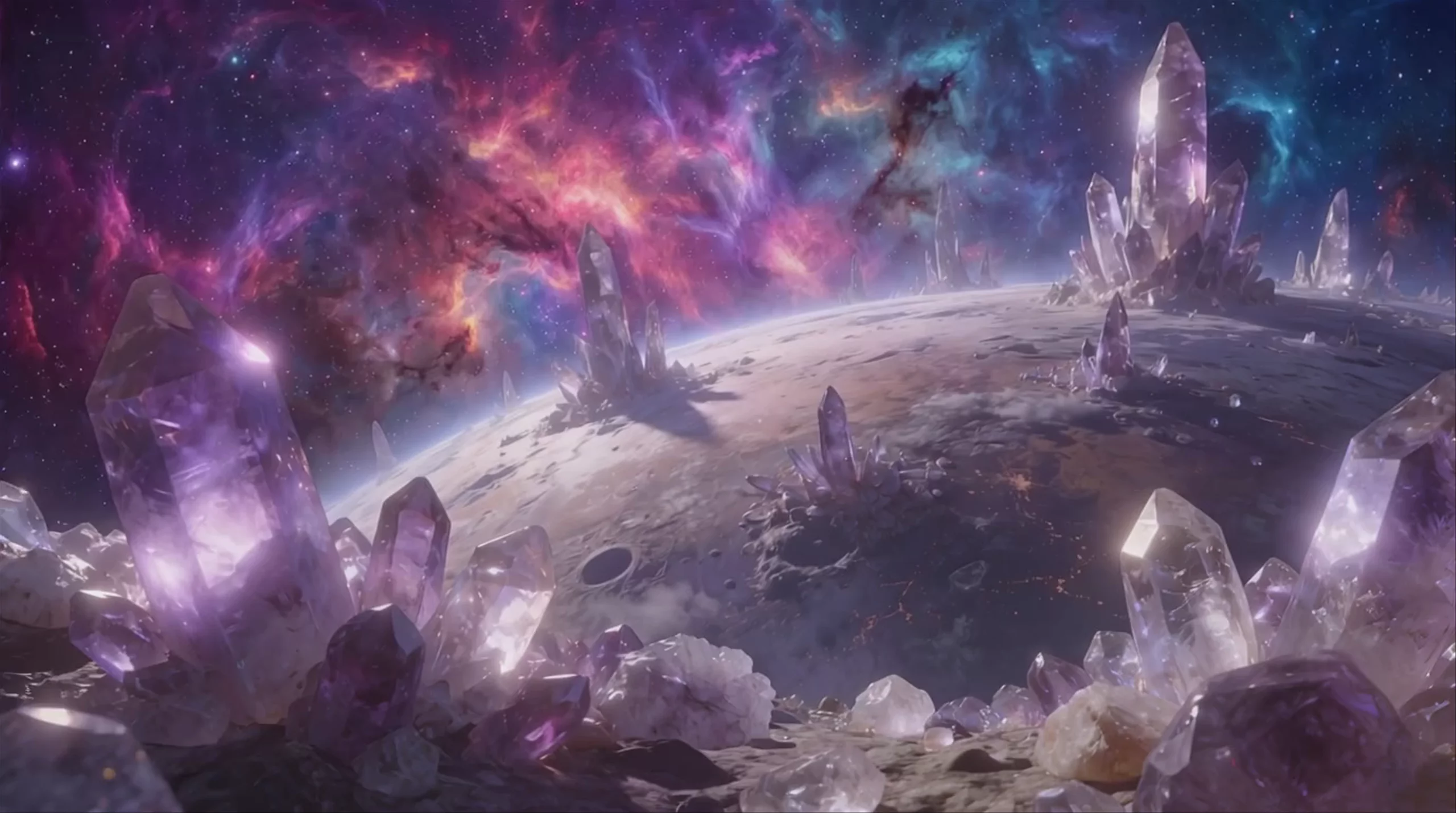 Crystal Planet Landscape — MiniMax Hailuo 2.3 Fast Standard
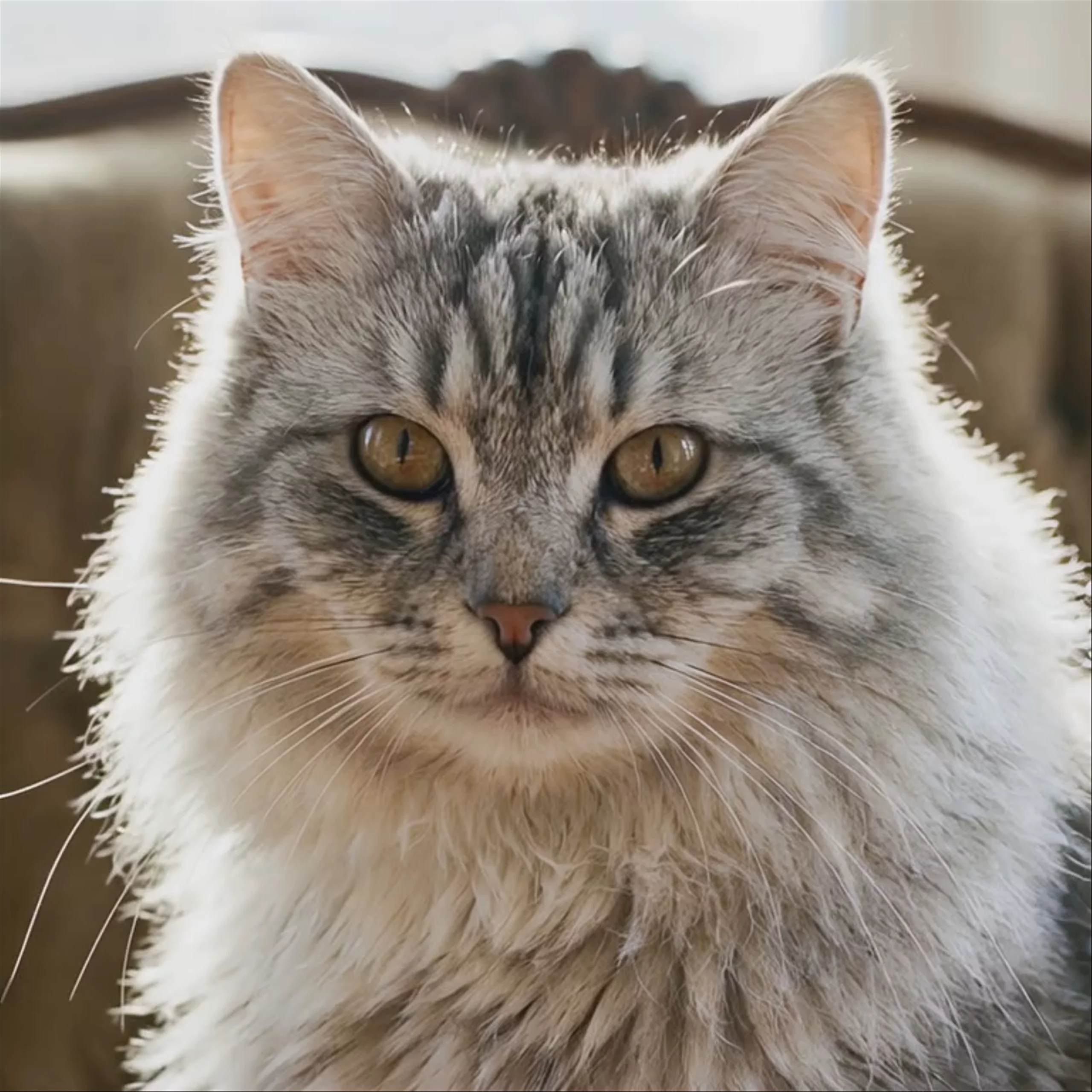 Fluffy Tabby Cat Close Up — MiniMax Hailuo 2.3 Fast Standard
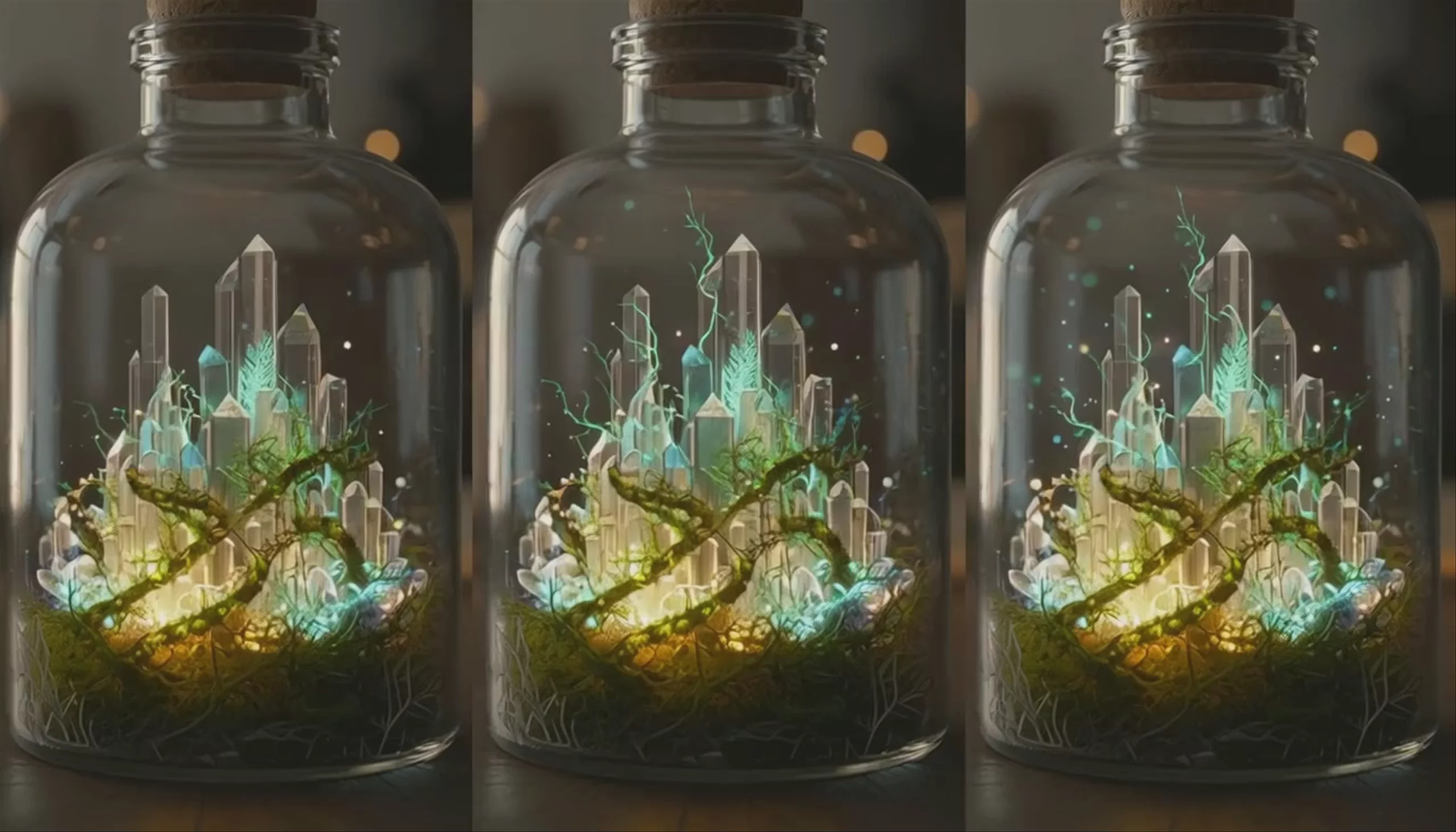 Crystal City in Bottle — MiniMax Hailuo 2.3 Fast Standard
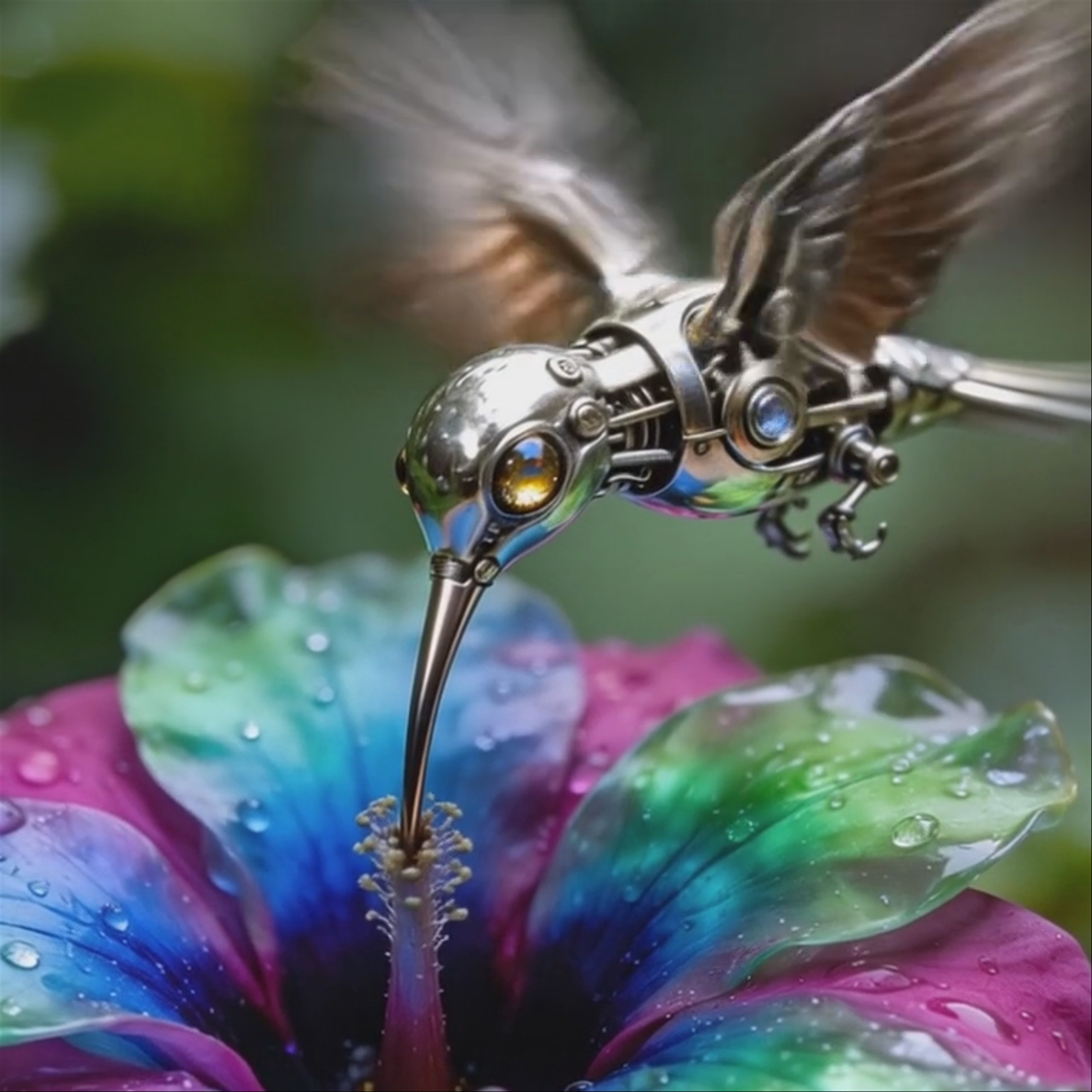
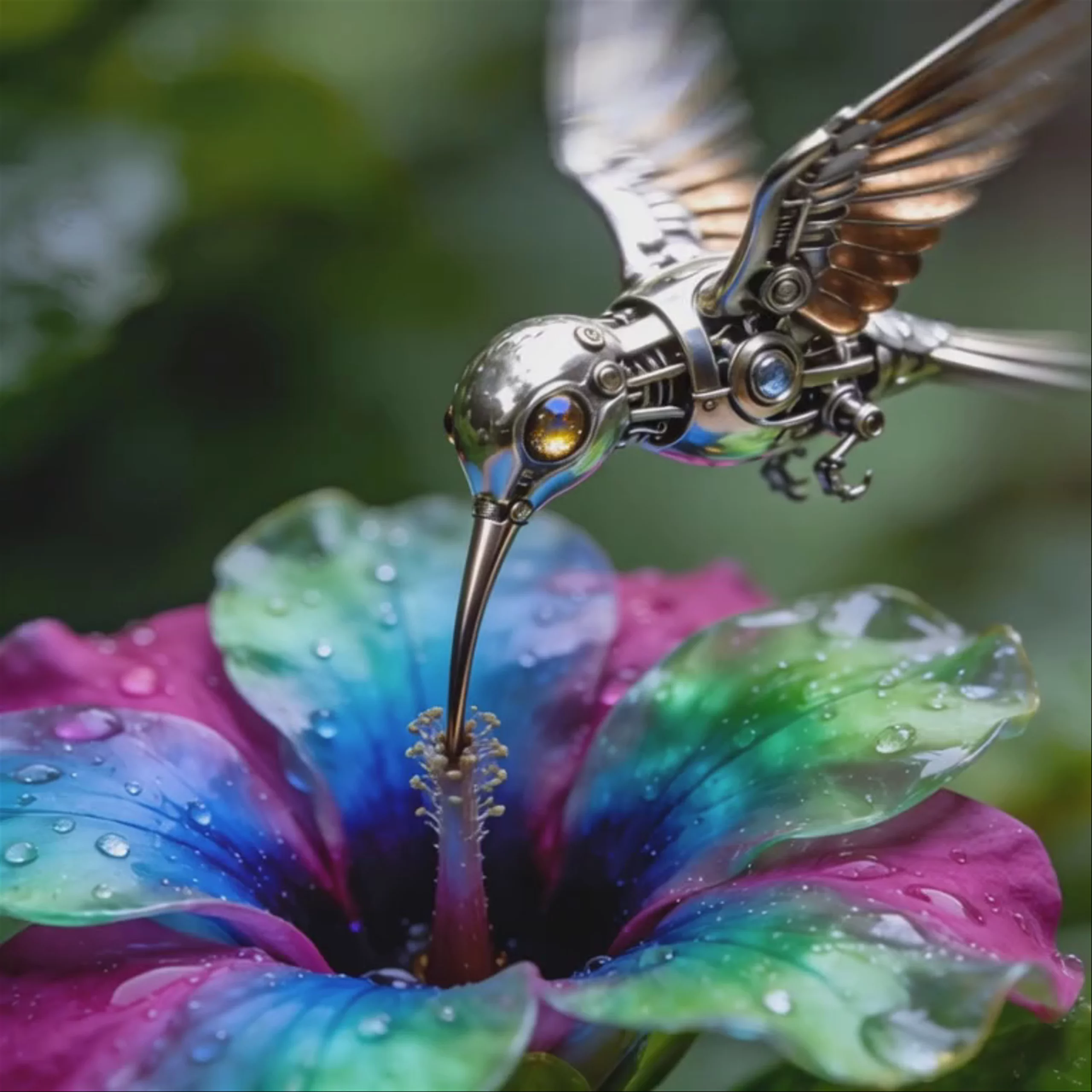 Steampunk Hummingbird — MiniMax Hailuo 2.3 Standard
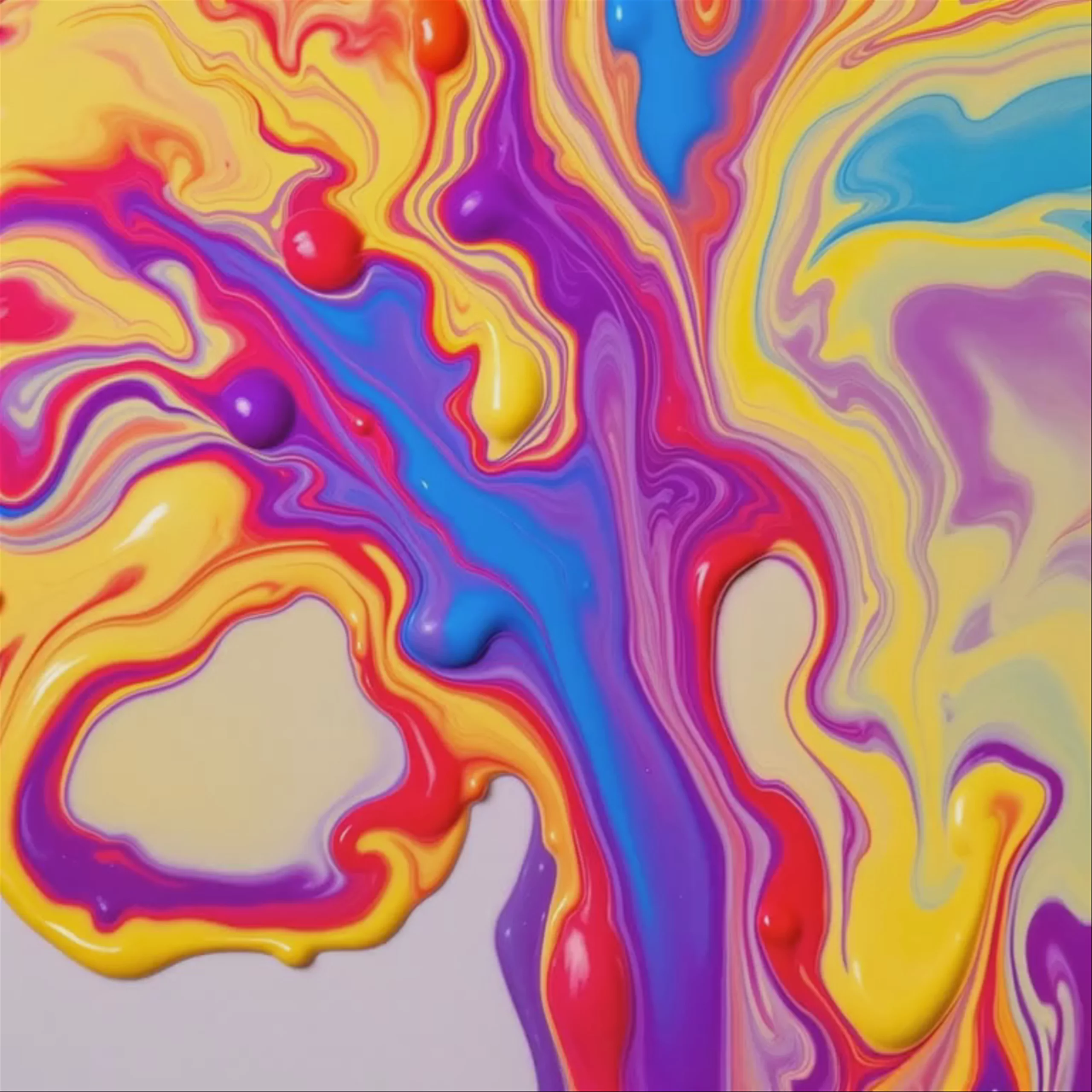 MiniMax Hailuo 2.3 Standard: Swirling Acrylic Paint Drops
 Ancient Tree, Floating Island — MiniMax Hailuo 2.3 Standard
Prompting
Prompt tips
- Describe the Action, Not Just the Camera: To avoid generic zooms, combine subject actions with specific lighting and camera keywords (e.g., "subject running, cinematic tracking shot, soft bokeh").
- Anchor with Keyframes: Provide both a starting and ending image in image-to-video workflows to lock in the narrative arc and force smooth interpolation.
- Highlight Micro-Expressions: Explicitly prompt for subtle facial changes (e.g., "eyes widening," "subtle smirk") to utilize the model's advanced emotional rendering capabilities.
- Detail the Physics: When prompting complex actions, describe the physical weight and interaction of the movement to help the physics-aware engine render accurate motion.
About the model
Questions, answered
What is MiniMax Hailuo 2.3 Pro best used for?
Hailuo 2.3 Pro excels at generating cinematic, physics-aware 1080p video. It is highly regarded for rendering complex human movements—such as dancing or martial arts—and capturing subtle facial micro-expressions. Beyond photorealism, the community frequently uses it for stylized aesthetics, as it offers exceptional support for anime, game CG, and ink-wash painting styles.
When was Hailuo 2.3 Pro released, and what is its lineage?
Developed by the Chinese AI company MiniMax, Hailuo 2.3 Pro was officially released on October 28, 2025. It represents a major architectural leap over its predecessor, MiniMax Hailuo-02 Pro. The 2.3 family also includes MiniMax Hailuo 2.3 Standard for everyday generation and MiniMax Hailuo 2.3 Fast Pro for rapid iteration.
How can I control camera movements in Hailuo 2.3 Pro?
Hailuo 2.3 Pro responds strongly to explicit bracketed camera commands within your text prompts. You can direct the shot using terms like [Pan Right], [Tilt Left], or [Zoom In]. For the most stable cinematic shots, creators recommend using an image-to-video workflow to lock in your lighting and composition before applying these dynamic camera moves.
Same API · one key