Overview
Nano Banana is a high-speed image generation and editing model developed by Google, built on the Gemini 2.5 Flash architecture. It is designed for rapid asset creation, conversational image editing, and precise text-guided modifications like inpainting and virtual try-ons. Optimized for high-volume workflows, the model maintains strong character and scene consistency and provides a reliable visual base for video generators like Veo 3.
Specifications · Text + image to image
- Input mode
- Text + image to image
- Accepts
- reference image (up to 3)
- Aspect ratios
- 16:9, 9:16, 1:1
- Resolutions
- 1K, 2K, 4K
Pricing
Build with this model: the Nano Banana API on the Hedra Developer Platform.
Nano Banana API →Real output · generated with Nano Banana
Best of Nano Banana
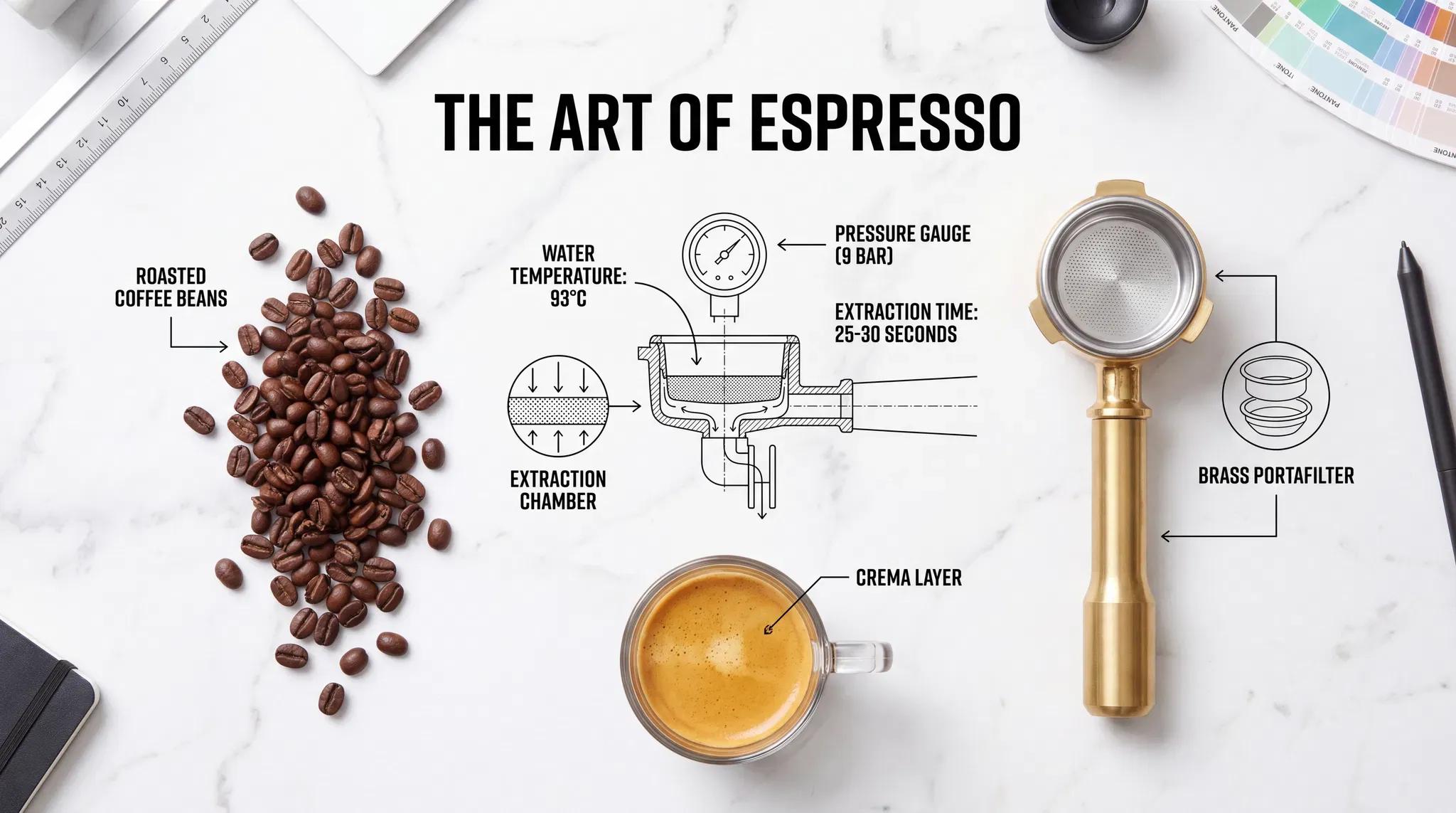
Espresso Extraction Infographic Diagram, by Nano Banana Pro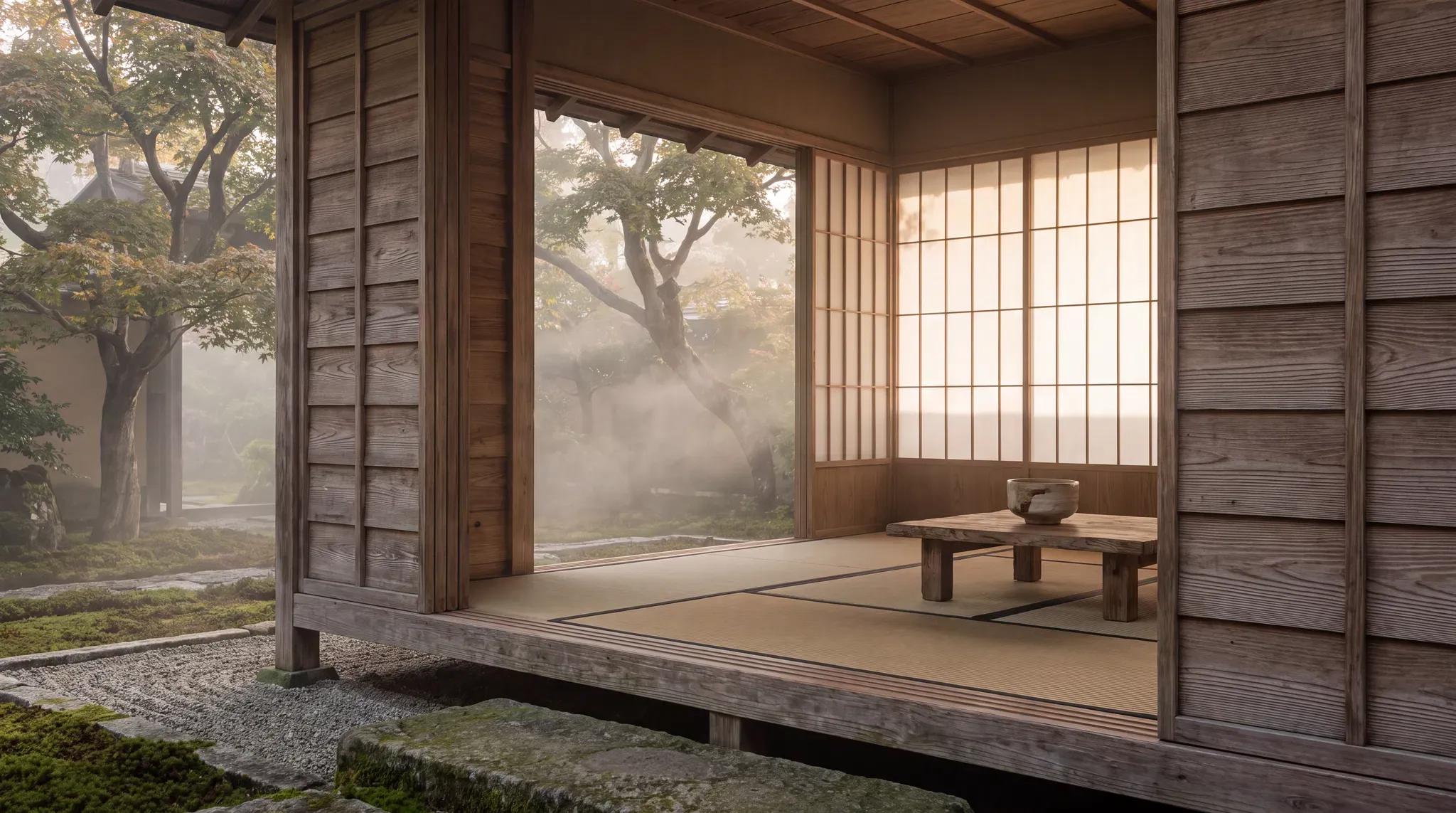 Kyoto Zen Garden Pavilion, by Nano Banana Pro
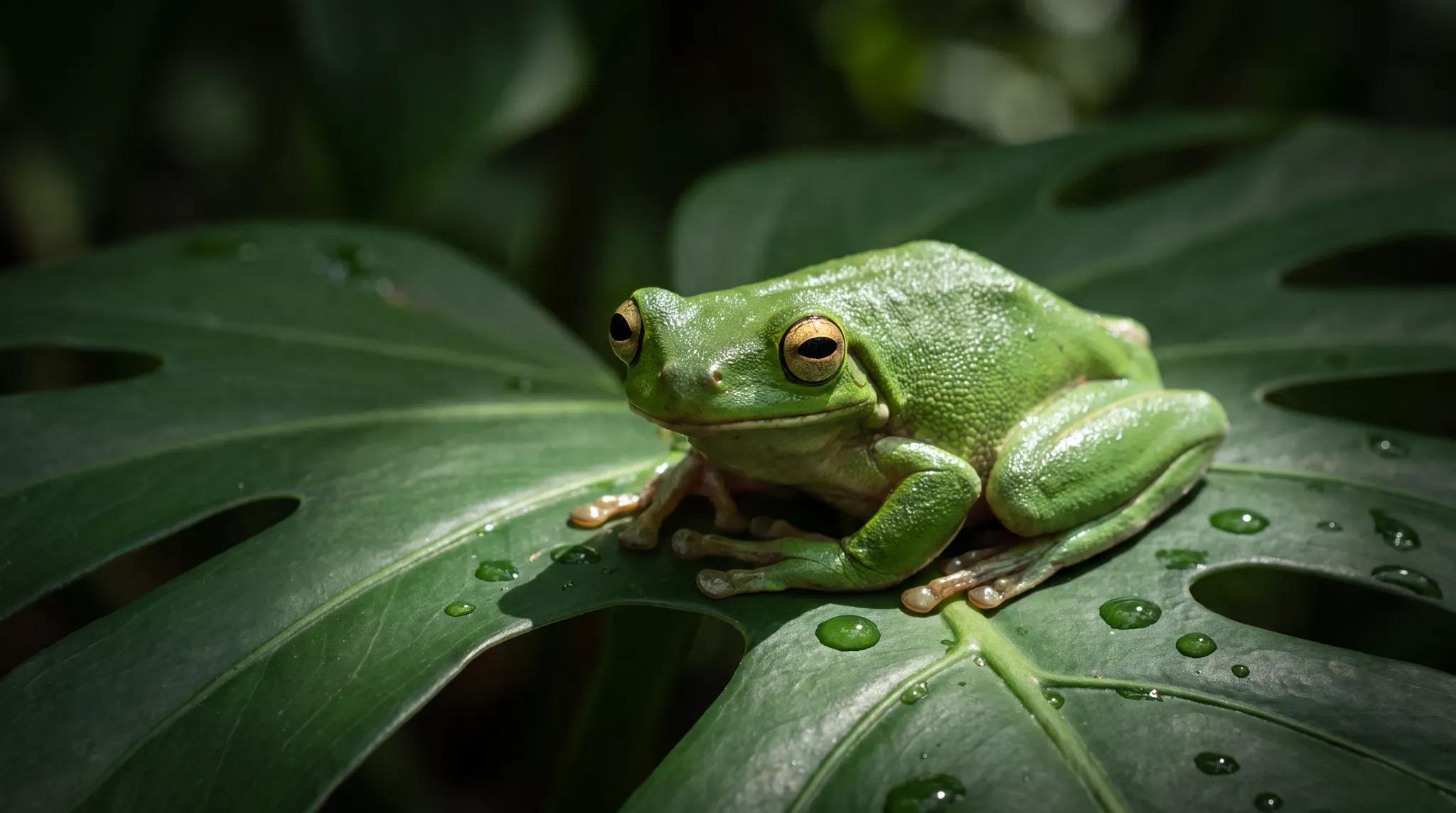 Emerald Tree Frog on Monstera, by Nano Banana Pro
 Seafoam Green Watch Editorial Still Life, by Nano Banana Pro
Prompting
Prompt tips
- Edit conversationally: Speak to the model naturally for edits (e.g., "Change the man's tie to green" or "Make the lighting look like golden hour") rather than using complex parameters.
- Use step-by-step refinement: For complex edits, change one element at a time across multiple prompts (e.g., swap the background first, then change the outfit) to prevent over-editing.
- Set explicit guardrails: When editing branded assets, include phrases like "preserve proportions" or "do not alter the logo" to minimize consistency drift.
- Structure from-scratch prompts: Clearly define the subject, action, framing (e.g., "extreme close-up"), and aesthetic (e.g., "1990s product photography") for the best zero-shot results.
- Upgrade for text rendering: If your prompt requires accurate on-image text or complex infographics, switch to Nano Banana 2 or Nano Banana Pro.
About the model
Questions, answered
What is Nano Banana best used for?
Nano Banana is highly effective for conversational image editing and maintaining character consistency. Built into Google's Gemini ecosystem, it allows you to use natural language to make targeted edits—such as changing a subject's clothing without altering their face. The community frequently uses it for product mockups, cinematic scene building, and blending multiple reference images into a single cohesive output.
When was Nano Banana released and how does it fit into Google's model lineup?
Google released Nano Banana (also known as Gemini 2.5 Flash Image) in August 2025. It introduced native multimodal image generation and editing to the Gemini family. Google followed up by releasing Nano Banana Pro (Gemini 3 Pro Image) in November 2025 for advanced reasoning and studio-quality control, and later launched Nano Banana 2 (Gemini 3.1 Flash Image) in February 2026 to combine Pro-level capabilities with faster generation speeds.
How should I structure prompts for Nano Banana?
Avoid short keyword lists. Nano Banana responds best to natural, full-sentence descriptions that explicitly state the subject, composition, action, location, and visual style. The community advises treating prompting like writing: if an output fails twice, rewrite the prompt from scratch rather than repeatedly regenerating. You can also use conversational follow-ups to edit specific regions. For a deeper dive, review Google's official image generation documentation.