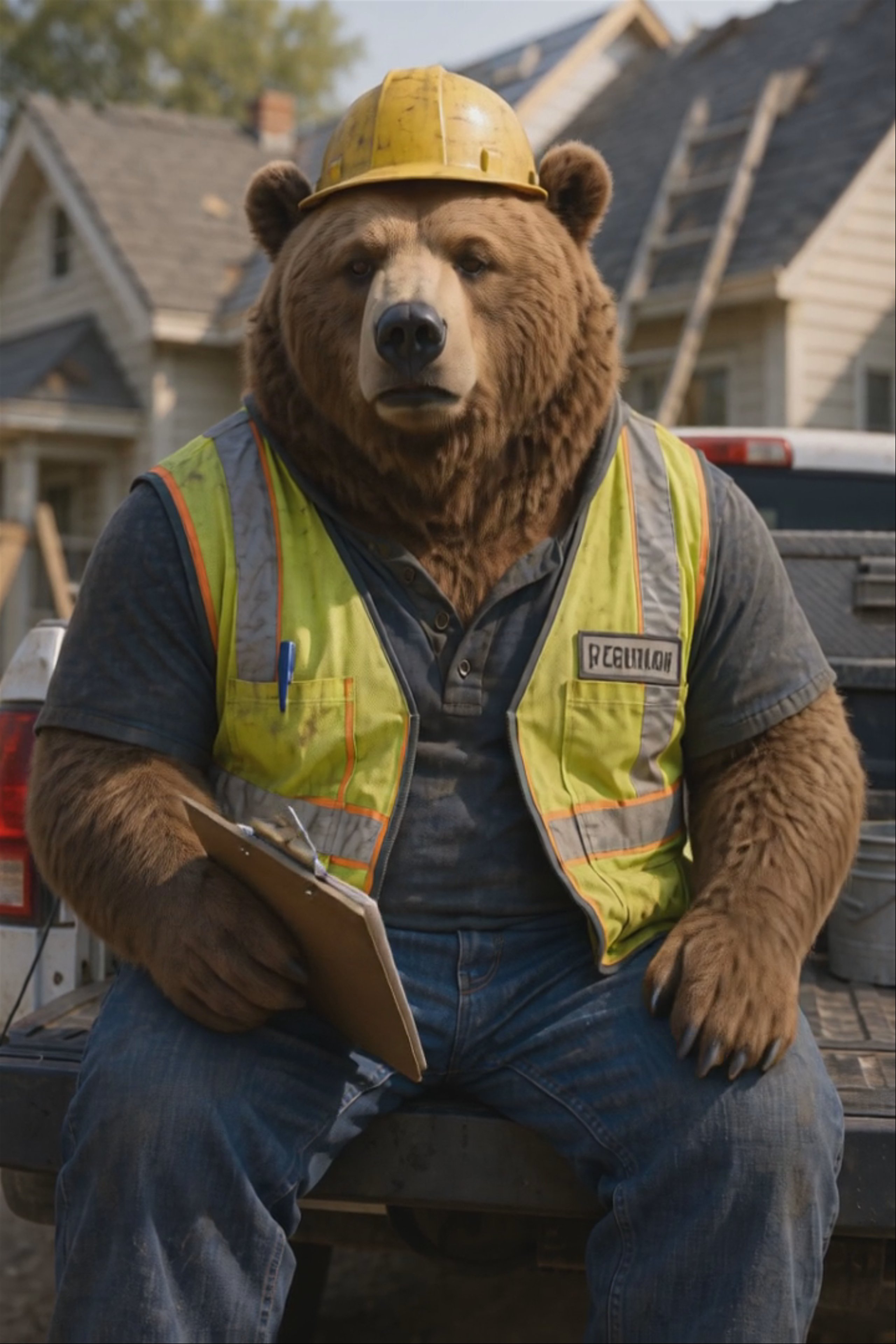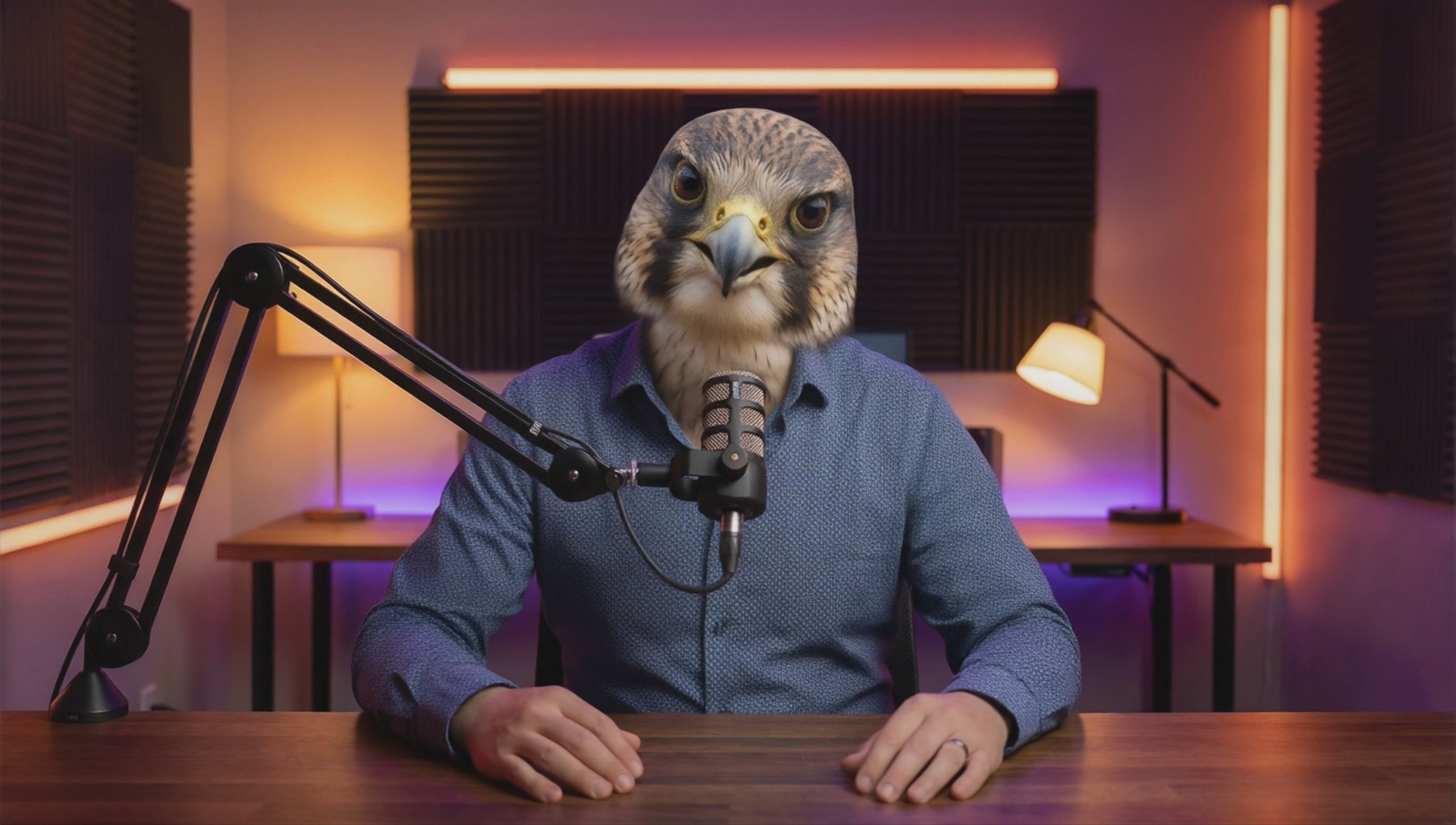
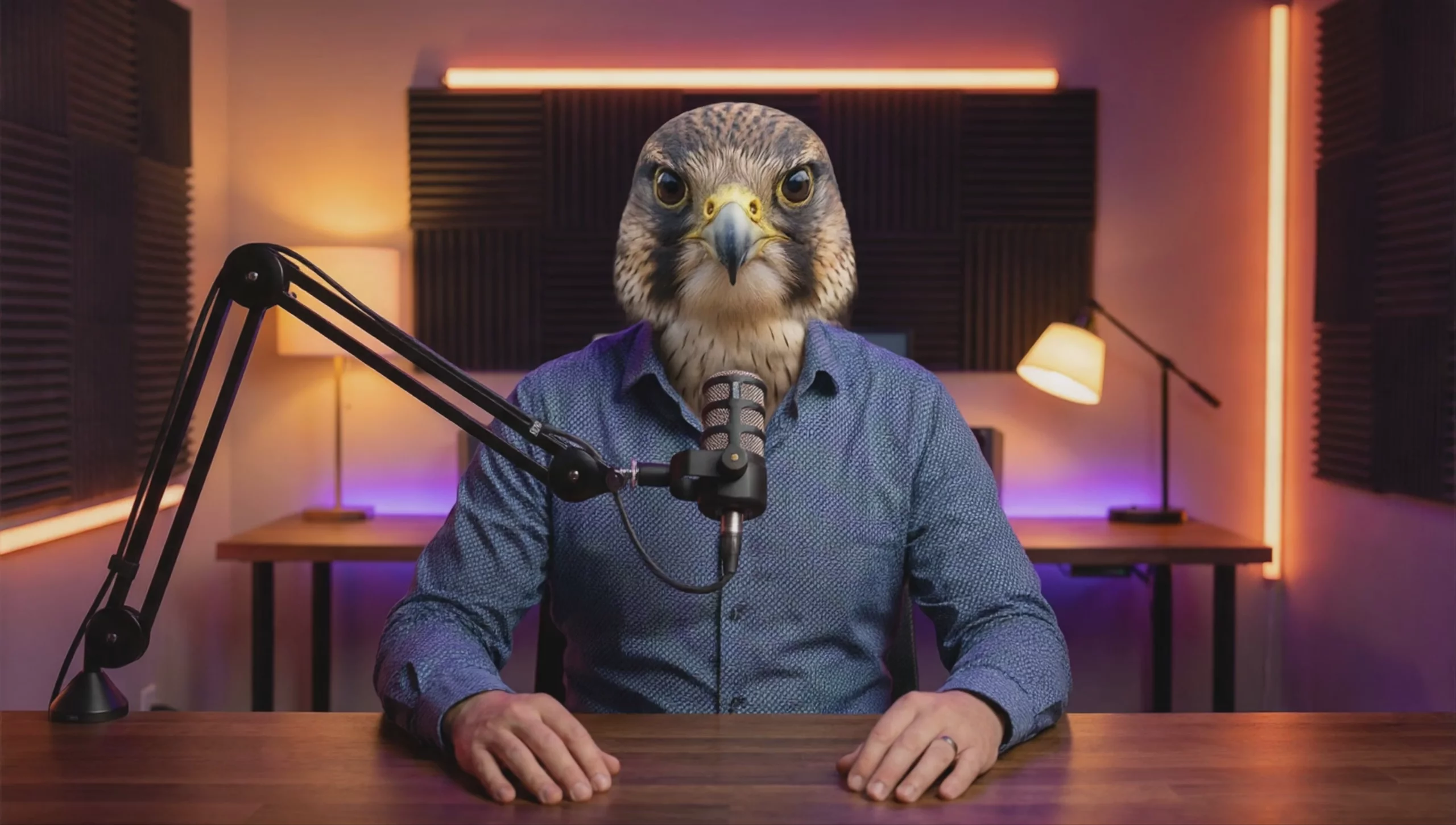
Overview
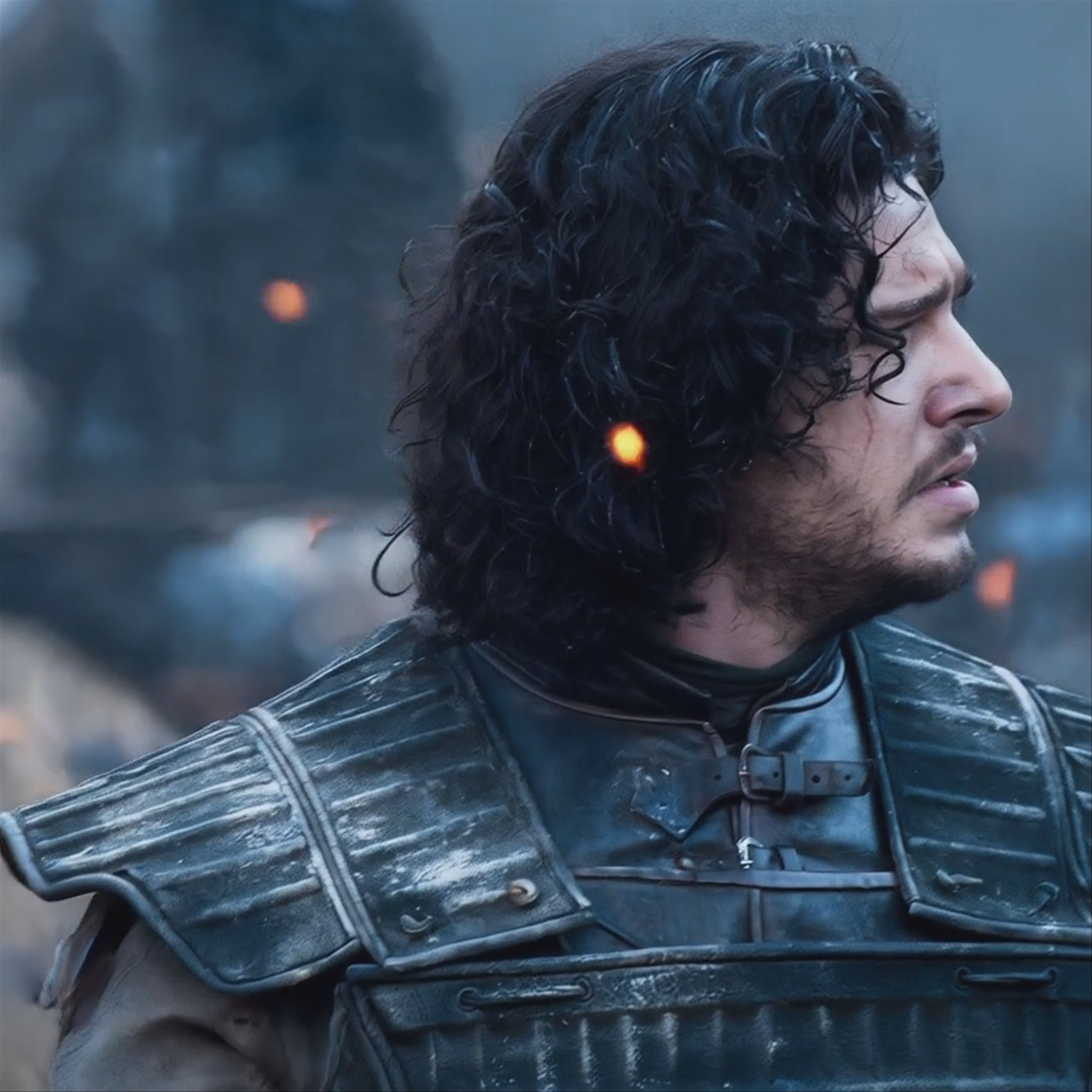
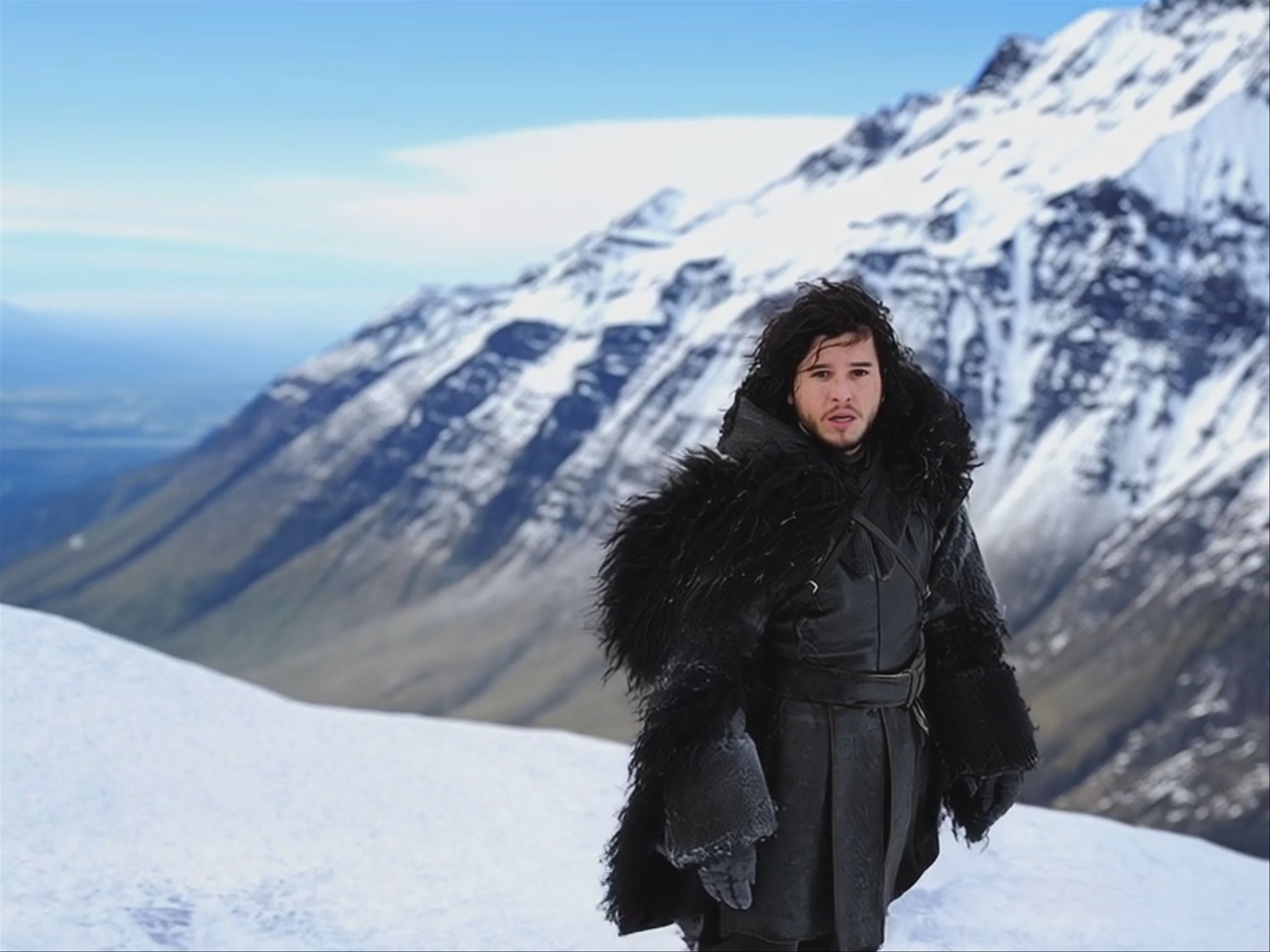
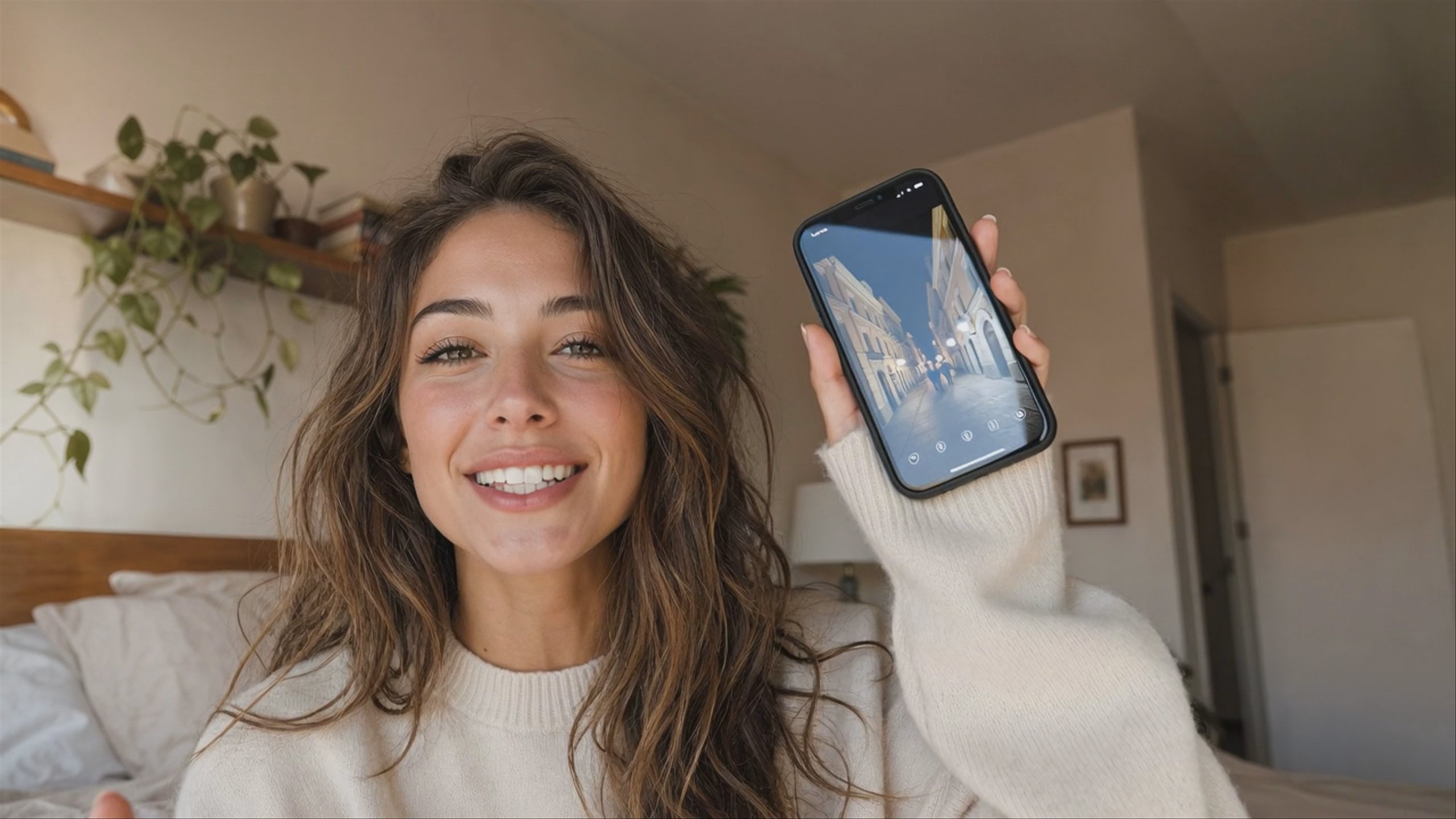
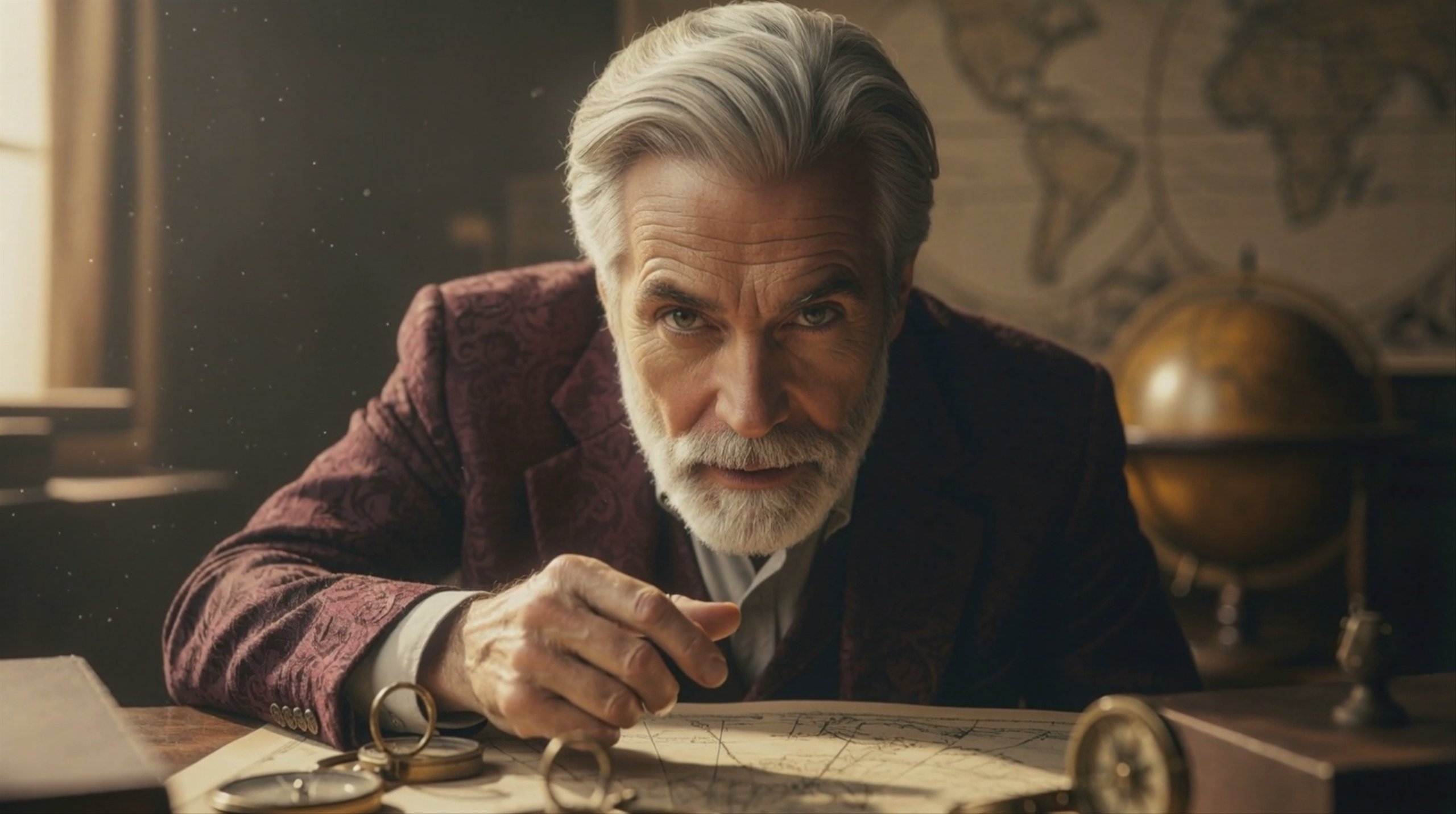
Developed by ByteDance, Omnihuman 1.5 is a film-grade video model that transforms a single image and an audio track into a highly expressive digital human. The model uses a dual-system cognitive architecture to generate realistic lip-syncing, context-aware gestures, and continuous camera movement. It is especially good for producing lifelike avatars, virtual actors, and multi-character interactions for storytelling, e-commerce, and marketing.
Specifications · Text + image + audio to video
- Input mode
- Text + image + audio to video
- Accepts
- start frame, audio (required)
- Aspect ratios
- 16:9
- Resolutions
- 720p, 1080p
- Native audio
- Audio-driven
Pricing
Build with this model: the Omnihuman 1.5 API on the Hedra Developer Platform.
Omnihuman 1.5 API →Real output · generated with Omnihuman 1.5
Best of Omnihuman 1.5
Prompting
Prompt tips
- Write like a screenplay: Structure your prompts sequentially:
[Camera movement] + [Emotion] + [Speaking state] + [Specific actions](e.g., "Camera pushes in. She speaks thoughtfully, pausing mid-sentence with a slight smile"). - Focus on action verbs: Do not describe the character's physical appearance, as the model relies on the source image. Focus entirely on movement, behavior, and camera direction.
- Draft in 720p: Use the 720p resolution to quickly iterate on your prompt's timing and camera moves, then switch to 1080p for the final high-quality render.
- Use explicit speaking cues: If the lip-sync feels slightly off, add explicit verbs like "speaking," "singing," or "listening quietly" to firmly guide the model's facial generation.
- Generate source images first: Use a high-fidelity image model like Dreamina 3.1 or Flux 1.1 Pro to create a clean, well-lit portrait before animating it here.
About the model
Questions, answered
What is Omnihuman 1.5 best used for?
Omnihuman 1.5 is a video generation model by ByteDance designed to create realistic, lip-synced digital avatars from a single portrait image and an audio track. It excels at generating expressive performances where the character's facial expressions, body gestures, and head movements match the rhythm and emotional tone of the speech. It is highly effective for creating virtual presenters, personalized video messages, and cinematic talking-head videos, and it can even animate stylized non-human characters like anime figures or pets.
What makes Omnihuman 1.5 different from other lip-sync models?
It utilizes a "cognitive simulation" architecture inspired by human psychology. Instead of mechanically matching lips to audio waveforms, a multimodal large language model analyzes the semantic meaning of the audio to plan appropriate emotional reactions and gestures. Then, a diffusion transformer renders the physical movements. This dual-system approach allows the avatar to appear as if it is thinking and reacting naturally to the context of the speech, reducing the stiff, robotic feel common in older avatar models.
Who developed Omnihuman 1.5 and when was it released?
Omnihuman 1.5 was developed by ByteDance's Intelligent Creation team. The model's research paper and core architecture were unveiled on August 26, 2025. It serves as a major architectural upgrade over the original OmniHuman-1, adding text-prompt guidance, unconstrained camera movement, and cognitive reasoning. ByteDance is also the developer behind other notable generative models, including the image generator Dreamina 3.1 and the multimodal video model Seedance 2.0.
How can I create a multi-character conversation using Omnihuman 1.5?
According to the official BytePlus documentation, Omnihuman 1.5 cannot use a single audio file to drive a back-and-forth conversation between multiple characters simultaneously. To achieve this, you must use subject detection to isolate each character with a mask, generate individual speaking clips for each person using their specific audio segments, and then stitch the resulting videos together in a video editor.
Can I guide the avatar's performance beyond just providing audio?
Yes. A key upgrade in version 1.5 is the addition of text prompt support. You can provide a text prompt alongside your image and audio to explicitly direct the character's emotional state, body language, and even camera movements, such as zooms or pans. This gives you directorial control over the final performance rather than relying entirely on the AI's automatic interpretation of the audio track.